
Before you buy a new domain, check something cheaper: your link may be working perfectly for Instagram and failing only for your visitors.
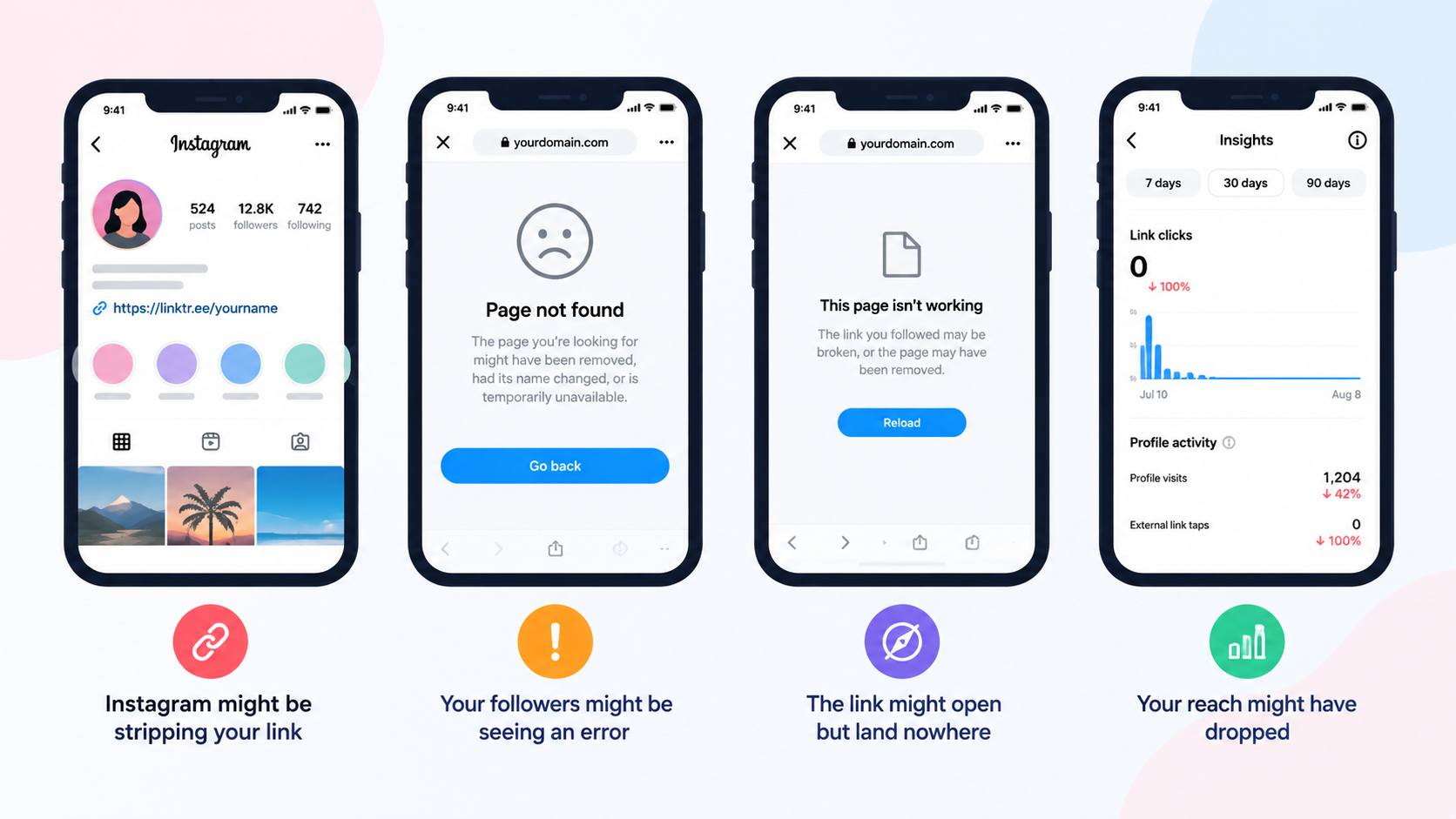
“Not working” covers at least four different problems, and they have four different fixes.
- Instagram might be stripping your link.
- Your followers might be seeing an error.
- The link might open but land nowhere.
- Or your reach might have dropped the moment you added it.
Work through the checks below in order.
They run from free and instant to expensive and drastic, so most people solve this in the first ten minutes without changing anything they paid for.
Key Takeaways
- Find out which symptom you actually have first, because a stripped link and a broken destination need opposite fixes.
- Your own bot filter is a common and overlooked cause, since strict filters block real followers on VPNs and public Wi-Fi.
- No official tool tells you whether Instagram blocked your domain, so you diagnose it by testing the same link outside Meta apps.
- The block is often on your specific link path, not your whole domain, and changing the path is far cheaper than changing domains.
- If your account is restricted, a new domain will not save you. Check Account Status before spending money.
What Does “Not Working” Actually Mean?
Sort your symptom into one of these before doing anything else.
Guessing wrong wastes days.
| What you are seeing | Most likely cause | Where to start |
|---|---|---|
| Instagram will not save the link, or removes it | Formatting problem, or the destination is blocked | Check formatting, then domain reputation |
| Link is there but not tappable | It is in the wrong field, or an app glitch | Check the field and update the app |
| Followers report an error page | Your own filter is blocking them, or the destination is down | Test as a visitor, then check your filter |
| Link works, but your reach collapsed | Account restriction, not a link fault | Check Account Status |
| Works on some platforms but not Instagram | Meta has flagged the domain or path | Run the outside-Meta test below |
The last two are the ones people misdiagnose most.
A working link plus dead reach is an account problem, and no amount of link changing fixes it.
If you are also rethinking what your bio link should point at, our complete guide to link in bio pages covers the structure side of the decision.
Start Here: Is Your Own Filter Blocking Your Followers?
This is the check almost nobody makes, and it catches a surprising number of cases.
If you turned on any kind of bot protection or traffic filtering, that system decides who reaches your destination.
It blocks bots, and it occasionally blocks real people who happen to look suspicious.
Real followers get caught when they are on:
- A VPN, which plenty of people use for privacy.
- Public Wi-Fi in a cafe, airport, or hotel.
- A work or school network that routes everyone through one address.
- A privacy-focused browser with strict settings.
The giveaway is the pattern of complaints.
Your link works fine when you test it, but some followers say it fails, and often the same ones repeatedly. That is a filter, not a block.
How to confirm it in two minutes:
- Turn your filter or bot protection off.
- Ask the follower who complained to try again.
- If it now works, you found your cause.
Then decide the tradeoff deliberately.
Filtering bots out of your reports is always safe, while blocking them from reaching your destination is what creates this side effect.
We cover that distinction properly in our guide to bot traffic in link analytics.
How Do You Check If Instagram Blocked Your Domain?
Start with the honest answer: Meta does not give you a tool that says “your domain is blocked on Instagram.”
No such checker exists, and anything claiming to be one is guessing.
You diagnose it by elimination instead.
These four tests, in order, will tell you what you need to know.
Test 1: Try the same link outside Meta
This is the fastest and most reliable signal.
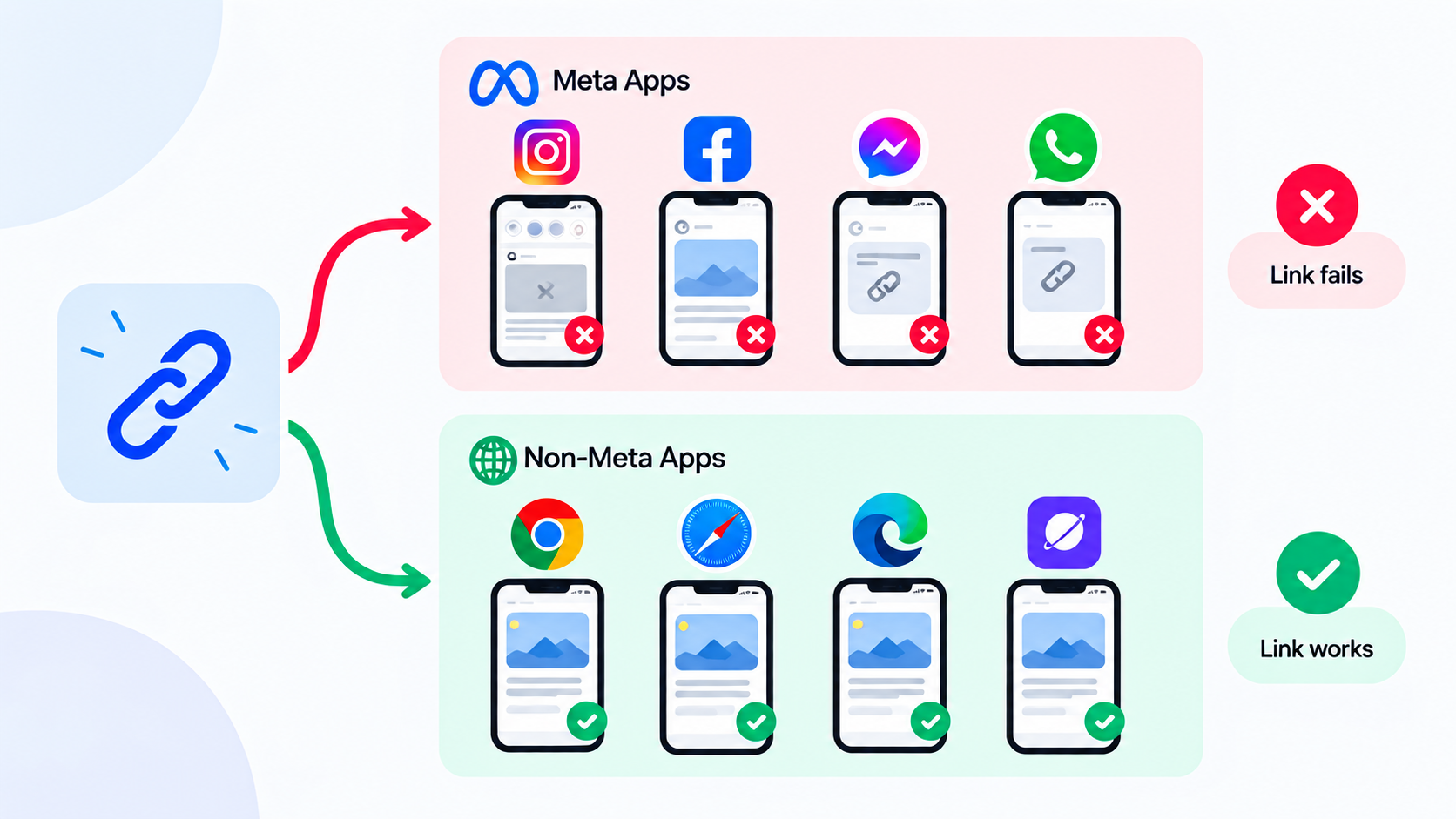
Post or send the exact same URL on a platform Meta does not own, such as X, Reddit, Telegram, or TikTok.
If it works everywhere except Instagram, Threads, and Facebook, you are looking at a Meta-specific domain block.
That pattern is well documented, and whole link-in-bio domains have been blocked on Meta apps while continuing to work normally everywhere else.
Test 2: Open it as a stranger would
Your own phone is the worst place to test.
You may be excluded from your own filtering, logged into the destination, or served a cached version.
Instead:
- Use a different phone on mobile data, not your Wi-Fi.
- Open the link from a logged-out browser in private mode.
- Ask someone in another country to try it.
If it fails for them and works for you, the problem is on the visitor side, which points back to filtering or geographic rules.
Test 3: See what Meta sees when it fetches your URL
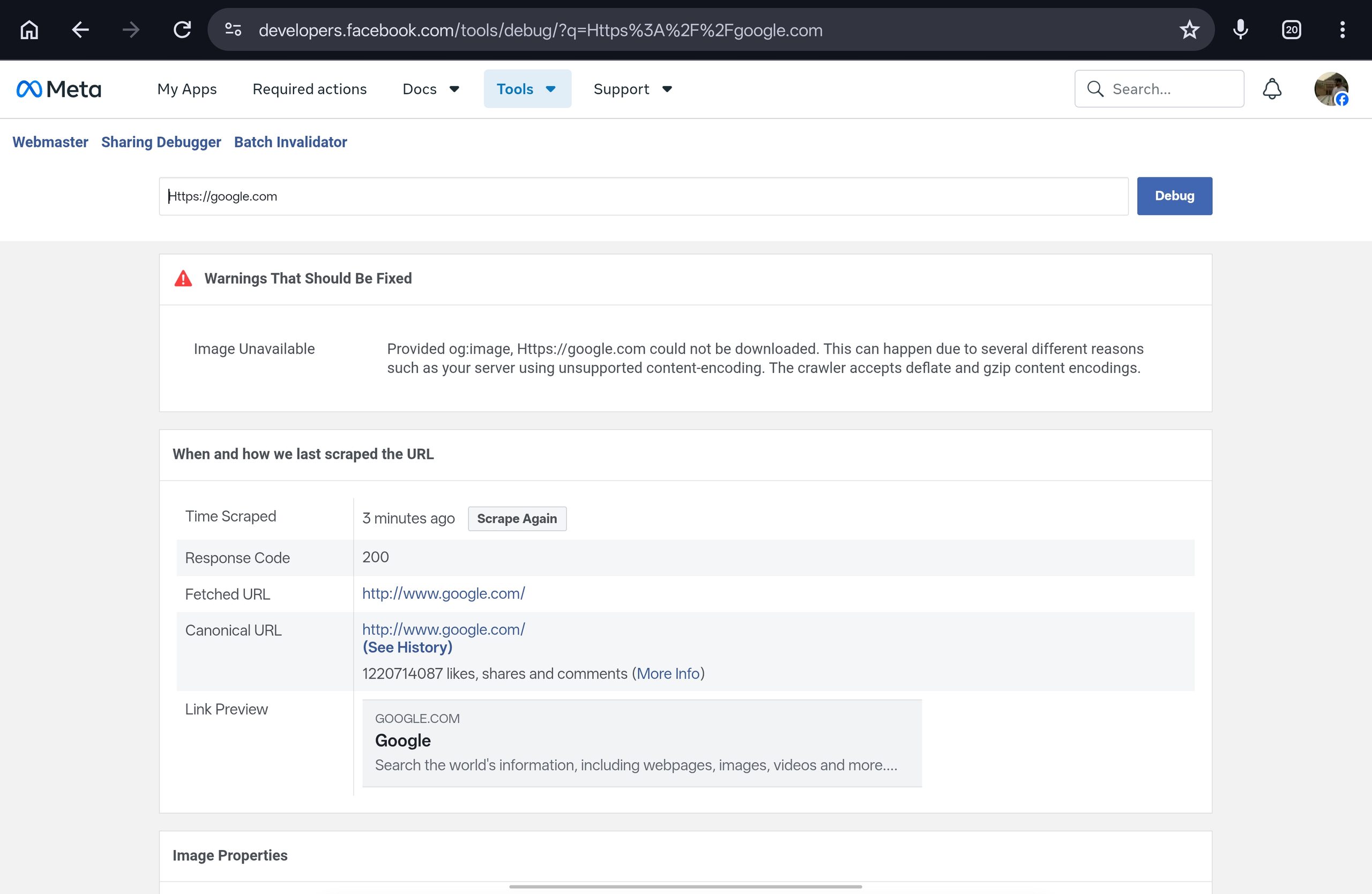
Meta runs a Sharing Debugger that fetches your URL and reports what it found, including errors and warnings.
Be clear about what this does and does not prove.
It shows whether Meta can reach and read your page, and it surfaces fetch errors.
It is not an official Instagram block checker, so treat a clean result as “Meta can read this page,” not “your link is approved.”
Test 4: Check your domain’s safety reputation
Sometimes the block has nothing to do with Instagram’s own rules.
Your domain may be flagged as unsafe somewhere else, and that reputation follows it around.
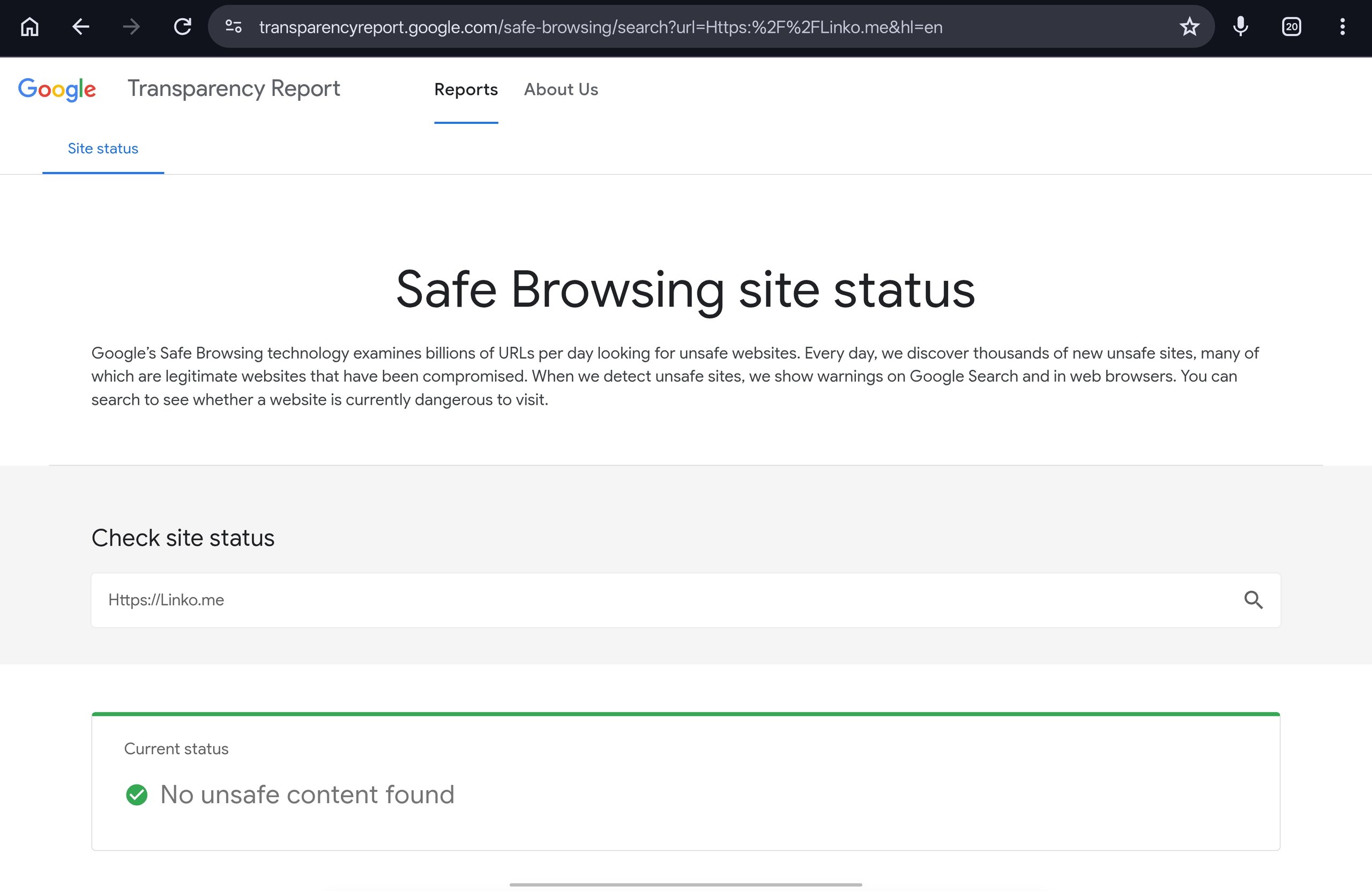
Check the Google Safe Browsing Site Status tool, which reports whether a site is currently considered dangerous.
This matters most on secondhand domains, since you inherit whatever the previous owner did with it.
Shared shortener domains carry the same risk for a different reason, because thousands of strangers share that reputation with you.
Our comparison of a branded link versus a generic link explains why that matters.
Is It Your Whole Domain, or Just Your Link Path?
Here is the distinction that saves people the most money, and almost no guide mentions it.
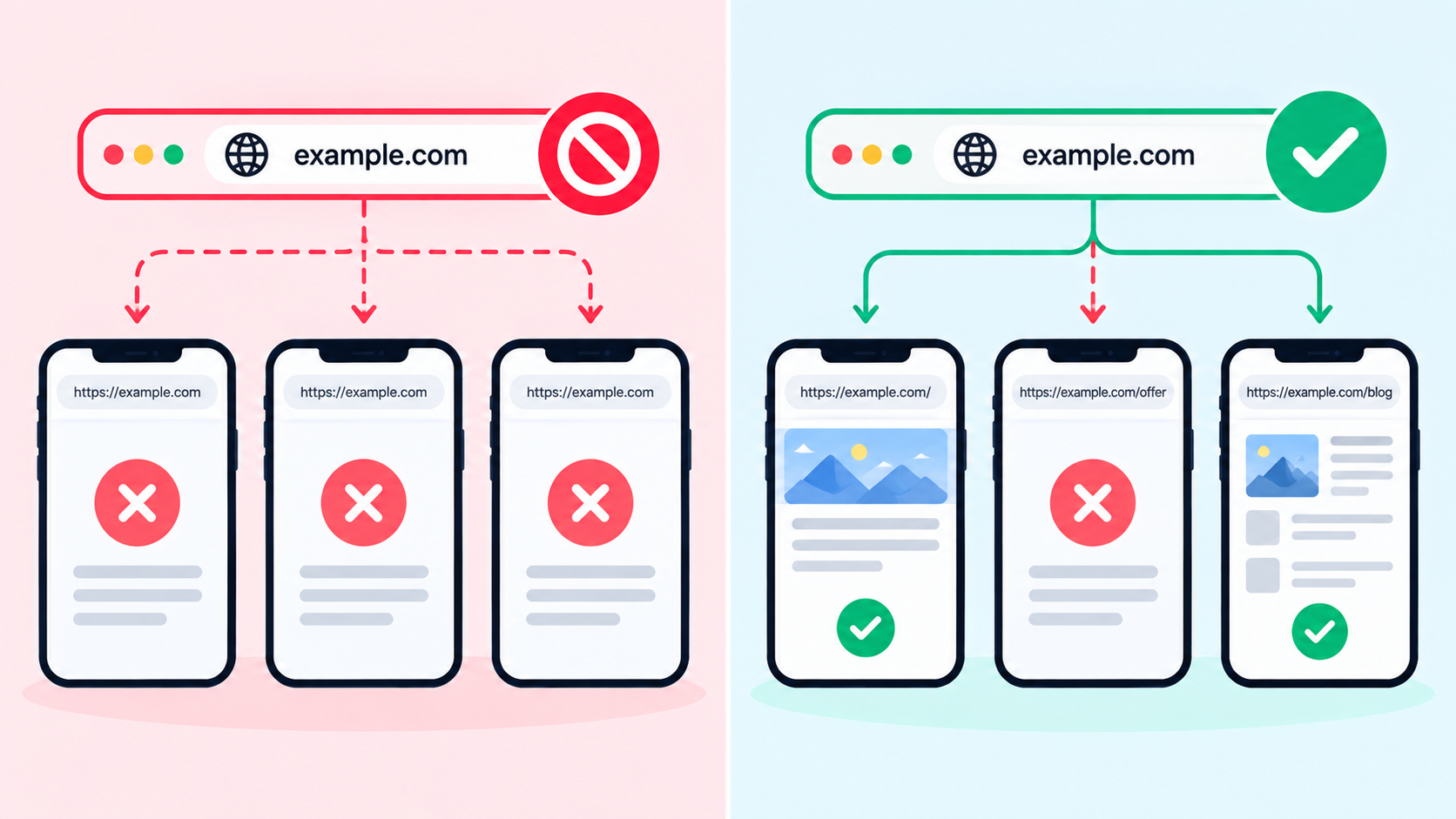
A block can attach to your full domain, or to one specific path on it.
Those look identical from the outside and cost very different amounts to fix.
Say your link is yourdomain.com/emma.
The flag may be on yourdomain.com, in which case every link on it is affected.
Or it may be on /emma alone, in which case yourdomain.com/emma2 works fine.
How to tell them apart:
- Create a new link on the same domain with a different path.
- Test that new link using Test 1 above.
- If the new path works, your domain is fine and only the old path was flagged.
- If every path on the domain fails, the domain itself is the problem.
Always run this before buying a new domain.
Changing a link path is free and instant.
Replacing a domain means new DNS setup, a fresh reputation, and updating your link everywhere you have ever posted it.
If you do end up needing a new one, our guide to branded short links with a custom domain covers the setup properly.
Is the Problem Your Account Instead of Your Link?
Most people get the causation backwards.
They assume a bad link damaged the account, when it is usually the account’s standing that causes the link to be treated badly.
If your account is already flagged, the same link that works on a clean account will get flagged on yours.
Swapping providers changes nothing, because the provider was never the variable.
Instagram gives you a real answer here.
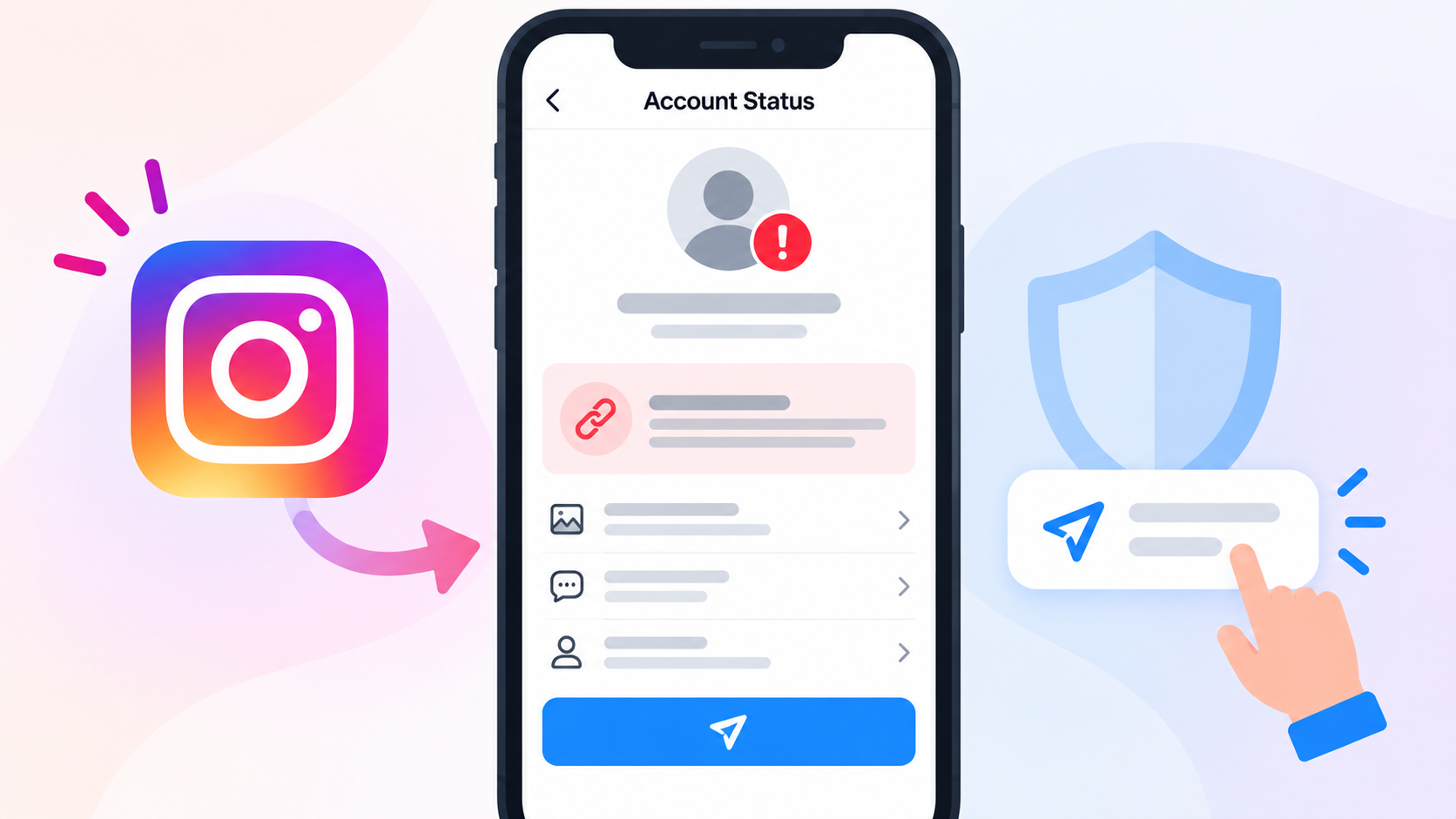
Account Status shows whether features are restricted, whether your content can be recommended to people who do not follow you, and lets you appeal if you think a decision was wrong.
Find it in Settings, then Account, then Account Status.
The telltale pattern from creators is this: remove the link and reach recovers, add it back and the flag returns immediately.
That is an account under scrutiny, not a defective URL.
Some creators see the same thing even without re-adding the link, just from mentioning another profile.
Fixing that is a separate job, and we cover it in how to avoid Instagram bans.
Do not keep buying domains to solve an account problem.
What Are the Boring Causes People Skip?
Check these before assuming anything sinister.
They are common, and they are free to fix.
The link is in the wrong place
A URL typed into the bio text field is often not tappable.
It belongs in the dedicated website or links field on your profile.
Formatting problems
Missing https://, a stray space, a trailing character, or a typo will all break a link.
Copy and paste rather than typing it out.
The destination is genuinely down
Open the final destination directly in a browser.
If it fails there, your link is innocent and the target is the problem.
The short link was deleted, expired, or changed
If you use a link tool, confirm the link still exists and is active.
Expiry dates and click limits both silently stop links working.
The domain expired or DNS broke
Custom domains need renewal and correct DNS records.
An expired domain looks exactly like a block from the outside.
Old cached app data
Update Instagram, force close it, and reopen.
This genuinely fixes a small share of cases, so it is worth ninety seconds before anything else.
What Actually Fixes It?
Work down this list.
Stop as soon as something works, and do not skip ahead to step six.
- Confirm the symptom using the table above.
- Turn off your bot filter temporarily and have a complaining follower retest.
- Check the boring causes: field, formatting, destination, expiry, DNS, app version.
- Run the outside-Meta test to confirm whether this is Meta specific.
- Change the link path and retest, since this is free and fixes path-level flags.
- Check Account Status and appeal if a restriction is listed.
- Review what your link leads to and whether it complies with Instagram’s rules. Our guide on direct link versus landing page covers what belongs at the end of a bio link on strict platforms.
- Change the domain only after the steps above have ruled everything else out.
If you do replace the link, update it everywhere you have posted it, not just your bio.
Old posts, story highlights, and DM templates all keep pointing at the dead one.
What You Should Not Do
Some popular advice will make your situation worse, and it is better to hear that now.
Meta’s spam policy explicitly prohibits several tactics people recommend as workarounds.
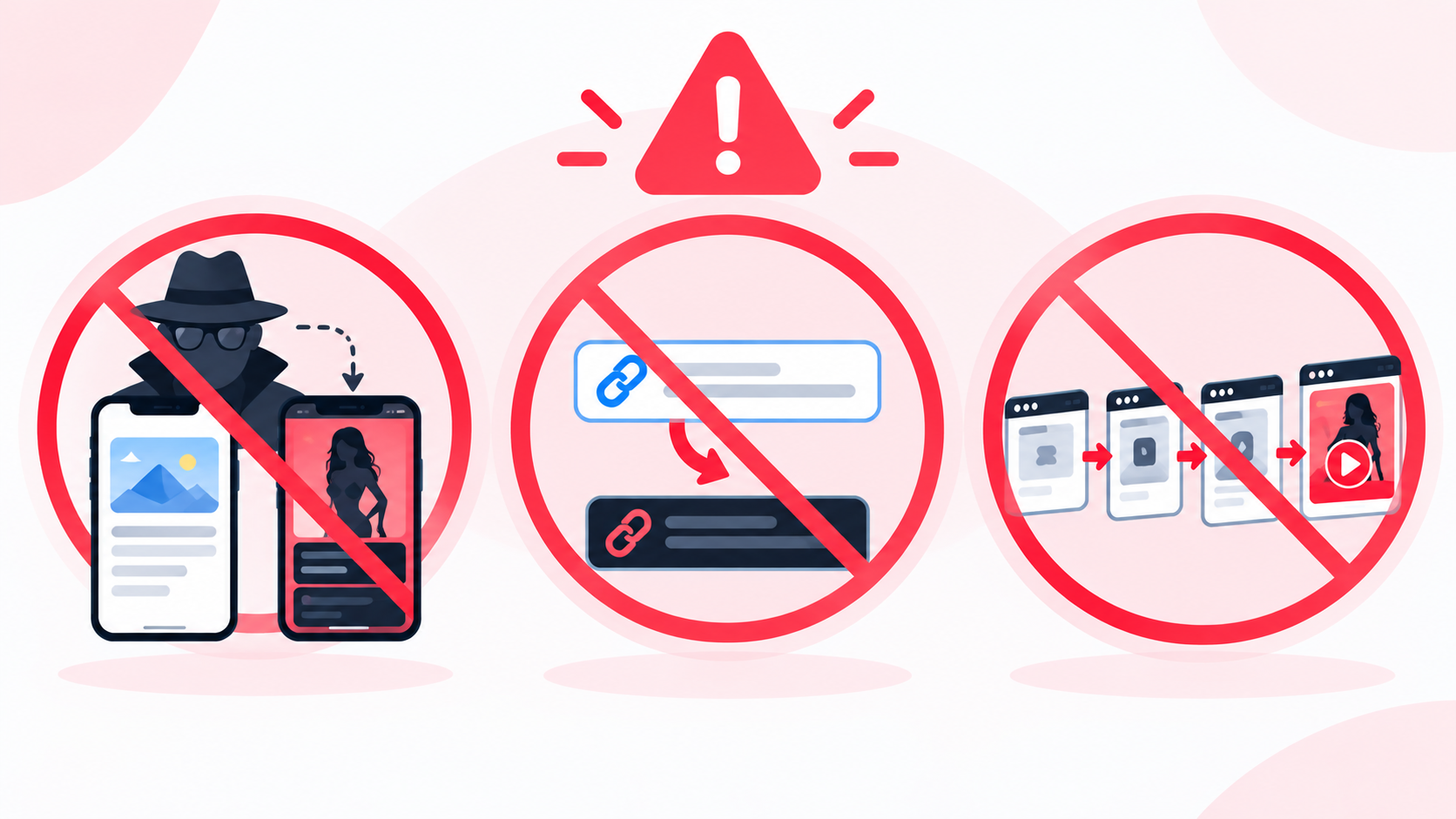
It names cloaking, meaning intentionally showing Meta’s systems different off-platform content than what users see.
It names misleading links that promise one thing and deliver something substantially different.
It also names deceptive redirects, where a page requires an action such as a captcha or an ad view before revealing the real destination, or sends the user to a substantially different domain.
So be careful with the following:
- Do not build a page that shows Meta one thing and visitors another. That is the definition of cloaking in the policy.
- Do not add fake steps to hide your destination. Deceptive redirect behaviour is named directly.
- Do not label your link as something it is not. Misleading links are a violation on their own.
- Do not cycle domains endlessly. If your account is the flagged element, each new domain gets flagged too, and the pattern itself looks evasive.
Bot filtering and branded domains are legitimate tools for protecting your analytics and your brand.
Neither is permission to promote something Instagram prohibits, and no link tool can make prohibited content acceptable.
How Does Linko Help With This?
Most of this article costs nothing and needs no product.
Where a link tool genuinely helps is in making the fixes fast instead of painful.
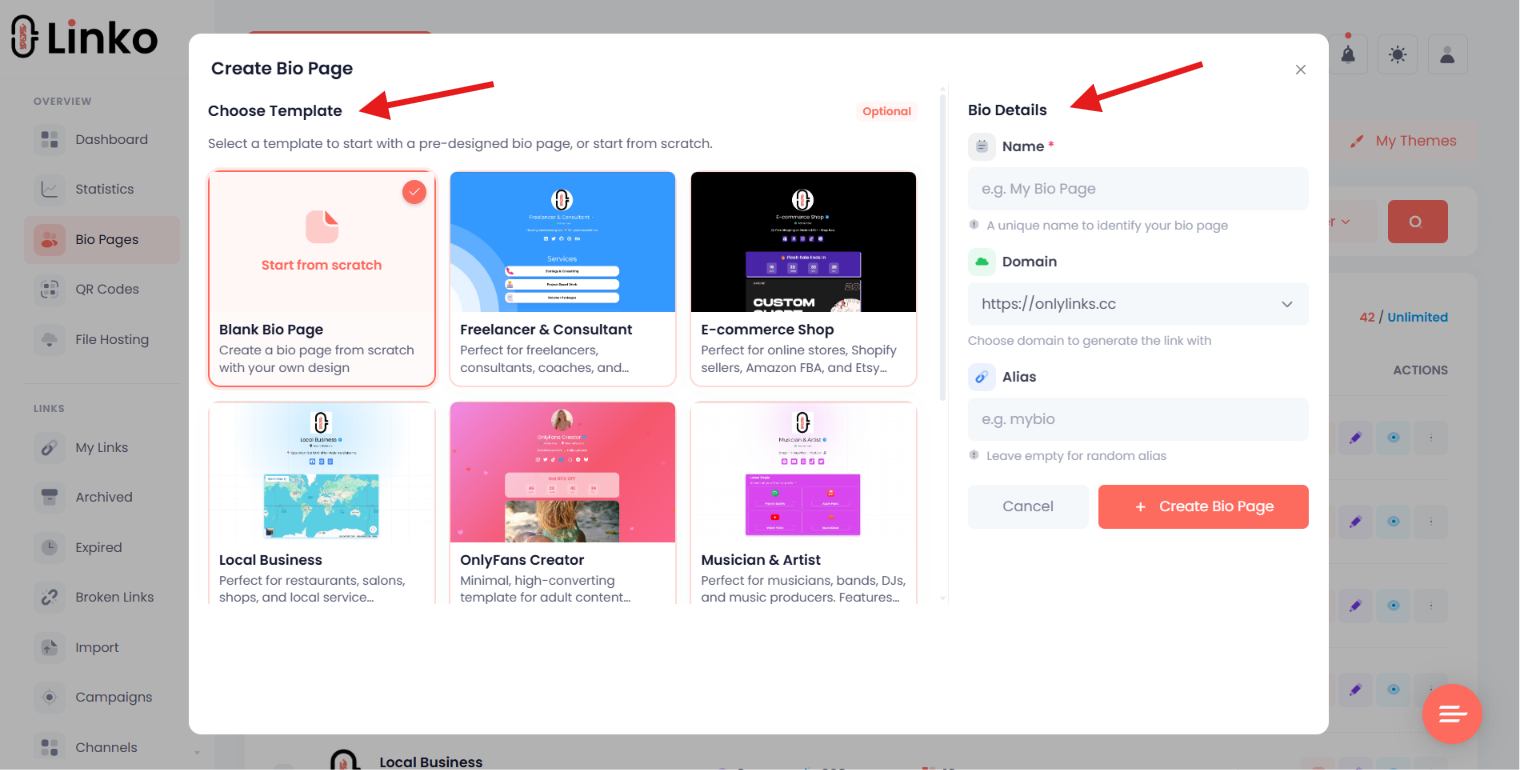
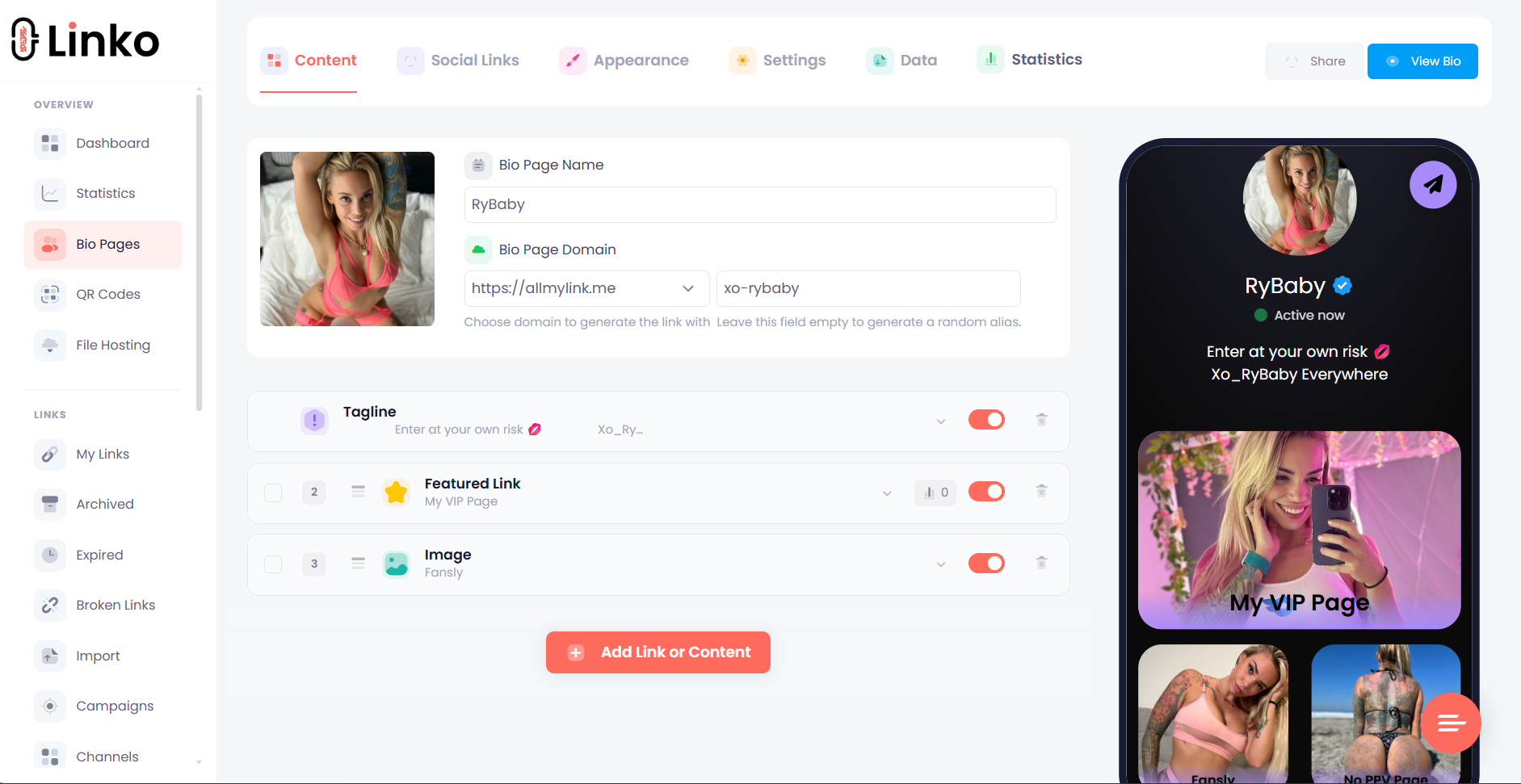
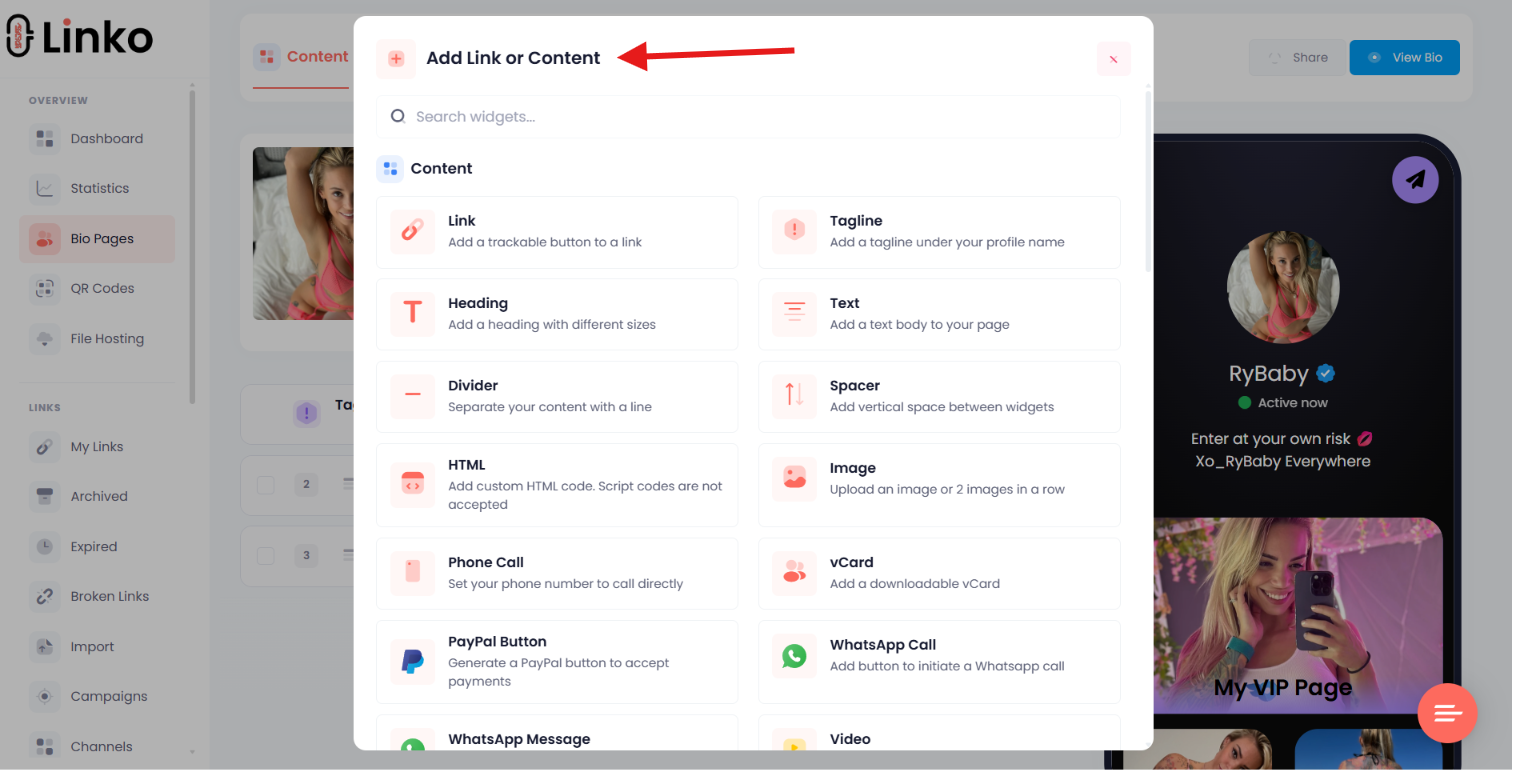
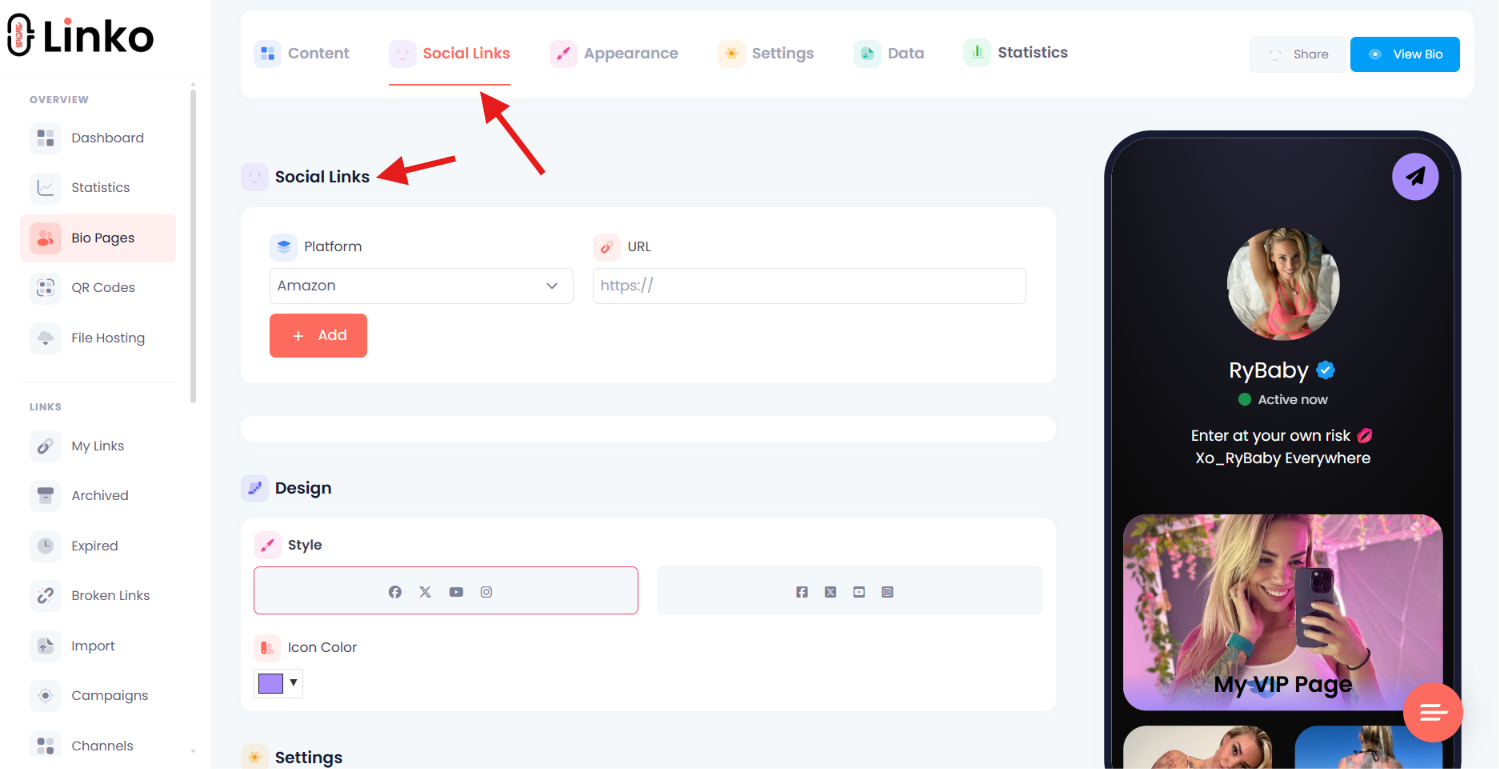
- Editable destinations and aliases. Change where a link points, or change the path itself, without republishing a new URL. That is what makes the path-level test above a two minute job.
- Branded domains. Run your own domain so your reputation is yours rather than shared with strangers. These start on the Starter plan at Linko.
- Automatic safety scanning. Destinations are checked against VirusTotal and safety blocklists, which helps you catch a reputation problem before Instagram does.
- Broken link detection. Automated checks report genuine 404 errors and send a daily digest, so you find dead destinations before your followers do. This is a Business and Agency feature at Linko.
- Analytics that separate real clicks from bots. Useful for telling “nobody is clicking” apart from “the clicks are fake,” as covered in our guide to a URL shortener with analytics.
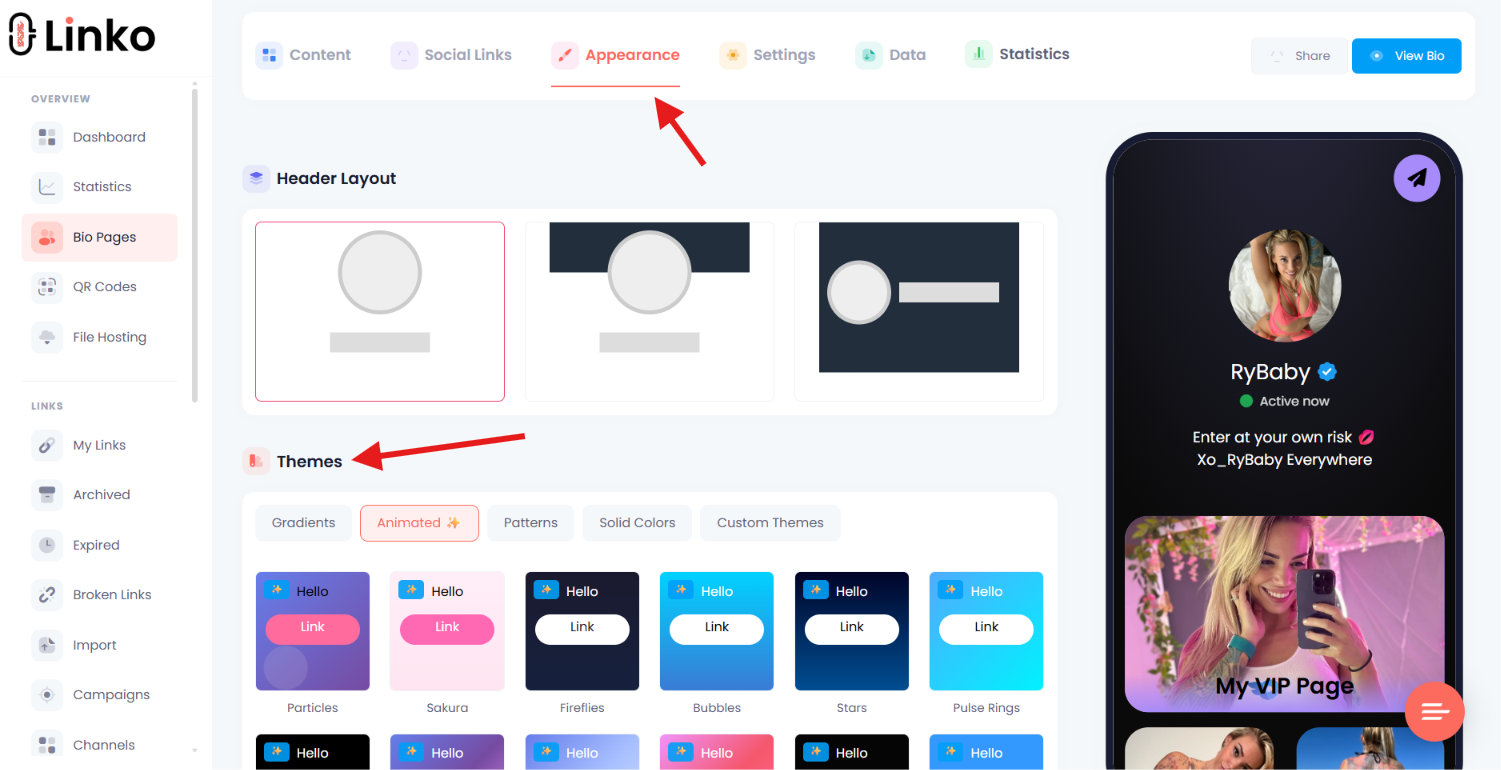
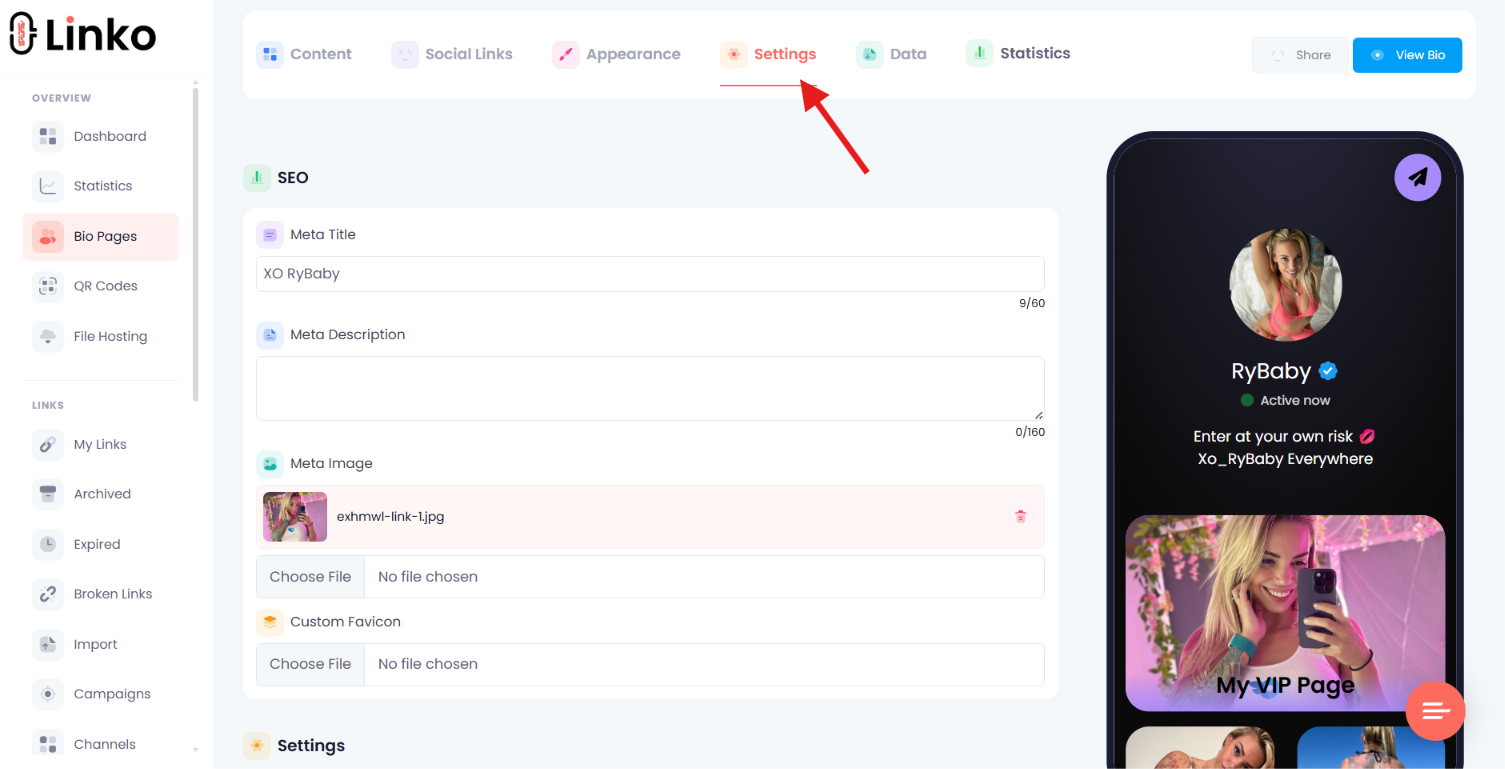

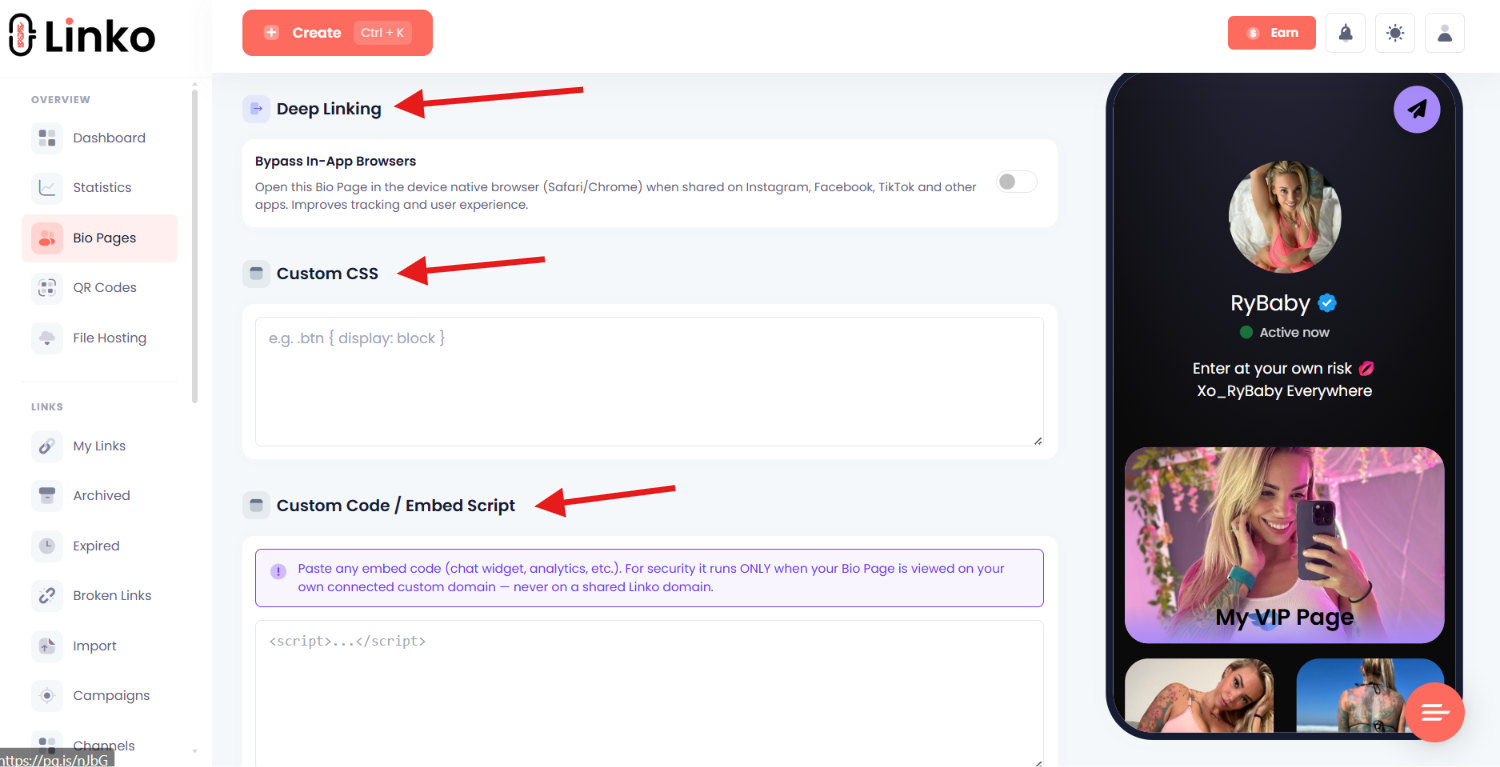
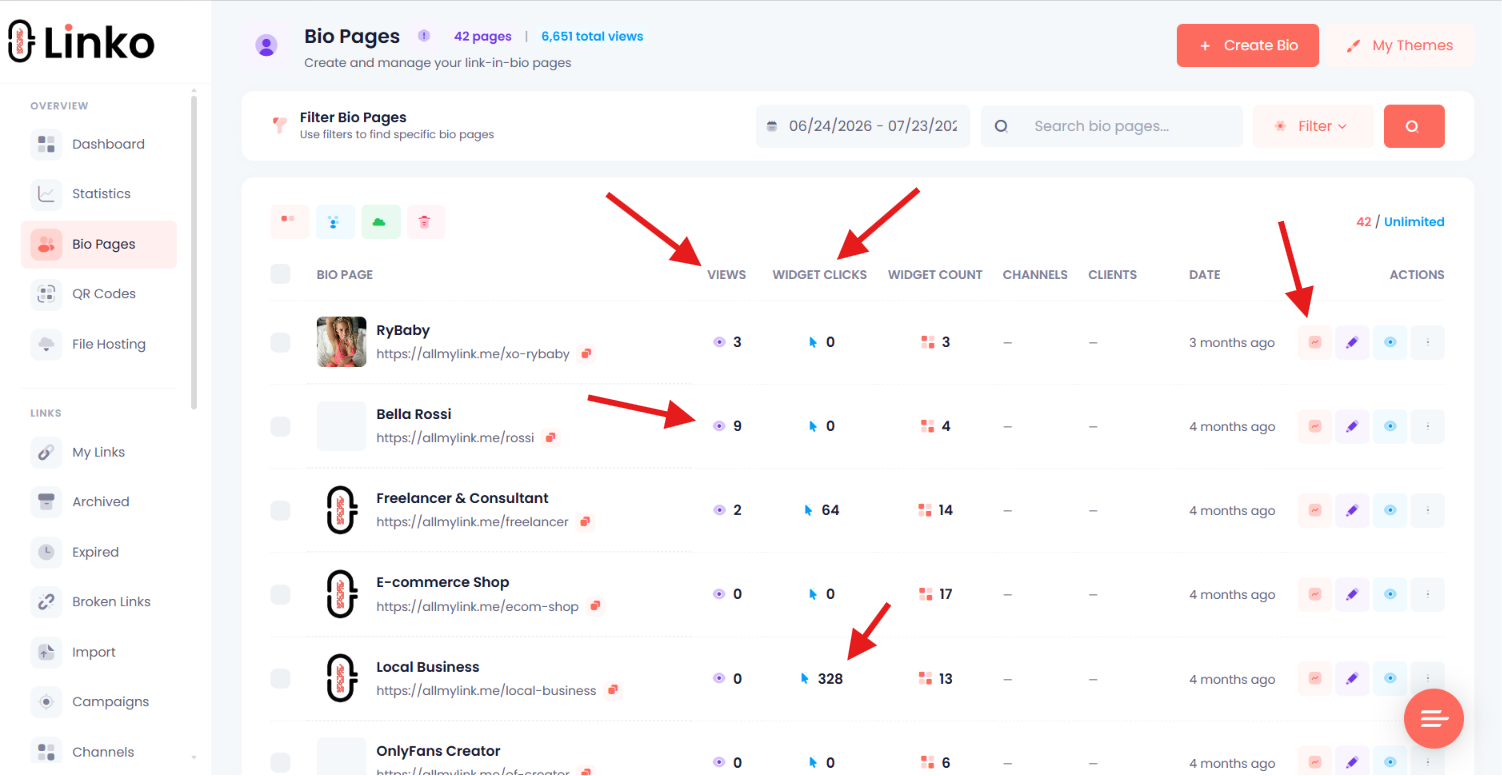
One honest limit worth repeating.
Shield Protection reduces automated inspection of your links, but it does not guarantee anything about a platform’s moderation decisions, and a small share of real visitors on VPNs or risky networks can be blocked by it.
That is exactly the situation described at the top of this article.
You can compare plan limits on the pricing page, and creators can see the setup on the creator marketing solutions page.
How Do You Stop This Happening Again?
- Use your own domain so you are not affected when a shared one gets flagged.
- Keep the destination consistent with what you promise in your bio.
- Check Account Status monthly rather than waiting for a crisis.
- Test your link from a phone that is not yours, on mobile data, once a month.
- Keep a note of every place your link is posted, so replacing it takes minutes.
- Watch outcomes, not just clicks, so you notice a problem before your followers tell you.
If your links are also getting stuck inside Instagram’s own browser once they do open, that is a separate issue covered in how to get out of in-app browsers.
Frequently Asked Questions
How do I know if Instagram blocked my domain?
There is no official checker, so test the same link on a platform Meta does not own, such as X or Reddit. If it works there and fails on Instagram, Threads, and Facebook, that pattern points to a Meta-specific block on your domain or link path.
Why does Instagram keep removing the link from my bio?
Either the formatting is invalid or the destination is something Instagram does not allow. Check the URL is complete and correct first, then check whether your destination complies with Instagram’s rules, since a shortener does not change what is at the end of the link.
Will a new domain fix my blocked link?
Only if the domain was actually the problem. Test a different link path on the same domain first, because path-level flags are common and free to fix. If your account is restricted, a new domain changes nothing.
Why do only some followers say my link does not work?
That pattern usually means your own bot filter is blocking them, most often because they are on a VPN, public Wi-Fi, or a corporate network. Turn the filter off temporarily and have them retest to confirm.
Does using a link shortener get you flagged on Instagram?
Not by itself. What matters is the destination and your account’s standing. That said, a heavily used shared domain carries other people’s reputation, which is why a domain of your own is safer.
My link works but my reach dropped. Is that the link?
Usually not directly. Check Account Status for restrictions, because a reach collapse is an account signal rather than a broken URL. If reach recovers when you remove the link and drops when you re-add it, your account is under scrutiny and the link is the trigger, not the cause.
Can I appeal an Instagram link block?
You can appeal account-level restrictions through Account Status, where Instagram shows what was actioned and offers a review. There is no separate public appeal queue for a blocked domain, which is why the practical route is fixing the underlying cause.
How long does it take for a blocked link to start working again?
There is no published timeline, and waiting rarely fixes it on its own. Assume you need to change something, whether that is the link path, the destination, or your account standing, rather than expecting an automatic reset.
Check the Cheap Things First
Most people arrive at this problem ready to buy a domain, and most of them do not need to.
- Work out which symptom you actually have.
- Rule out your own filter.
- Try a different link path before a different domain.
- And check Account Status before you spend anything, because a restricted account will flag whatever link you give it.
The uncomfortable truth is that if your destination breaks Instagram’s rules, no tool fixes that.
What a good setup does is remove every other cause, so you know exactly what you are dealing with.
If you want editable links on your own domain with safety scanning built in, you can create a free Linko account and move your bio link over in a few minutes.
Comments