
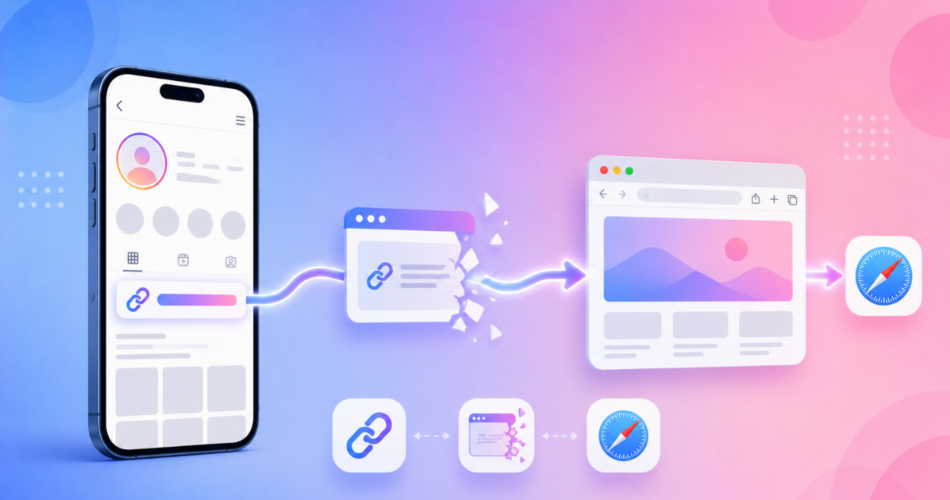
An Instagram deep link is a link tied to Instagram that opens an app instead of a plain web page.
People search for this to do one of two things:
- Open the Instagram app directly to a profile or post, or
- Stop the links in their Instagram bio from getting trapped in Instagram’s in-app browser.
This guide covers both, and shows how to make your Instagram links open exactly where you want.
Key Takeaways
- An Instagram deep link can mean opening the Instagram app to a profile or post, or making links you share on Instagram open outside its in-app browser.
- On iOS, a normal
instagram.com/usernamelink already opens the app when it is installed. - The real problem for creators is that links in an Instagram bio open in Instagram’s in-app browser, where visitors are logged out and conversions drop.
- Linko automatically bypasses Instagram’s in-app browser, so your links open in Safari or the right app instead.
- Deep linking, including the Instagram in-app browser escape, is available on Linko’s Business and Agency plans.
What Is an Instagram Deep Link?
A deep link opens a specific place inside a mobile app instead of a browser.
With Instagram, that idea shows up in two ways, and it helps to separate them.
Opening the Instagram app.
- A link that takes someone straight to your Instagram profile, post, or reel inside the app rather than the mobile website.
Escaping the Instagram in-app browser.
- A link you share on Instagram, usually in your bio, that opens in Safari, Chrome, or the destination app instead of Instagram’s built-in browser.
The first is easy and mostly automatic.
The second is where most creators lose conversions, so we will spend more time on it.
How to Open the Instagram App from a Link
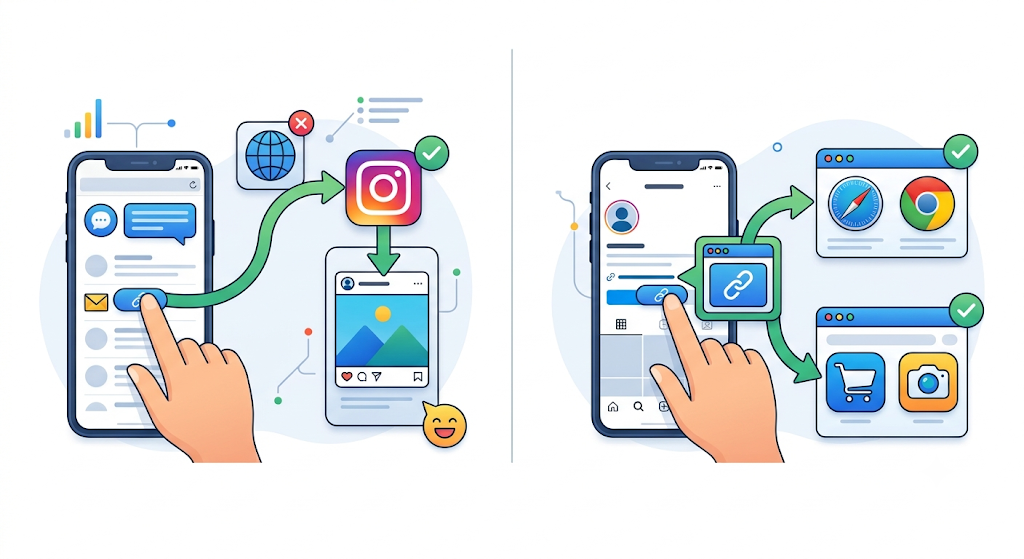
If you just want your “Follow me on Instagram” link to open the app, good news: it usually already does.
On iOS and Android, a standard profile URL like instagram.com/yourusername opens the Instagram app directly when the app is installed, because Instagram supports universal links.
There is also the older scheme instagram://user?username=yourusername, but the plain HTTPS link is more reliable and falls back to the web if the app is missing.
So for opening your own profile, you rarely need a special tool.
The trouble starts when the link is tapped from inside Instagram itself.
Why Do Links in My Instagram Bio Open in the Wrong Browser?
When someone taps the link in your Instagram bio or story, Instagram does not hand it to Safari or Chrome.
It opens the page inside its own in-app browser, a stripped-down view built into the Instagram app.
That quietly costs you conversions, because the in-app browser is not the visitor’s real browser:
| Inside Instagram’s in-app browser | In Safari or Chrome |
|---|---|
| Visitor is often logged out | Signed in with saved logins |
| Saved passwords and payment details missing | Autofill and payments work |
| Deep links to other apps can fail | Links open the right app |
| Tracking and pixels are unreliable | Accurate analytics |
On iOS especially, a visitor would normally have to tap the menu and choose “Open in browser” by hand, which almost nobody does.
So the sale, signup, or subscription slips away.
How Linko Fixes the Instagram In-App Browser
This is the part that matters for creators and marketers.
When you shorten a link with Linko and enable deep linking, Linko automatically bypasses Instagram’s in-app browser restrictions.
Your link opens directly in Safari on iPhone and Chrome on Android, instead of Instagram’s limited browser.
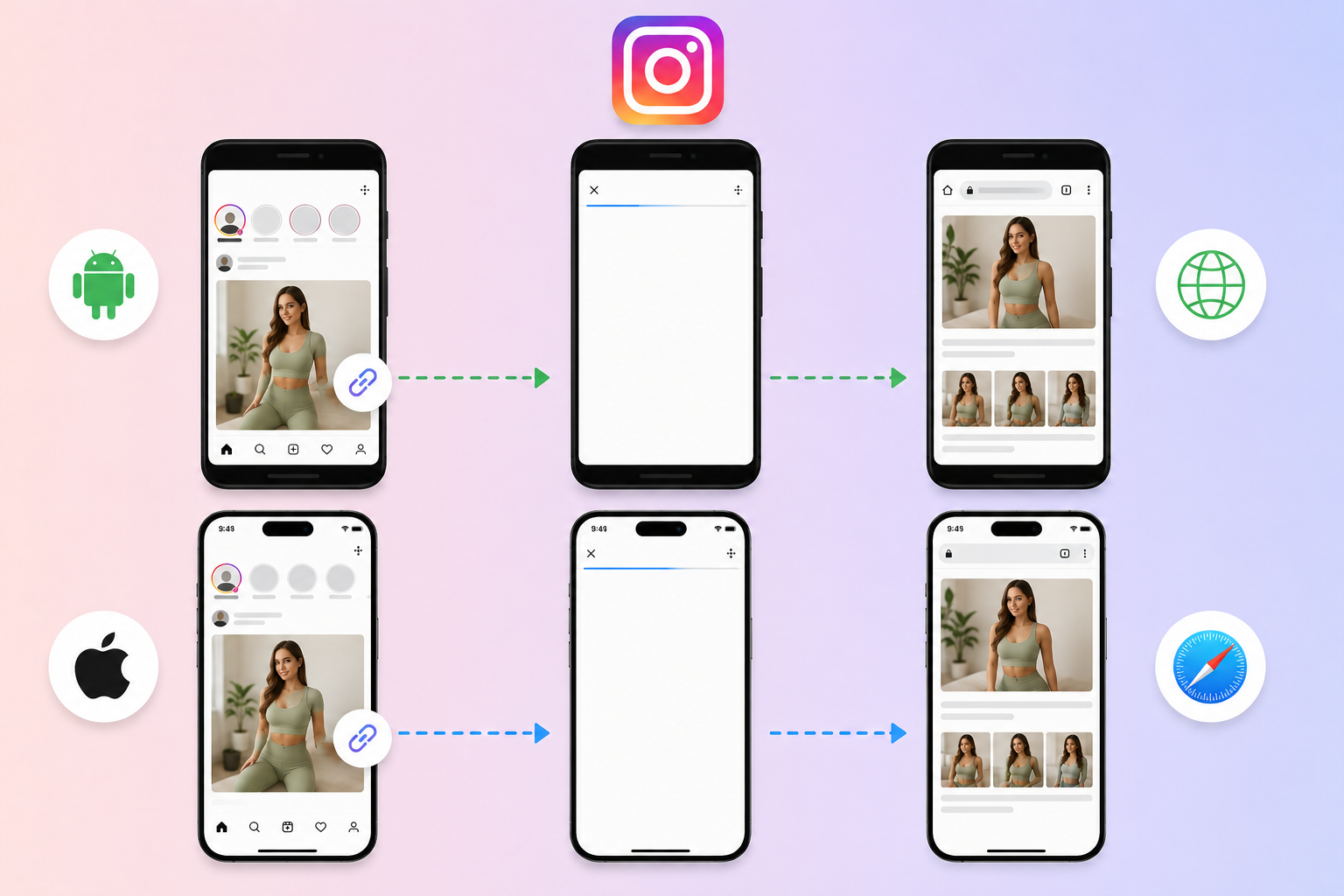
There is no configuration needed, and it works seamlessly with OnlyFans, Fansly, Fanvue, and other creator platforms.
That means visitors land already logged in, with their passwords and payment methods available, so far more of them actually convert.
Here is how to set it up:
- Copy the link you want to share, such as your OnlyFans, website, or store link.
- Paste it into Linko and open the advanced options.
- Enable deep linking, then shorten the link.
- Put the short link in your Instagram bio or story.
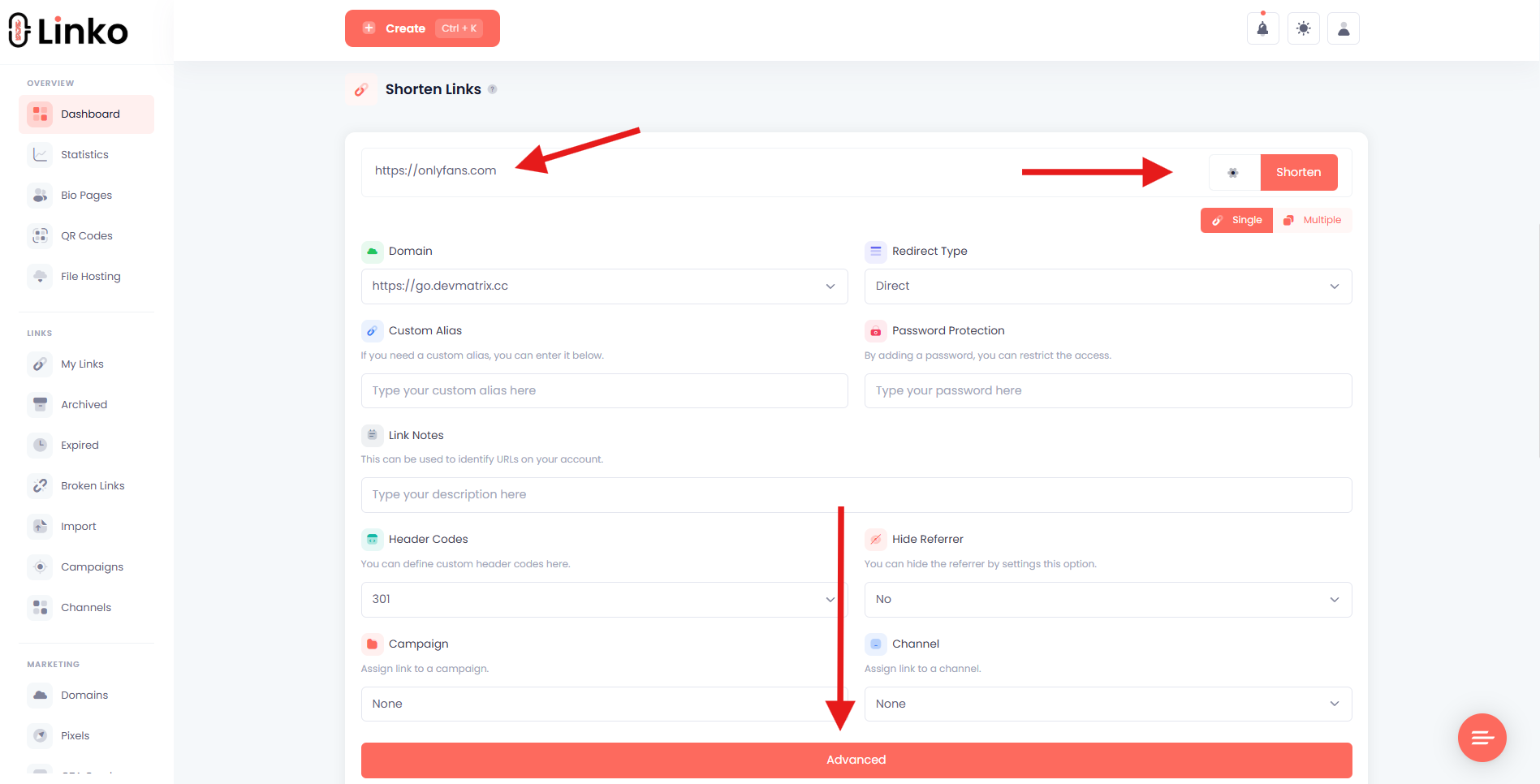
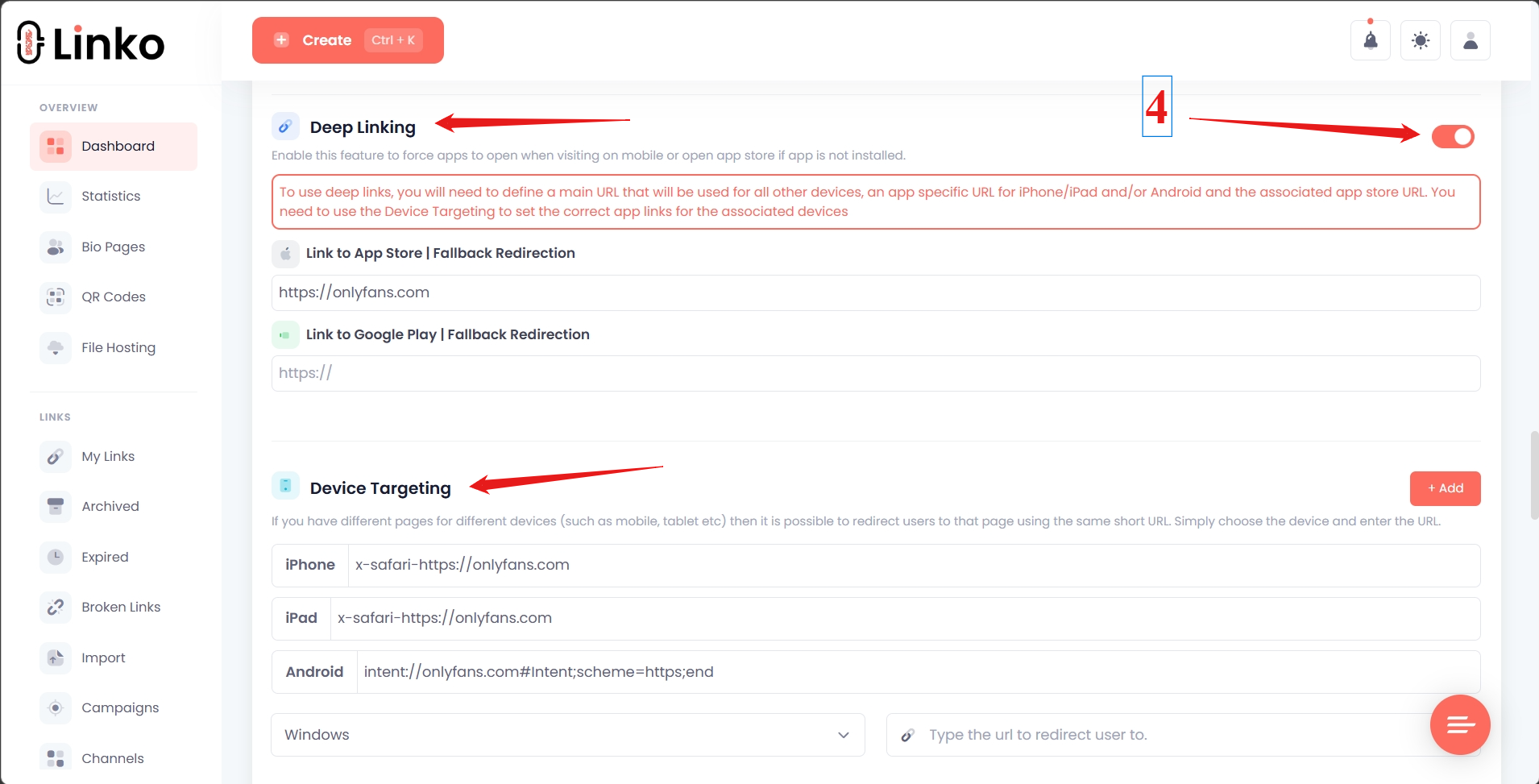
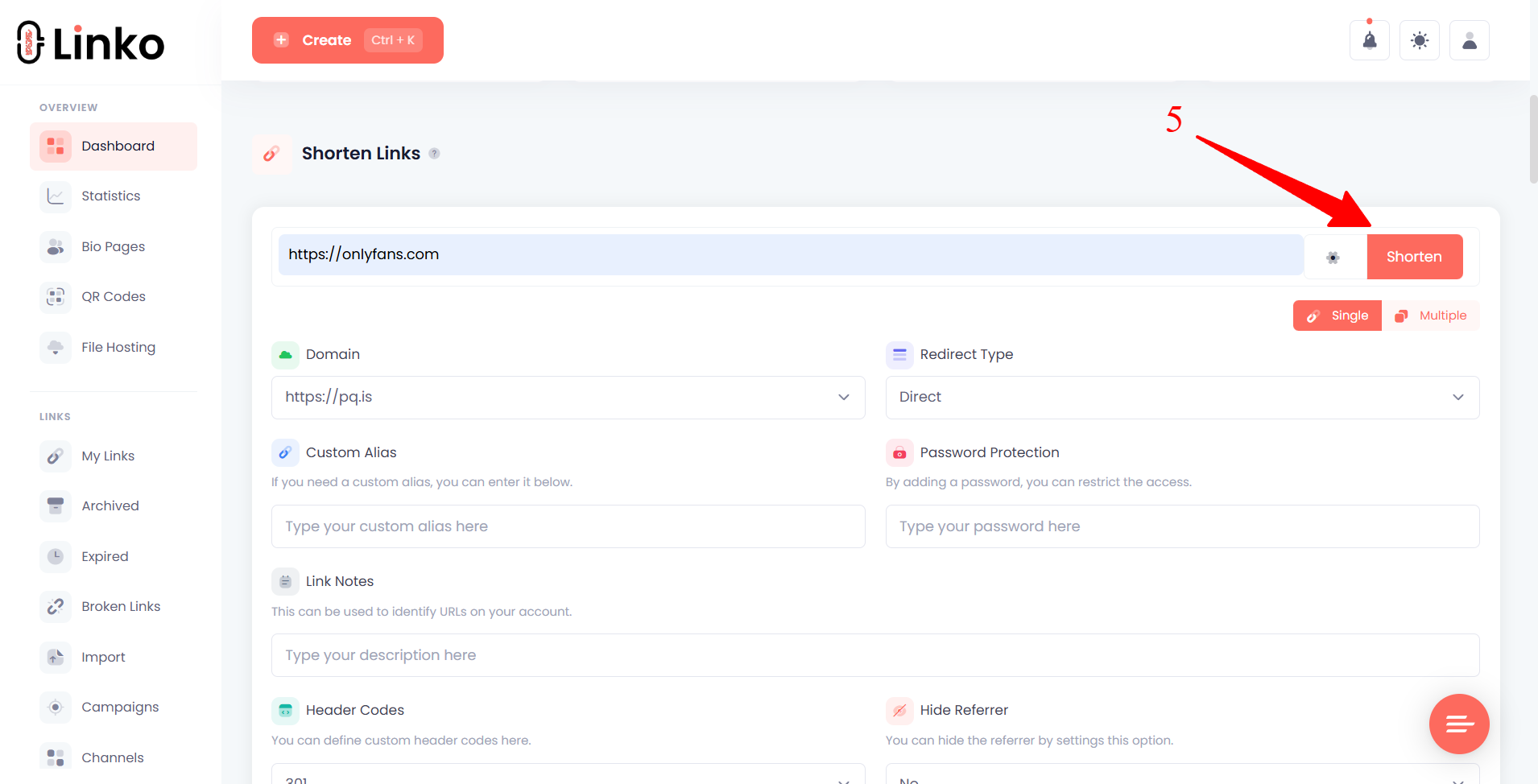
Now every tap opens in the real browser or the correct app, not the in-app browser.
For the wider picture, see our guide on how to get out of in-app browsers, and our step-by-step on how to open OnlyFans links in Safari from Instagram.
Which Linko Plan Do You Need?
Deep linking, which powers both opening apps and the Instagram in-app browser escape, is available on Linko’s Business and Agency plans.
You can create a free account to set up your links first, then upgrade to turn on deep linking.
See the full Linko pricing breakdown for details.
Instagram Deep Links and Your Bio Link Strategy
Because Instagram only allows clickable links in your bio and stories, that single bio link does a lot of work.
Making it a smart, branded link that escapes the in-app browser protects every click you worked to earn.
To go further, our guide on branded short links for Instagram shows how to build trust and track clicks, and deep links vs Universal Links vs App Links explains the technology behind it all.
Frequently Asked Questions
What is an Instagram deep link?
It is a link that opens an app rather than a plain web page in connection with Instagram. It can open the Instagram app to a profile or post, or make a link you share on Instagram open in Safari or the destination app instead of Instagram’s in-app browser.
How do I make an Instagram link open the app?
On iOS and Android, a standard instagram.com/username link opens the Instagram app automatically when it is installed, because Instagram uses universal links. You usually do not need a special tool for this.
Why do my Instagram bio links open in Instagram’s browser?
Instagram opens tapped links in its own in-app browser by design. Visitors land logged out, without saved passwords or payment details, which hurts conversions. You fix it at the link, using a tool that escapes the in-app browser.
How do I make Instagram links open in Safari or Chrome?
Shorten the link with Linko and enable deep linking. Linko automatically opens your link in Safari on iPhone and Chrome on Android instead of Instagram’s in-app browser, with no configuration needed.
Do I need a paid plan for this?
Yes. Deep linking, including the Instagram in-app browser escape, is on Linko’s Business and Agency plans. You can create a free account first, then upgrade to enable it.
Make Your Instagram Links Open Where They Should
Your Instagram bio link is one of the most valuable links you have.
Do not let Instagram’s in-app browser waste those clicks by logging your visitors out.
With Linko, your links open in the real browser or the right app, so more visitors stay signed in and convert.
Create your free account at Linko and set up your Instagram link today.
Enable deep linking on a Business or Agency plan to turn on the automatic Instagram in-app browser escape.
Comments