
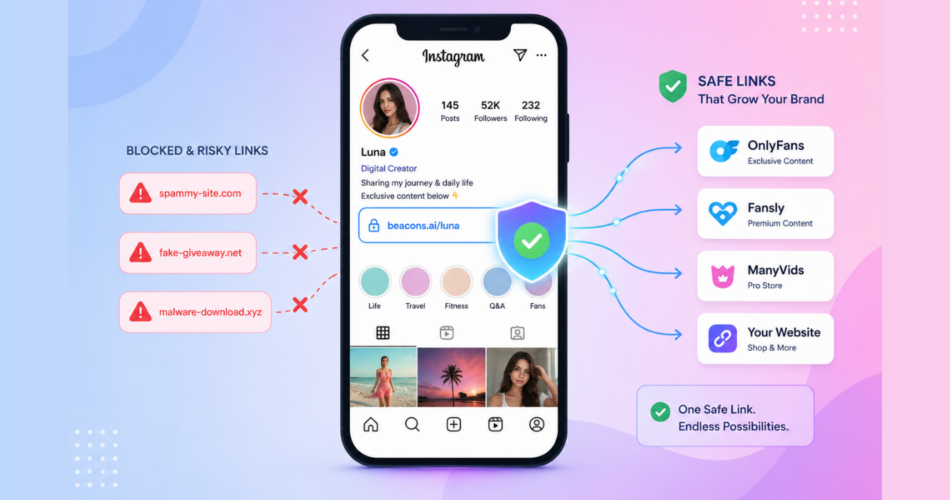
To avoid Instagram bans in 2026, creators need to control both what they post AND what their links reveal to Meta’s automated systems.
Instagram bans hit harder than ever in 2025 and 2026.
Thousands of creators woke up to crashed reach, frozen accounts, and disabled profiles overnight.
Many never violated explicit rules.
They got caught in Meta’s expanded AI moderation system that targets behavior patterns, not just specific content.
If you promote OnlyFans, Fansly, Fanvue, or any creator platform from Instagram, the risk is real.
According to recent watchdog reports, Instagram suspended over 100 LGBTQ+ and sexual health accounts in April 2026 alone. Many were flagged with no clear violation.
This guide walks through every reason Instagram bans accounts, how to prevent it, and what to do if you’ve already been flagged.
The methods come from real creator experience, official Meta updates, and patterns documented across dozens of agencies.
Key Takeaways
- Instagram doesn’t ban OnlyFans creators for being on OnlyFans. They ban specific behavior patterns and content signals.
- The biggest ban triggers are explicit content, direct adult platform links, mentioning OnlyFans in captions, and using flagged hashtags.
- Custom domains and deep linking dramatically reduce ban risk compared to direct links or shared shortener domains.
- Once flagged, recovery requires changing your domain, pausing posts, and rebuilding trust slowly.
- Deep linking opens your destination in Safari or Chrome, bypassing Instagram’s in-app browser entirely.
Why Are So Many Instagram Accounts Getting Banned in 2026?
Meta rolled out major AI moderation updates throughout 2025 and 2026.
The system now targets adult content patterns, not just explicit posts.
It detects:
- Visual signals (lingerie, suggestive poses, blurred nudity)
- Behavioral patterns (rapid follower growth, identical captions across accounts)
- Outbound traffic patterns (repeated redirects to adult platforms)
- Bio link destinations (where the link actually leads after redirects)
- Hashtag combinations associated with NSFW content
According to TechCrunch’s April 2026 reporting, Instagram has expanded its crackdown on content aggregators.
This further squeezes creators who repost or aggregate links.
The result: even creators who follow obvious rules get caught.
Understanding what actually triggers bans is the only way to stay safe.
What Are the Top Reasons Instagram Bans Accounts?
Bans fall into two main categories: content-based triggers and link-based triggers.
Both matter equally.
Content-based ban triggers
These come from what you post on Instagram itself.
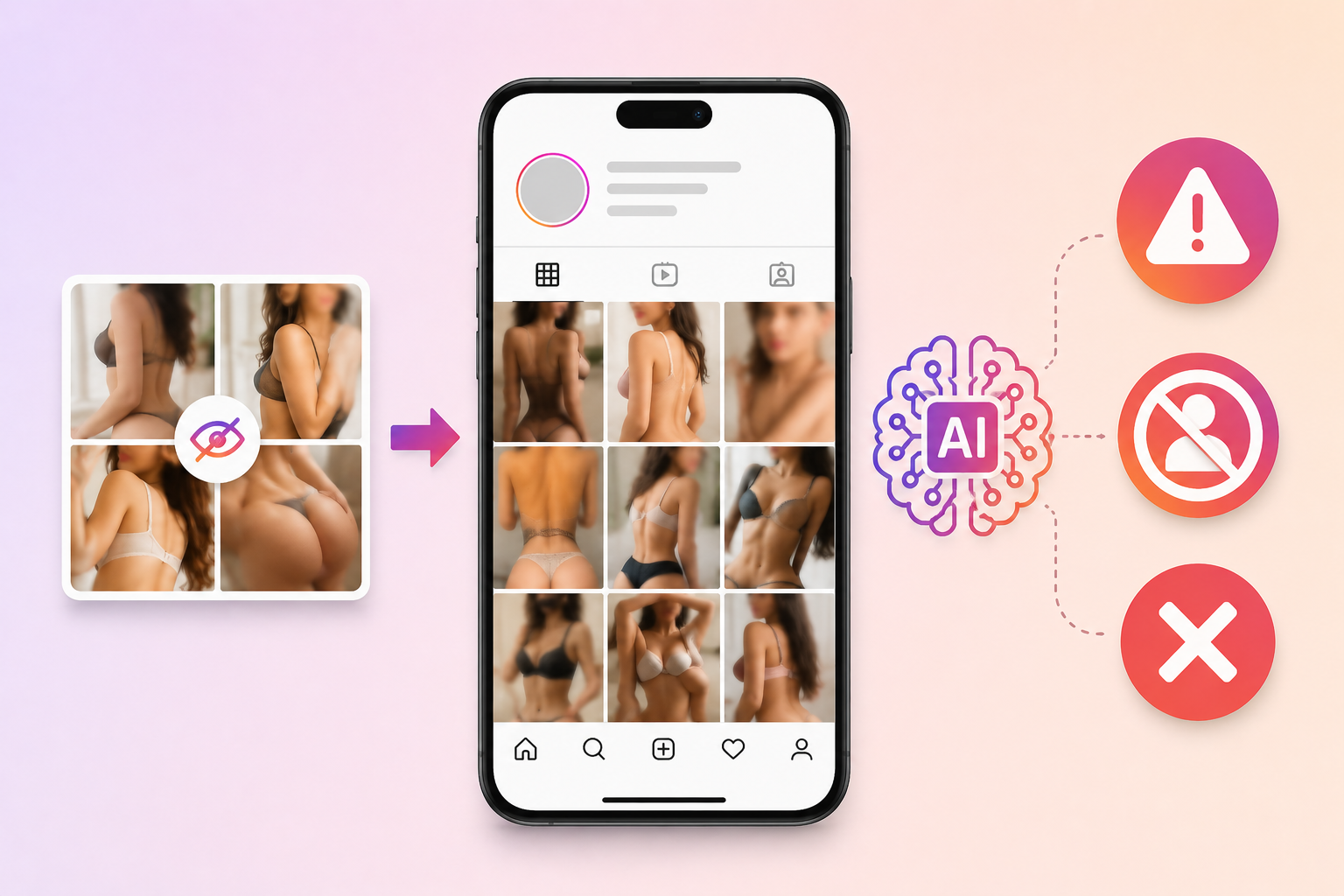
1. Explicit or suggestive content
Nudity is the number one ban trigger.
Even censored or implied nudity (lingerie shots, blurred images, suggestive poses) gets flagged by Meta’s AI.
The system doesn’t need to see explicit content. Pattern recognition flags entire account types based on aggregated visual signals.
2. Reposting content from other accounts
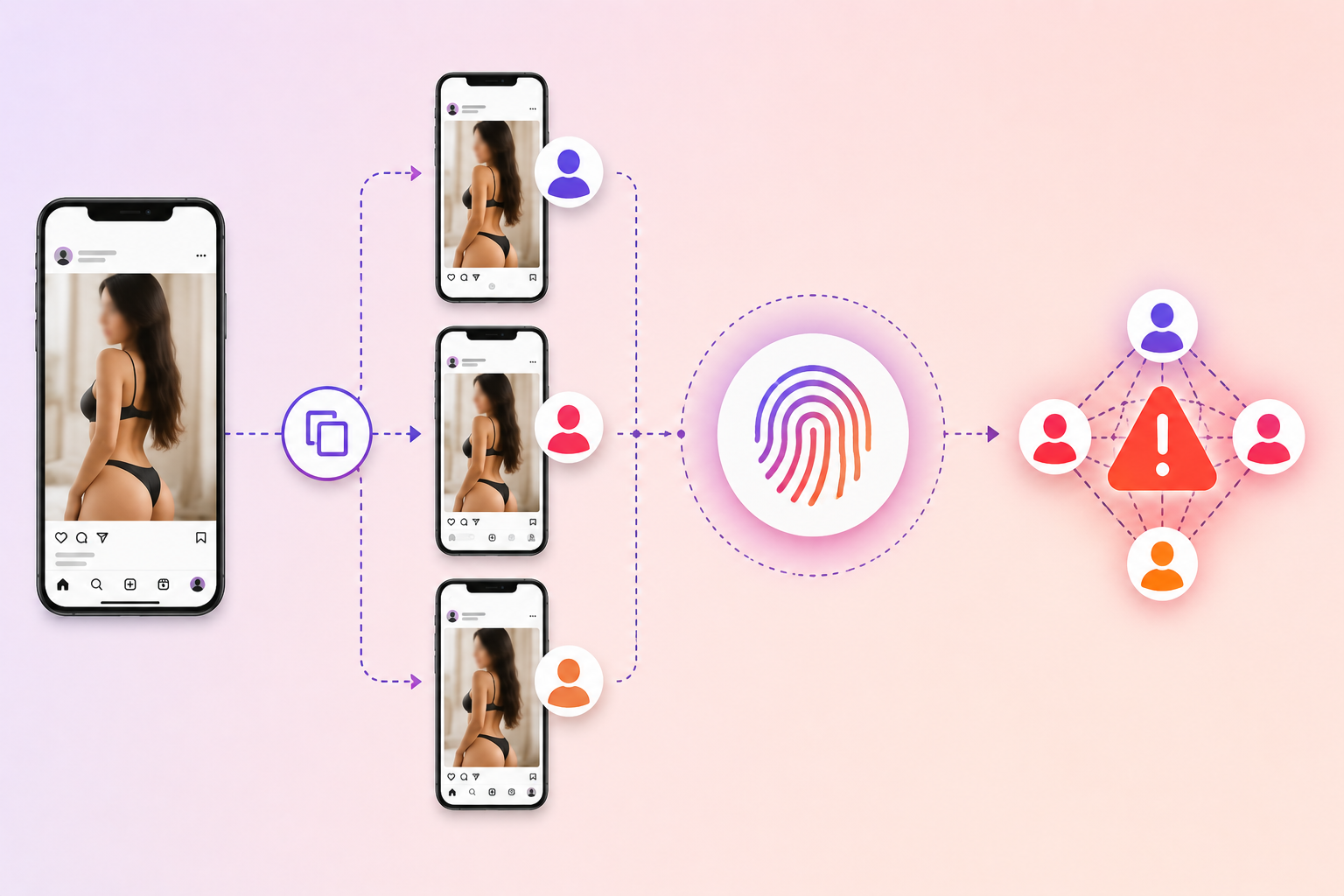
Reusing the same videos or images across multiple accounts is detected at scale.
Meta cross-references content fingerprints to identify network behavior.
If one account in the network gets flagged, others connected by content reuse often get flagged too.
3. Multiple accounts on the same device or IP
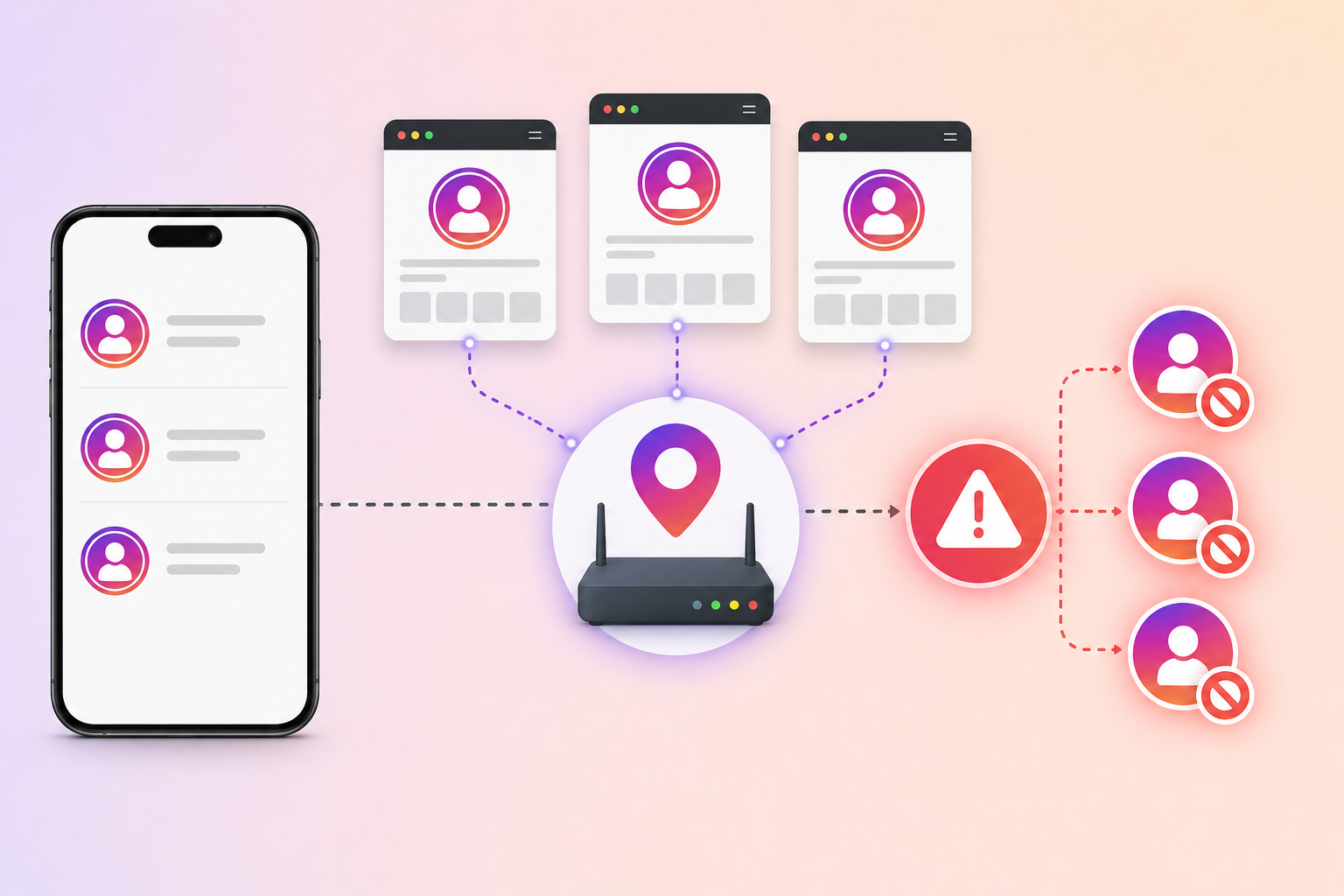
Running multiple accounts from one phone, IP address, or browser session creates a detectable footprint.
One flagged account can cascade into restrictions across all linked accounts.
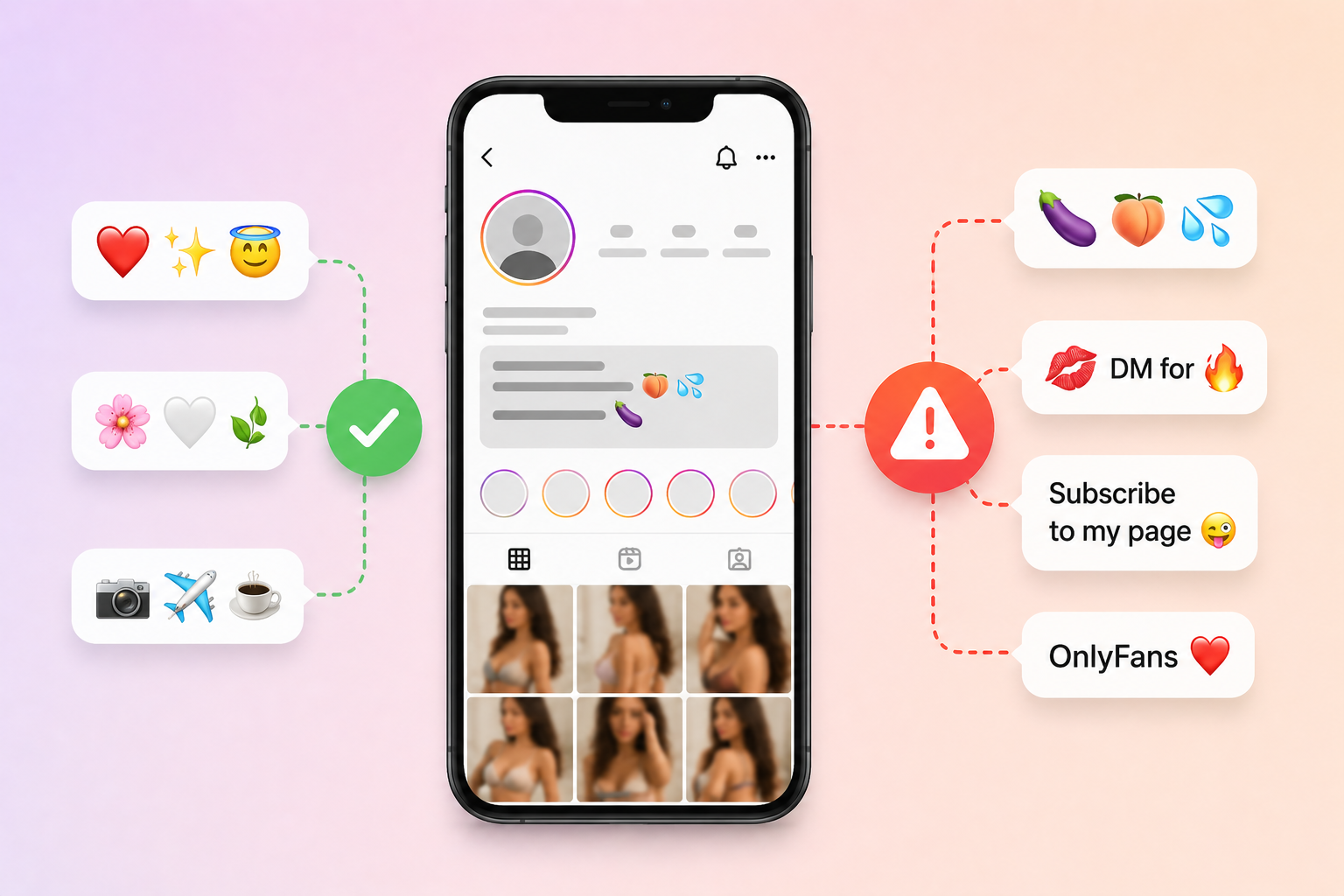
4. Trigger words and adult emojis
Specific words and emoji combinations in your bio or captions act as flags.
Common triggers include direct mentions of OnlyFans, certain emojis (eggplant, peach, water droplets in suggestive contexts), and CTAs like “subscribe to my page.”
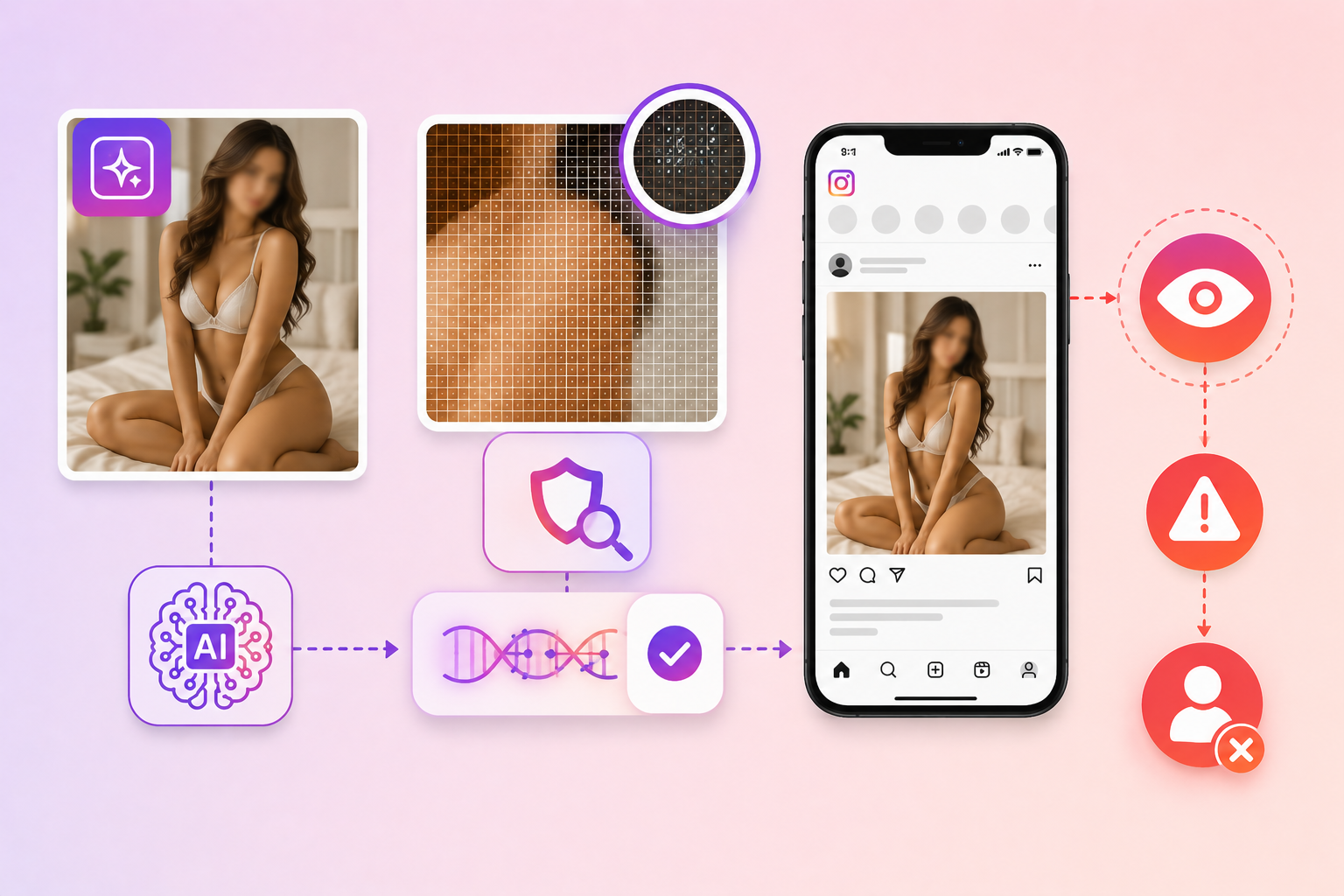
5. AI-generated content with detectable watermarks
Meta detects invisible watermarks in AI-generated images.
Tools like Google’s SynthID embed identifiers that Instagram’s systems can read.
Posting AI-generated content without disclosure or with detected watermarks contributes to flagging.
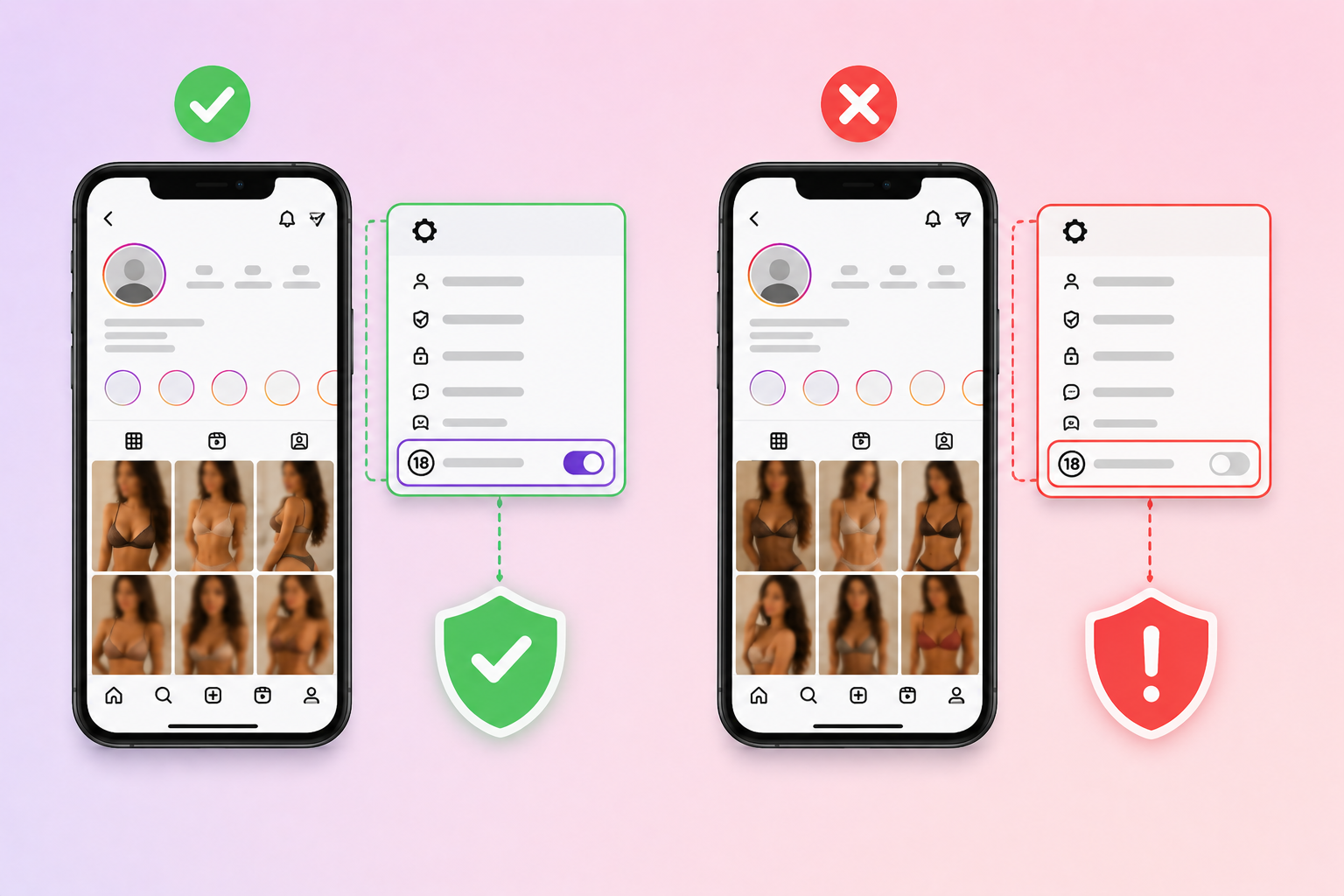
6. Profile not declared as 18+
Creator and business accounts can mark themselves as 18+ in profile settings.
Adult-adjacent content on profiles without this declaration creates a mismatch that triggers review.
Link-based ban triggers
These come from how your bio link behaves after the click.
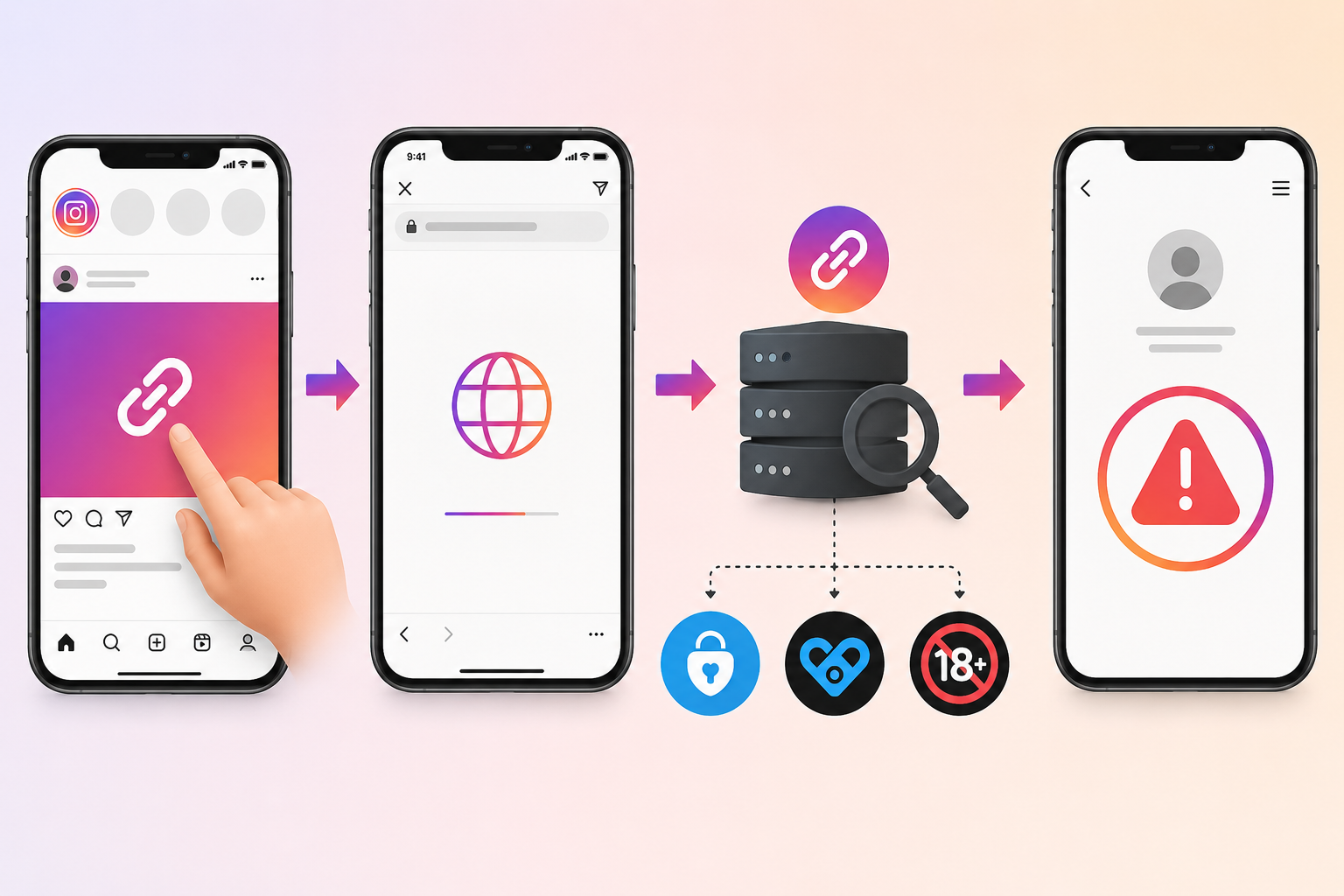
1. Final destination opens in Instagram’s in-app browser
When users click a link, Instagram opens it in its own browser by default.
The browser logs the destination URL.
If the final URL is OnlyFans, Fansly, or another adult platform, Instagram associates your account with that destination.
Repeated detection leads to flags.
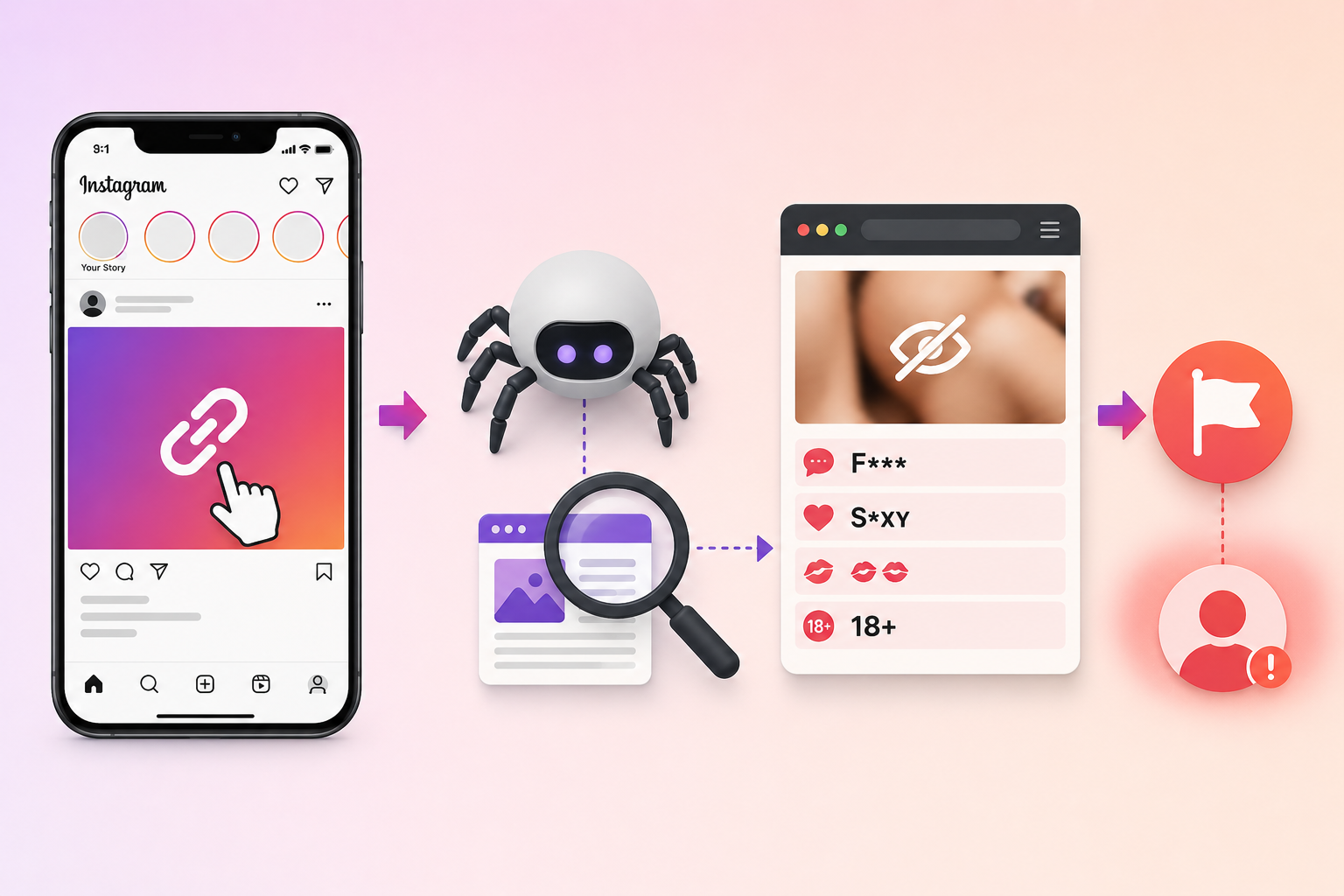
2. Trigger words on your landing page
Instagram’s crawlers visit the landing page your link points to.
If that page contains trigger words, suggestive imagery, or adult emojis, your account gets flagged for the connection.
3. Flagged domains that you keep using
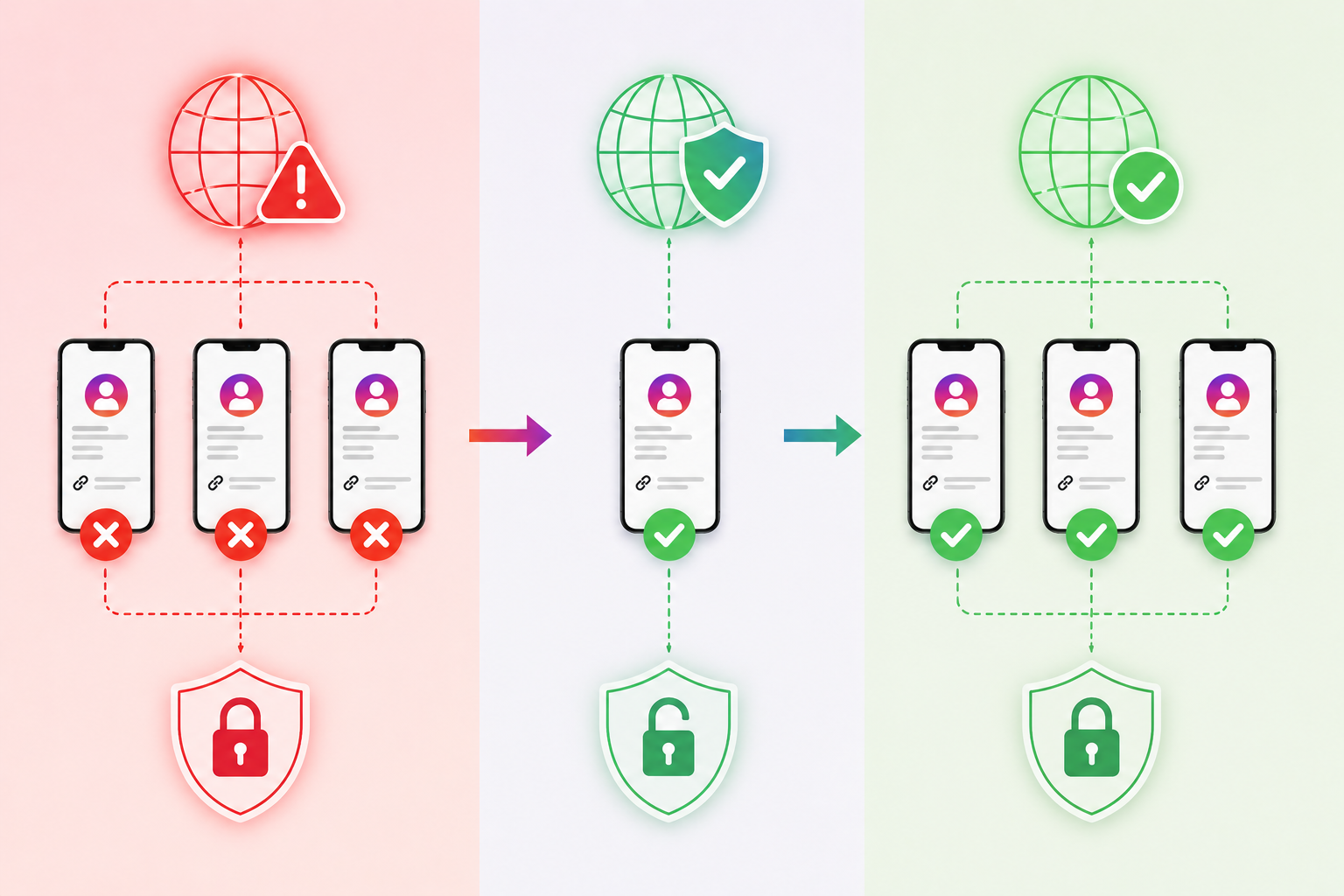
Once a domain is flagged, every account using that domain inherits the risk.
Switching to a fresh domain often resets the slate.
Continuing to use a flagged domain prolongs restrictions.
4. Direct links to fan platforms without protection
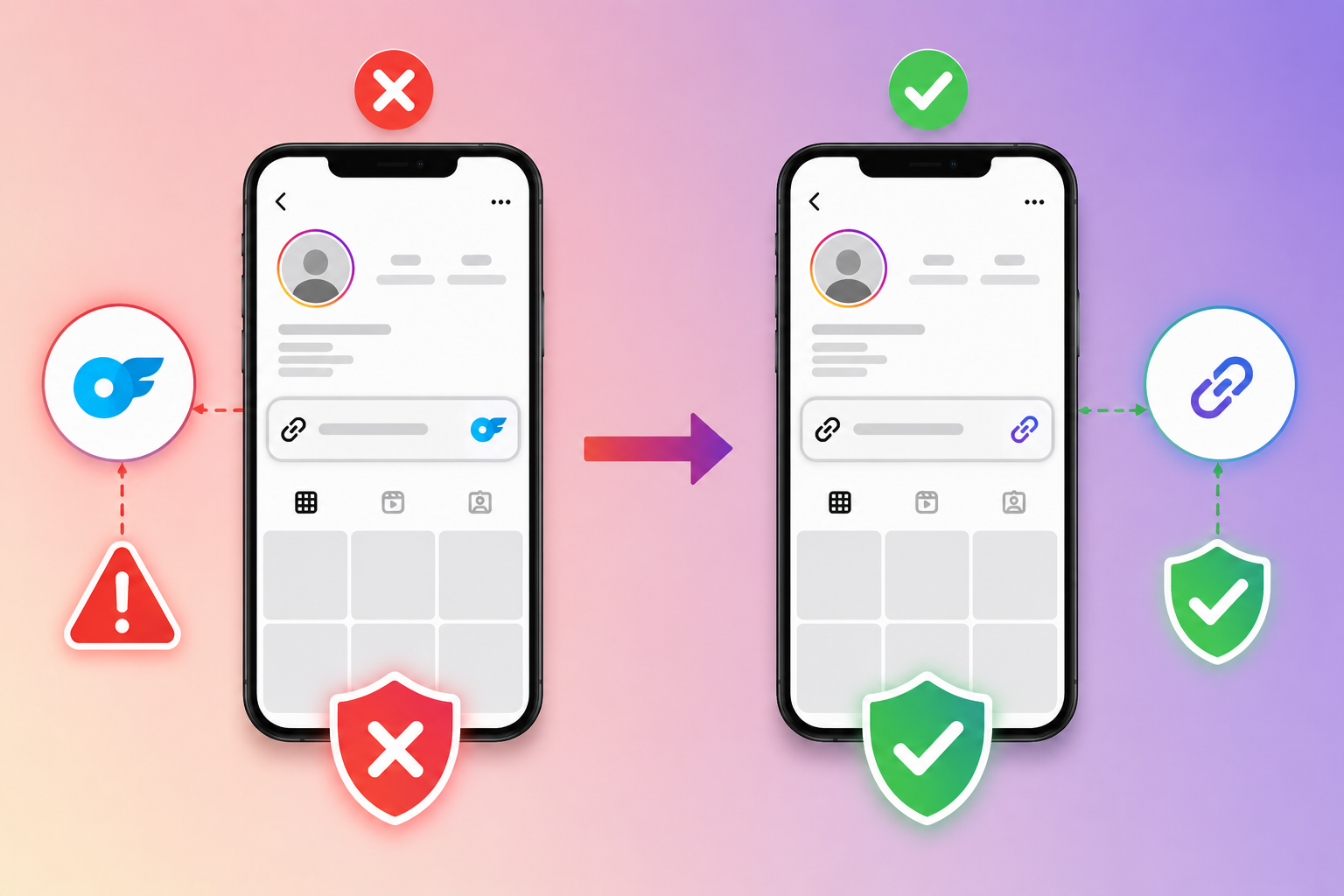
Putting a raw OnlyFans URL in your bio is the fastest way to get flagged.
Instagram’s automated systems scan bio links continuously.
For specific tactics on protecting these links, see our guide on how to bypass OnlyFans link bans.
5. Sensitive imagery on your landing page
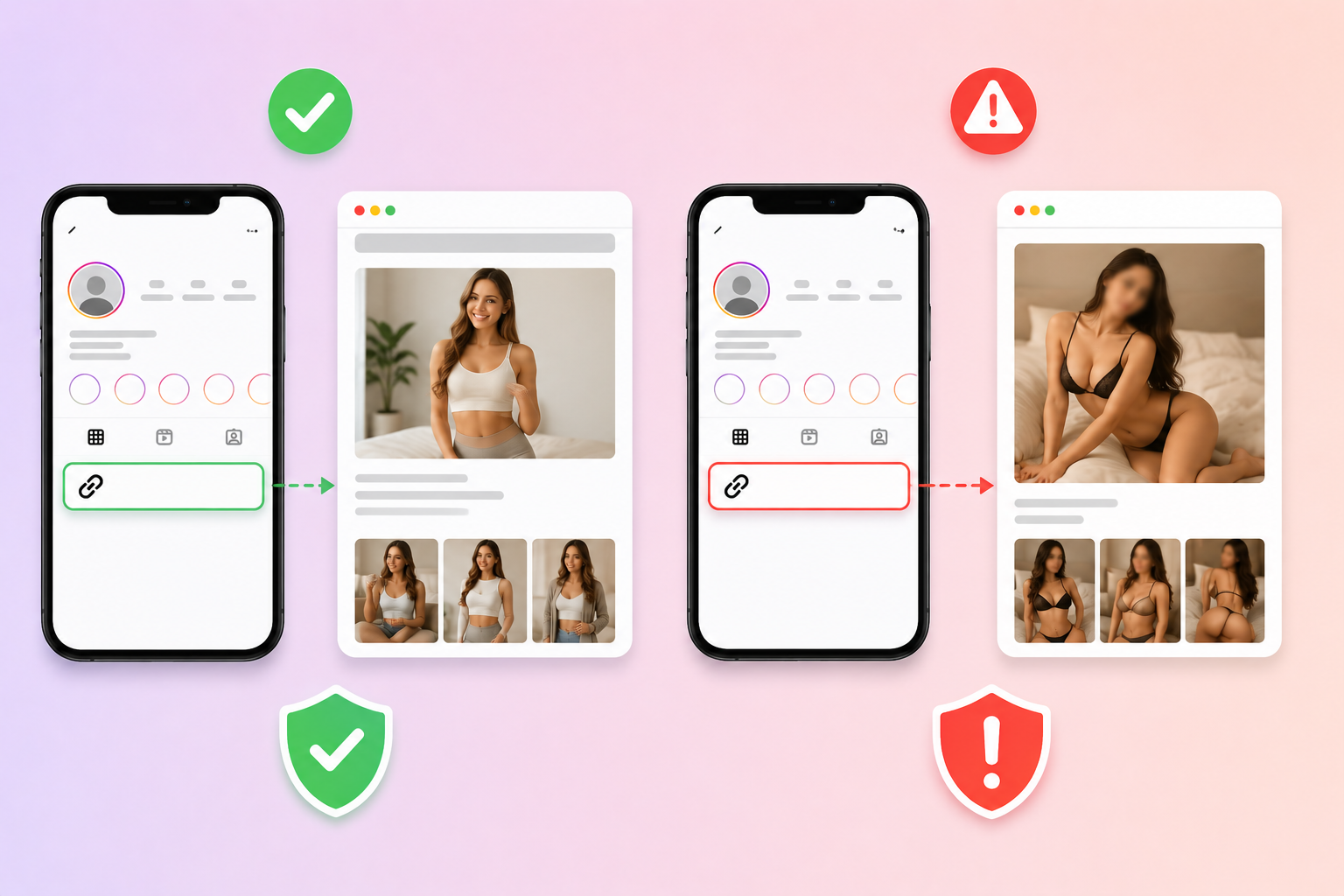
Even if your Instagram content is clean, a landing page with explicit images gets your link flagged.
The crawler doesn’t care that the image lives on a separate site.
It associates your bio with what it finds.
6. Adding a link too fast on a new account
New accounts that immediately add bio links face higher scrutiny.
Meta treats this as bot-like behavior or paid promotion.
Wait at least one week of organic activity before adding any link.
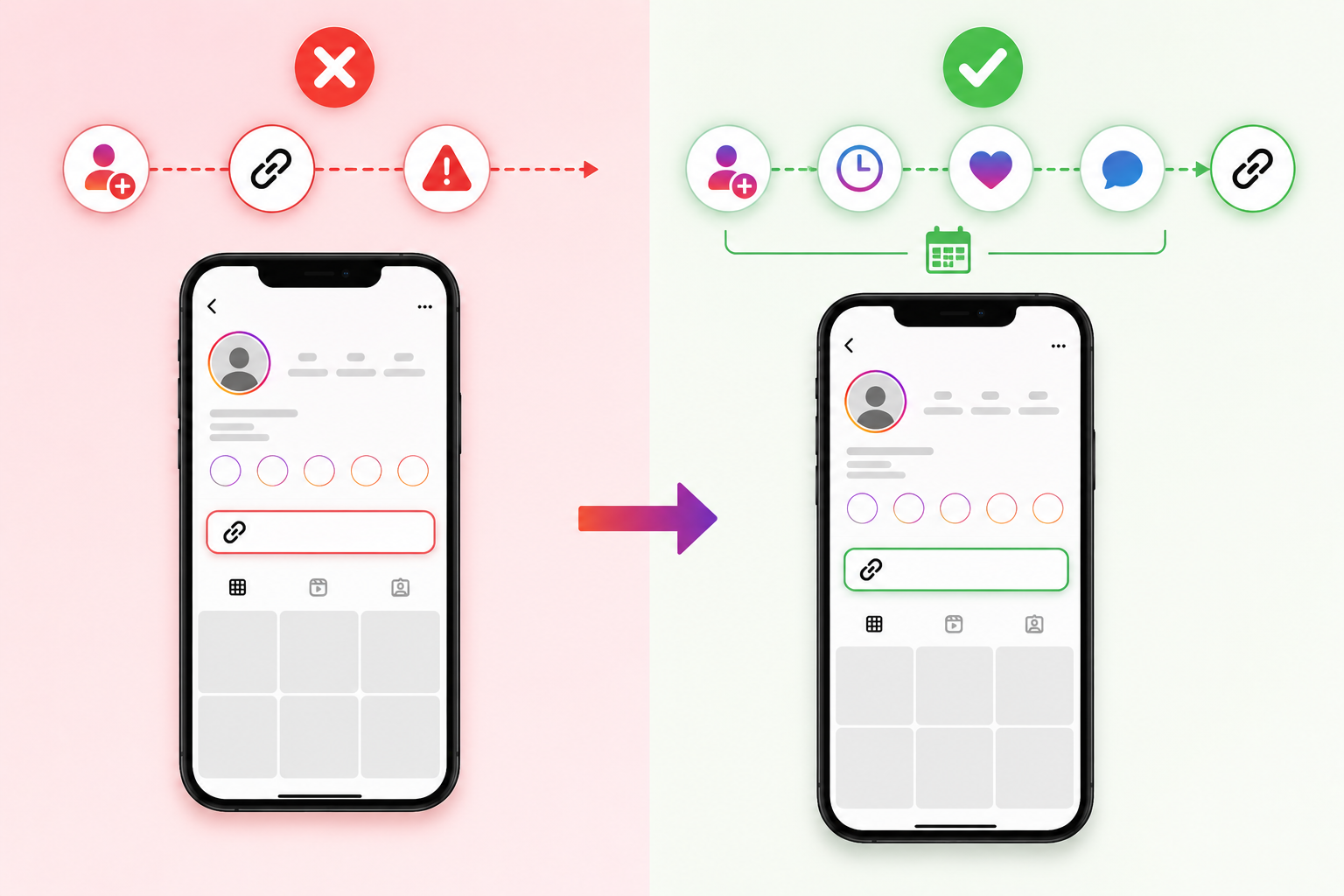
How Do You Prevent Instagram Bans Before They Happen?
Prevention is dramatically easier than recovery. These are the methods that actually work.
Run each account from its own environment
Meta’s device-clustering detection treats multiple Instagram accounts on the same phone, browser, or IP address as a single suspicious footprint.
Multilogin for multiple Instagram accounts gives each profile a separate real Android cloud phone, each with its own device signals, app data, and IP, so no shared fingerprint ties the accounts together.
Multilogin offers a free plan with no time limit and no credit card required, and paid plans start from $7.08/month.
Use a custom domain instead of a shared one
Generic shared domains (like Linktree’s default URL) carry the reputation of every user on the platform.
If one creator gets flagged, the entire domain reputation suffers.
A custom domain isolates your reputation.
If something goes wrong, you can switch to a fresh domain and start clean without rebuilding your entire link infrastructure.
Beyond ban prevention, branded domains also build trust and improve click-through rates. Learn more in our guide on branded short links for Instagram.
For agencies managing multiple creators, having multiple custom domains creates redundancy.
When one gets flagged, you swap to another within minutes.
Linko supports branded domains across paid plans, with automatic SSL provisioning. For setup steps, see Linko’s branded domain guide.
Hide your referrer header
When users click a link, the destination site receives a referrer header showing where they came from.
Hiding the referrer prevents this exposure.
This breaks the trail Instagram and destination platforms use to map traffic patterns between your accounts.
Use deep linking to bypass in-app browsers
When someone clicks your bio link from Instagram, the platform opens it in its in-app browser.
This logs the destination AND breaks user logins, killing your conversions.
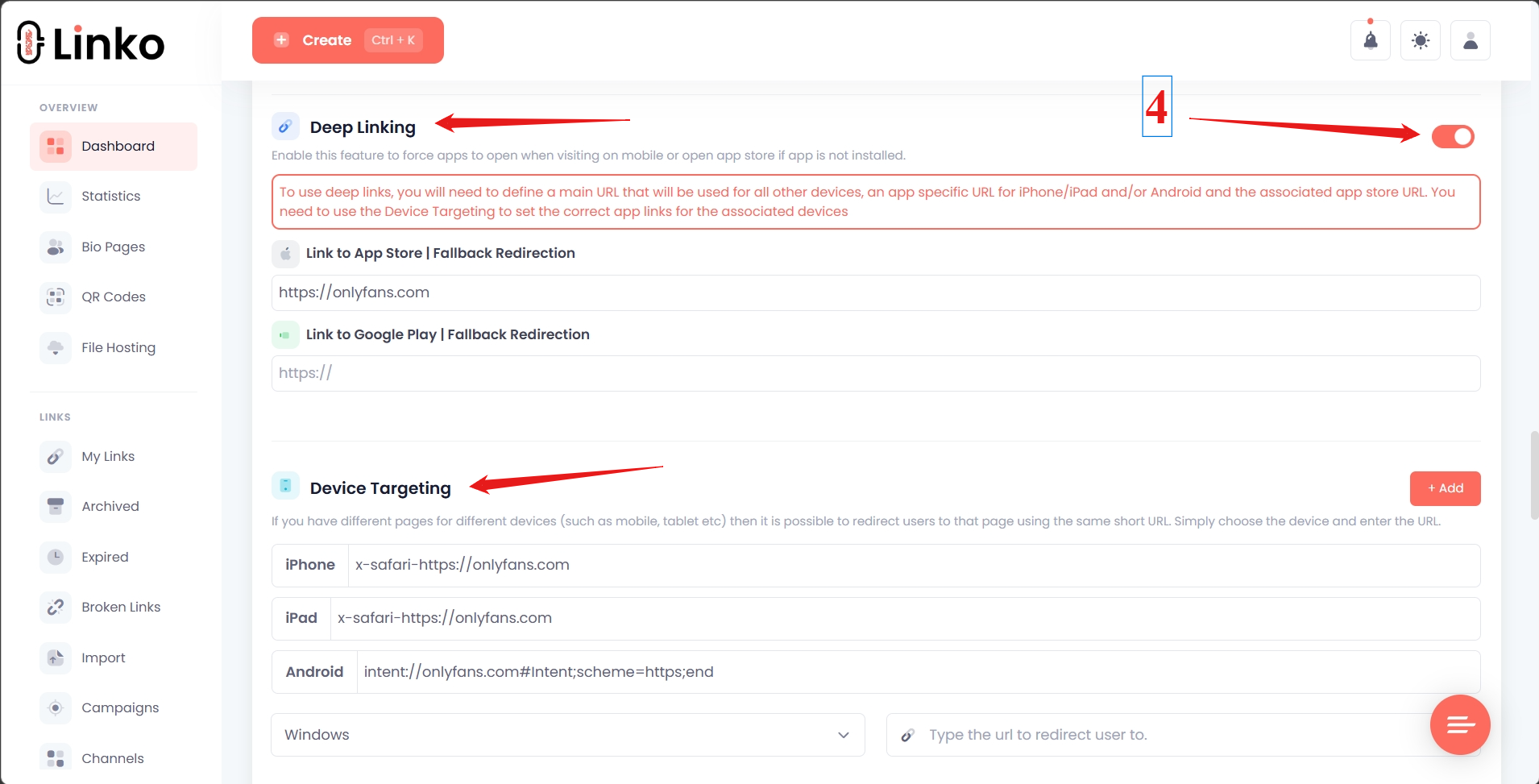
Deep linking forces links to open in Safari (iPhone) or Chrome (Android) instead.
Two benefits at once:
- Instagram can’t log the final destination
- Users land already logged into OnlyFans with payment methods saved
For the full setup process, see how to open OnlyFans links in Safari from Instagram.
Avoid trigger words and adult emojis everywhere
This includes:
- Bio text
- Captions on posts
- Story text
- Comments you make on others’ posts
- Your landing page text
Common trigger words to avoid: “OnlyFans,” “subscribe,” “exclusive content,” “spicy,” “VIP.”
Common trigger emojis: 🍑 🍆 💦 🔥 (in adult contexts) and various heart emojis combined with suggestive language.
Wait before adding links on new accounts
New Instagram accounts should:
- Post organic content for at least 7 days before adding any link
- Engage with the platform like a regular user (scrolling, liking, commenting)
- Add a link to a clean landing page first (no adult content)
- Only after a few hours, swap to a protected destination using a custom domain and deep linking
This pattern gives Instagram’s algorithm a clean baseline to work from.
Mark your profile as 18+
If you have a Creator or Business account, mark it as 18+ in your profile settings.
This signals to Meta that adult-adjacent content is intentional and age-gated, reducing the chance of automatic flagging.
Avoid posting on the same device as multiple accounts
Use separate devices, browsers, or, at minimum, different IP addresses for different accounts.
Even if you legitimately run multiple profiles, Meta treats device clustering as suspicious.
What Should You Do If Your Account Is Already Flagged?
Recovery is possible but requires patience and a different strategy than prevention.
Step 1: Check your account status
Go to Settings → Account Status and look for the indicator.
- 🟢 Green: Your account is clear; no current restrictions
- 🟠 Orange/Yellow: You’re flagged; reach is reduced
- 🔴 Red: Severe restrictions or imminent suspension
Check this weekly. It’s the most reliable signal Meta provides.
Step 2: Remove your bio link temporarily
If your account is orange or worse, the link in your bio might be the trigger.
Remove it for several days.
You can keep traffic flowing through story highlights or DMs while your account recovers.
Step 3: Get a new custom domain
Don’t reuse the flagged domain.
Even if you fix everything else, a flagged domain inherits its history.
Set up a fresh custom domain through your link management tool.
Step 4: Activate referrer hiding and deep linking
Before reintroducing your link, ensure both protections are enabled.
This prevents Instagram from detecting the same redirect pattern that got you flagged in the first place.
Step 5: Add the new link to a different placement first
Try the link in story highlights before putting it back in your bio.
This is a lower-risk surface area while you assess whether the algorithm has reset.
Step 6: Use an alternate account if the main one is permanently restricted
If your main account stays flagged for 30+ days, consider:
- Removing all links from the main account
- Creating a clean alternate account
- Adding the protected link to the alt account
- Redirecting your main audience to the alt
This keeps your main profile alive for content while moving the conversion funnel to a less-monitored account.
How Does Linko Help You Avoid Instagram Bans?
Linko’s link management features address most of the link-based ban triggers automatically.
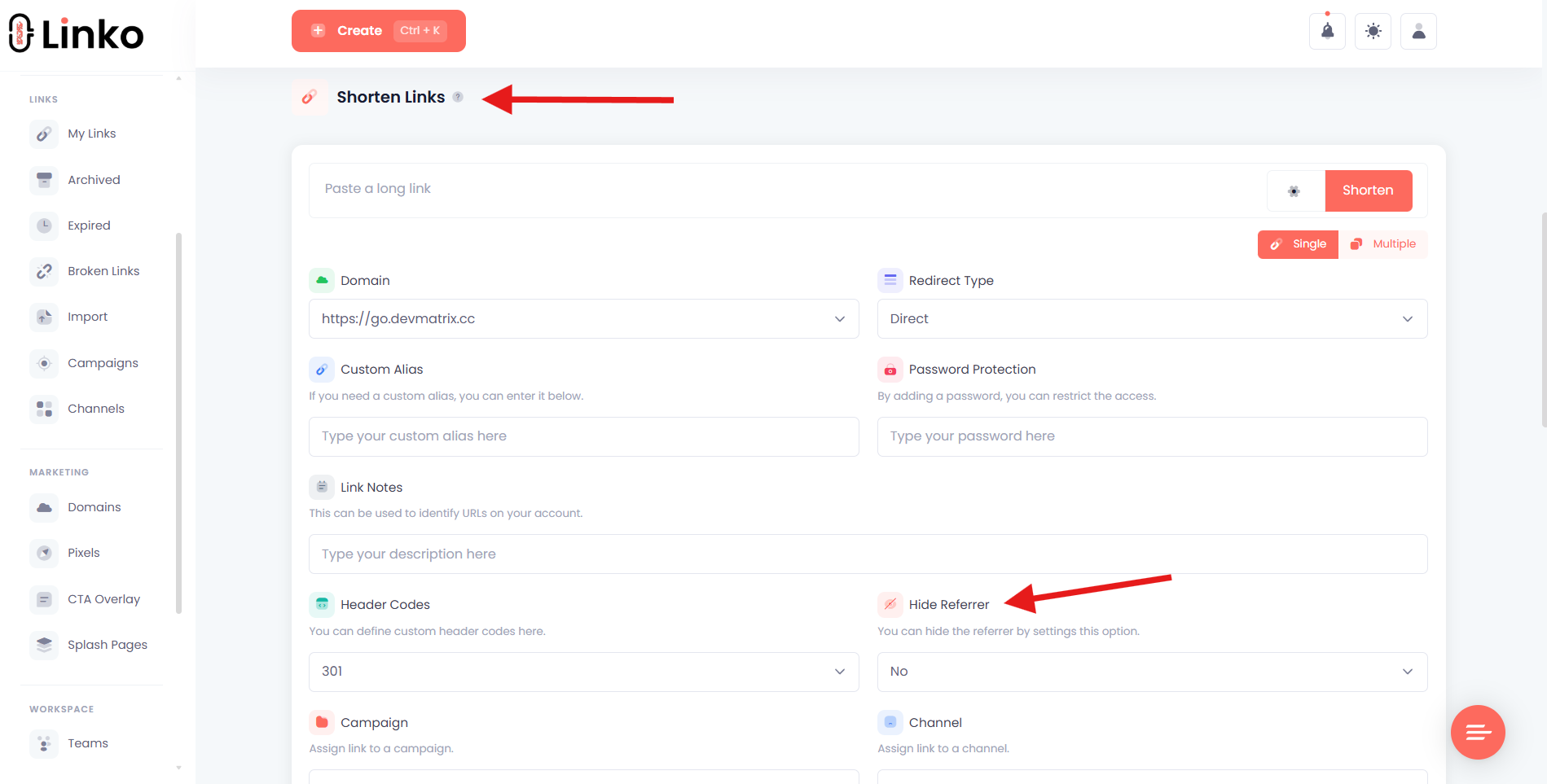
Referrer hiding blocks reverse tracking
The destination site can’t see that traffic came from Instagram.
This prevents reverse-direction tracking that some platforms use to identify Instagram traffic patterns.
Custom domains isolate your reputation
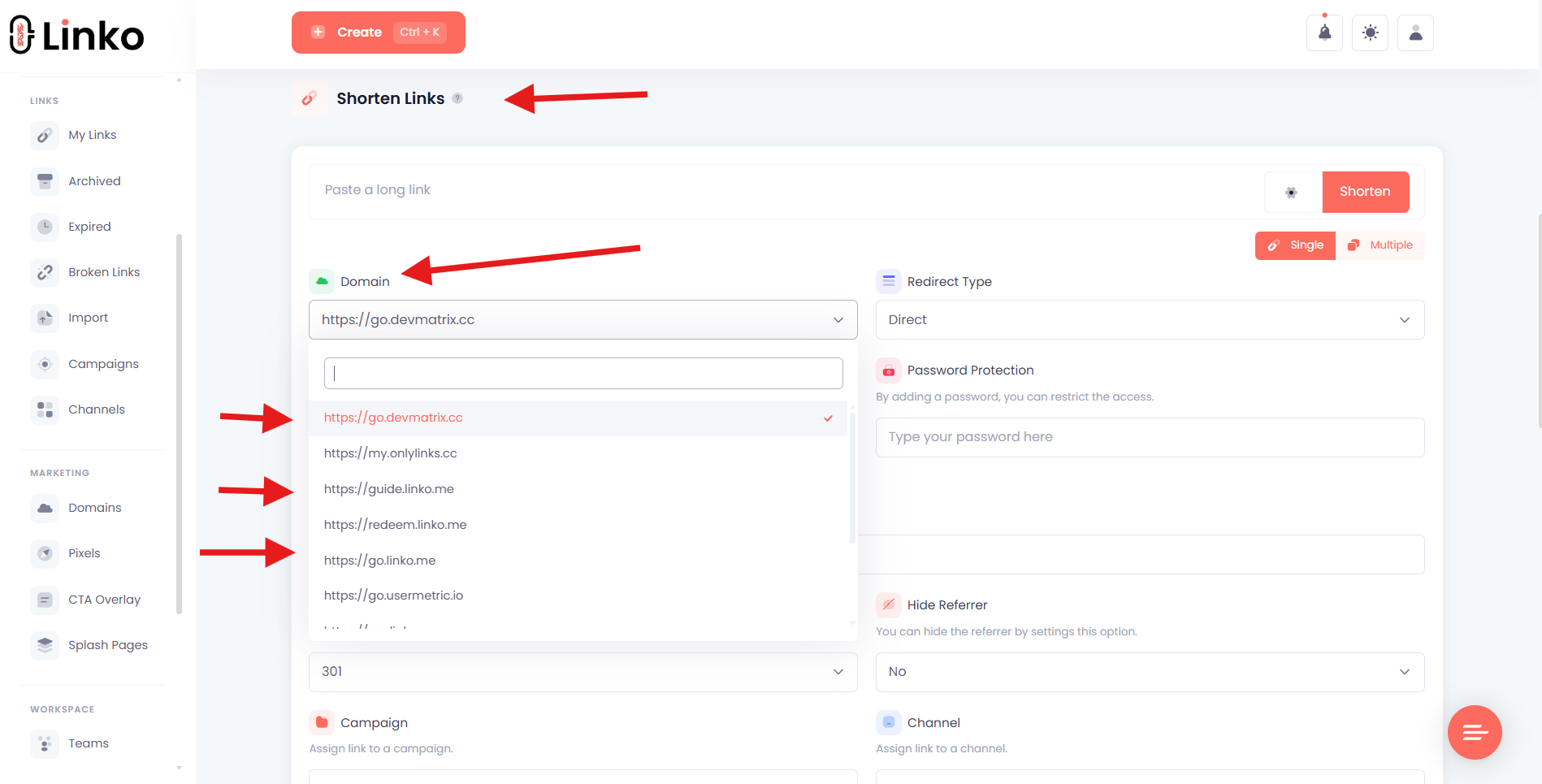
Bring your own domain or use one of Linko’s premium options.
If a domain ever gets flagged, switch to a fresh one in your dashboard, and your bio link gets the new identity automatically.
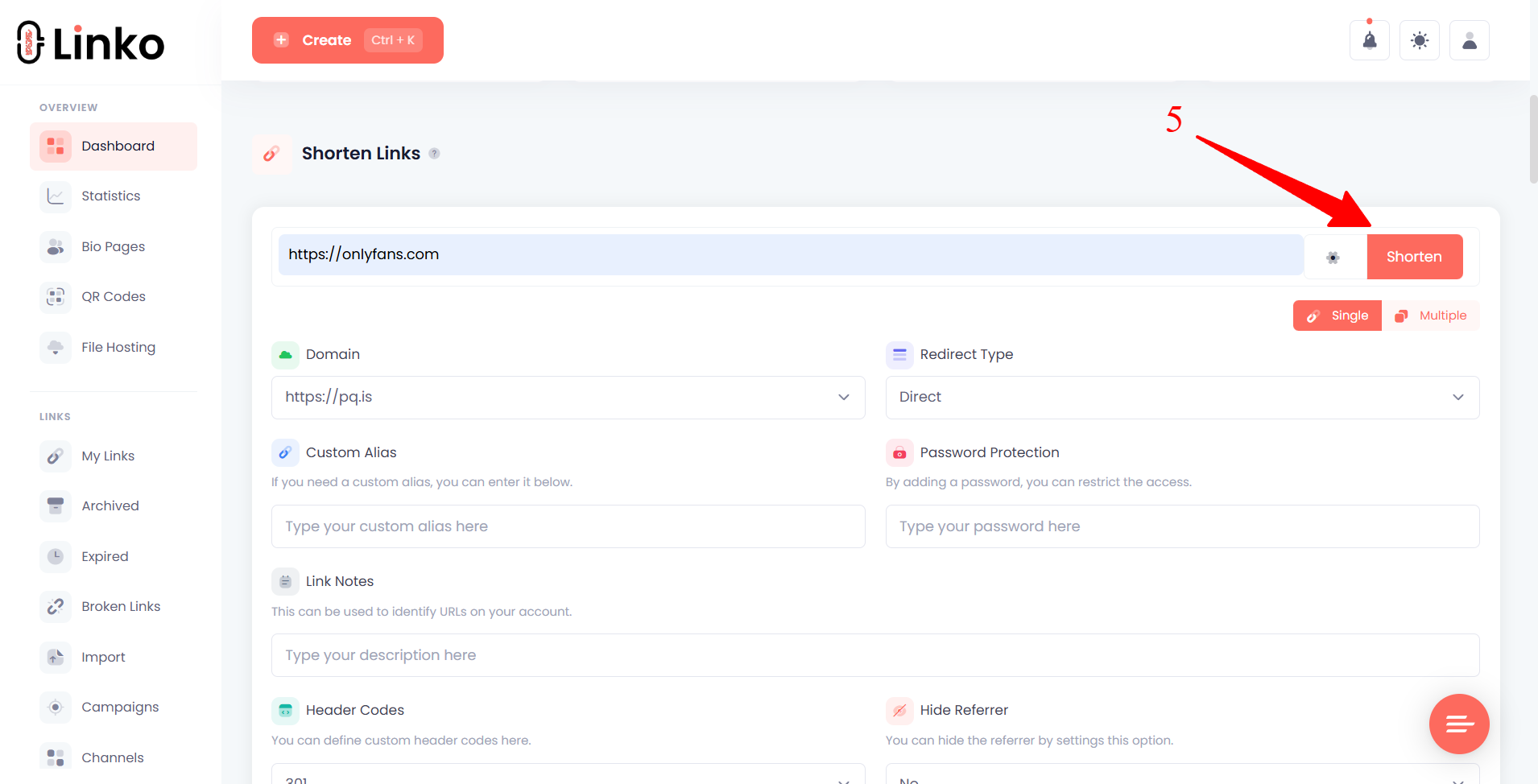
Deep linking bypasses Instagram’s in-app browser
Links open directly in Safari (iPhone) or Chrome (Android) instead of Instagram’s restricted browser.
This:
- Prevents Instagram from logging the final destination
- Lands users in their authenticated browser session
- Dramatically improves conversion rates from Instagram traffic
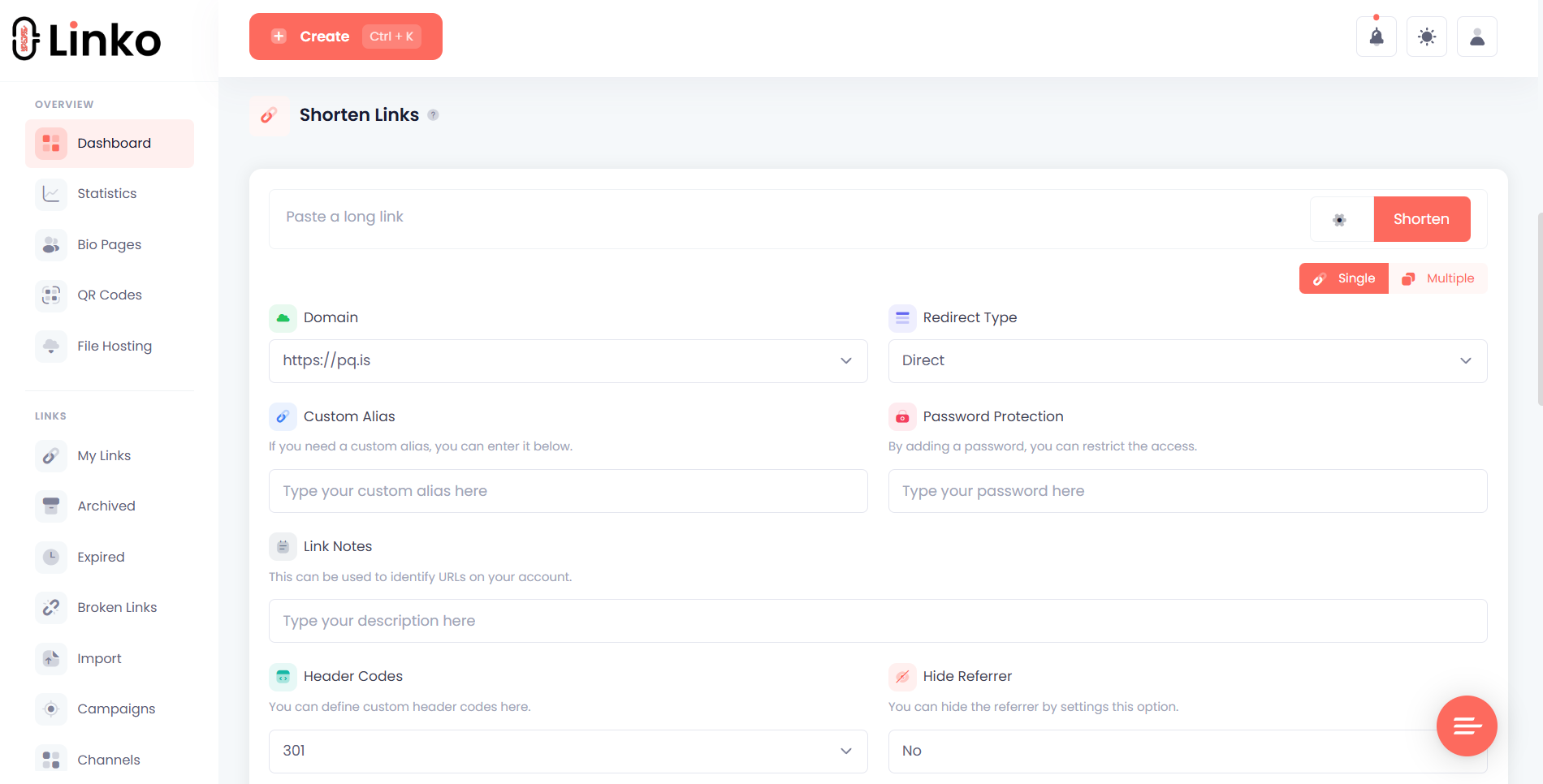
Multiple branded domains for redundancy
Agencies managing multiple creators can maintain several custom domains simultaneously.
If one gets flagged, the others stay active.
Switch creators between domains to spread risk.
For a complete view of the tools agencies use to manage creator portfolios, see our roundup of the best OnlyFans marketing tools for agencies.
API automation for high-volume operations
For agencies generating hundreds of unique tracked links daily, Linko’s API removes the manual work.
Each post gets its own short link, reducing the repetition pattern Instagram flags.
For the full automation workflow, see our guide on OnlyFans link automation with Linko API and Airtable.
Recommended Setup for OnlyFans Creators on Instagram
Combining everything above, here’s the safest setup creators should follow.
| Component | What to Do | Why It Matters |
|---|---|---|
| Account Type | Creator or Business, marked 18+ | Signals intentional age-gating to Meta |
| Domain | Custom branded domain | Isolates your reputation from shared domains |
| Link Protection | Referrer hiding enabled | Blocks reverse traffic identification |
| Referrer | Hidden | Blocks reverse traffic identification |
| Deep Linking | Enabled for iPhone and Android | Bypasses Instagram’s in-app browser |
| Bio Text | No trigger words, no adult emojis | Avoids text-based flagging |
| Captions | Storytelling, no platform mentions | Bypasses NLP-based detection |
| Posting Cadence | Vary content, avoid identical posts | Bypasses pattern detection |
| Account Status | Check weekly | Catches issues before they escalate |
Common Misconceptions About Instagram Bans
Myth: Linktree, Beacons, or AllMyLinks are banned
No link provider has been banned by Instagram.
The bans come from the type of content the moderation system detects, not the service itself.
Switching link providers without changing your protection setup just gives you the same problem with a different logo.
Myth: Deep linking violates Instagram’s terms of service
Deep linking is not prohibited by Meta’s terms of service.
It simply opens links in the user’s default browser, which is standard behavior for many types of links.
The fear comes from creators conflating deep linking with referrer hiding or other techniques.
Each is independent and individually compliant.
Myth: One mistake permanently bans you
Most flags are temporary.
Accounts marked orange typically recover within 2-6 weeks if you stop the triggering behavior immediately.
Permanent bans usually require multiple violations or clear policy breaches.
Myth: Mentioning OnlyFans is automatically banned
The word itself isn’t banned.
The pattern of “OnlyFans + CTA + adult-adjacent content” is what triggers flags.
Many sex educators and journalists mention OnlyFans regularly without issues because they don’t combine it with promotional intent.
Frequently Asked Questions
Does Instagram ban OnlyFans creators?
Instagram doesn’t ban accounts for being on OnlyFans.
They ban specific behaviors: explicit content, direct adult platform links, and patterns of suggestive posting.
Creators who avoid these triggers can promote successfully.
How long does an Instagram shadowban last?
Most shadowbans last 14-30 days if you stop the triggering behavior.
Severe or repeated violations can extend this to several months.
Very few accounts experience permanent shadowbans without clear policy breaches.
Can I check if I’m shadowbanned?
Yes.
Go to Settings → Account Status in the Instagram app.
The color indicator (green, orange, or red) tells you your current standing.
You can also check by asking non-followers if your hashtagged posts appear in their Explore feed.
Should I switch link providers if I’m flagged?
Switching providers without changing your protection setup won’t help.
What works is changing your custom domain (within the same provider or a different one) and enabling referrer hiding.
Instagram sees a fresh domain, not the platform behind it.
What’s the safest way to link to OnlyFans from Instagram?
The safest setup combines two elements: a custom-branded domain and deep linking activated.
This protects against detection at every layer Instagram monitors.
Will using a link shortener get me banned?
Generic shortener domains (bit.ly, tinyurl, etc.) increase risk because they’re shared across millions of users.
A custom branded domain through a link management tool is significantly safer.
Stay Ahead of Instagram’s Moderation
Instagram’s AI moderation will keep evolving.
The patterns that trigger bans today will shift, and new ones will emerge.
The creators who survive long-term aren’t the ones gaming the algorithm.
They’re the ones who set up protective infrastructure once and maintain clean content discipline.
Custom domains, deep linking, and referrer hiding form the foundation.
Without them, you’re hoping Instagram doesn’t notice.
With them, you control what Meta can see.
Create your free Linko account to set up protected links for your Instagram bio.
For agencies managing multiple creators, the Business or Agency plan includes custom domains, full API access, and the protective features needed to keep accounts safe at scale.
Comments