
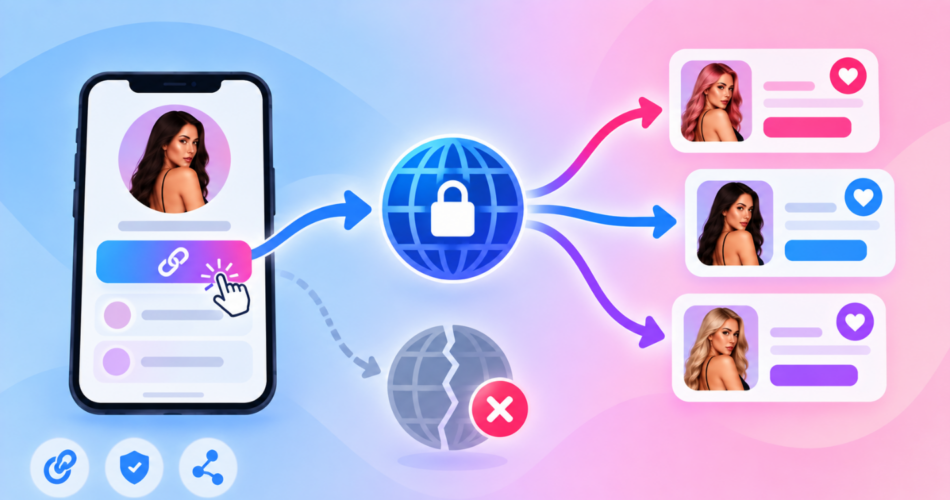
A custom domain protects you from other people’s reputation.
That is the real benefit, and it is worth paying for.
What it does not do is make your link acceptable to a platform that objects to your destination, or rescue an account that is already restricted.
Plenty of creators buy a domain expecting the second thing and get frustrated when it does not happen.
Here is what an owned domain actually changes, how to decide between one domain and one per creator, and the parts of the setup that usually break.
Key Takeaways
- A shared shortener domain means one stranger’s behaviour can affect your links. Your own domain ends that.
- One domain can host unlimited separate links, so you do not need a domain per link or per platform.
- The real decision is blast radius: one domain is cheaper and simpler, several isolate your creators from each other.
- Check a domain’s history before you buy it, since you inherit whatever the previous owner did with it.
- No domain setup prevents moderation. It changes the hostname, not your destination or your account standing.
What Does a Custom Domain Actually Do for an OnlyFans Link?
It replaces the hostname in front of your link.
Instead of a shared domain used by thousands of other people, the link sits on a domain only you control.
Three things follow from that, and they are worth separating because only the first is really about safety.
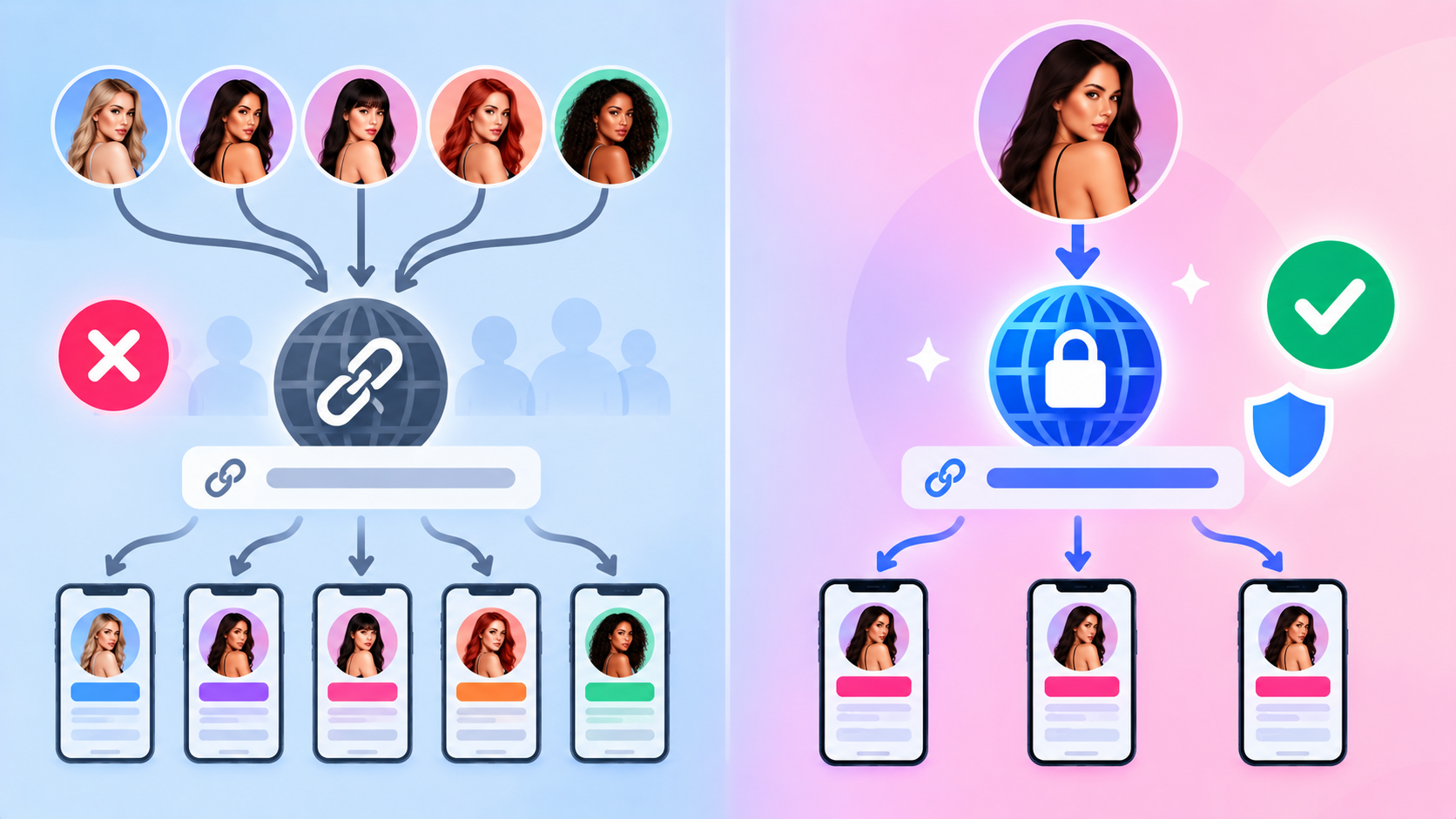
You stop sharing a reputation
On a shared shortener domain, your links inherit the aggregate behaviour of everyone else using it.
If enough of them get reported, the domain’s standing drops and your link is affected without you doing anything wrong.
Your own domain has only your traffic on it.
That is the single strongest argument for one, and it is the reason the shift happens after a shared domain gets restricted rather than before.
You control the destination permanently
Because you own the domain, you can repoint any path at any time.
If a destination changes, you edit the link rather than republishing a new URL across every bio, post, and DM template.
You look like a brand rather than a redirect
A recognisable domain gets tapped more often than an anonymous shortener.
Our comparison of a branded link versus a generic link covers that effect in detail.
Why Did Creators Switch to Custom Domains?
Not gradually, and not for branding.
It happened after a shared link-in-bio domain was restricted on Instagram, and the advice went out to move everyone onto their own domains immediately.
That episode is the entire reason this is a common question.
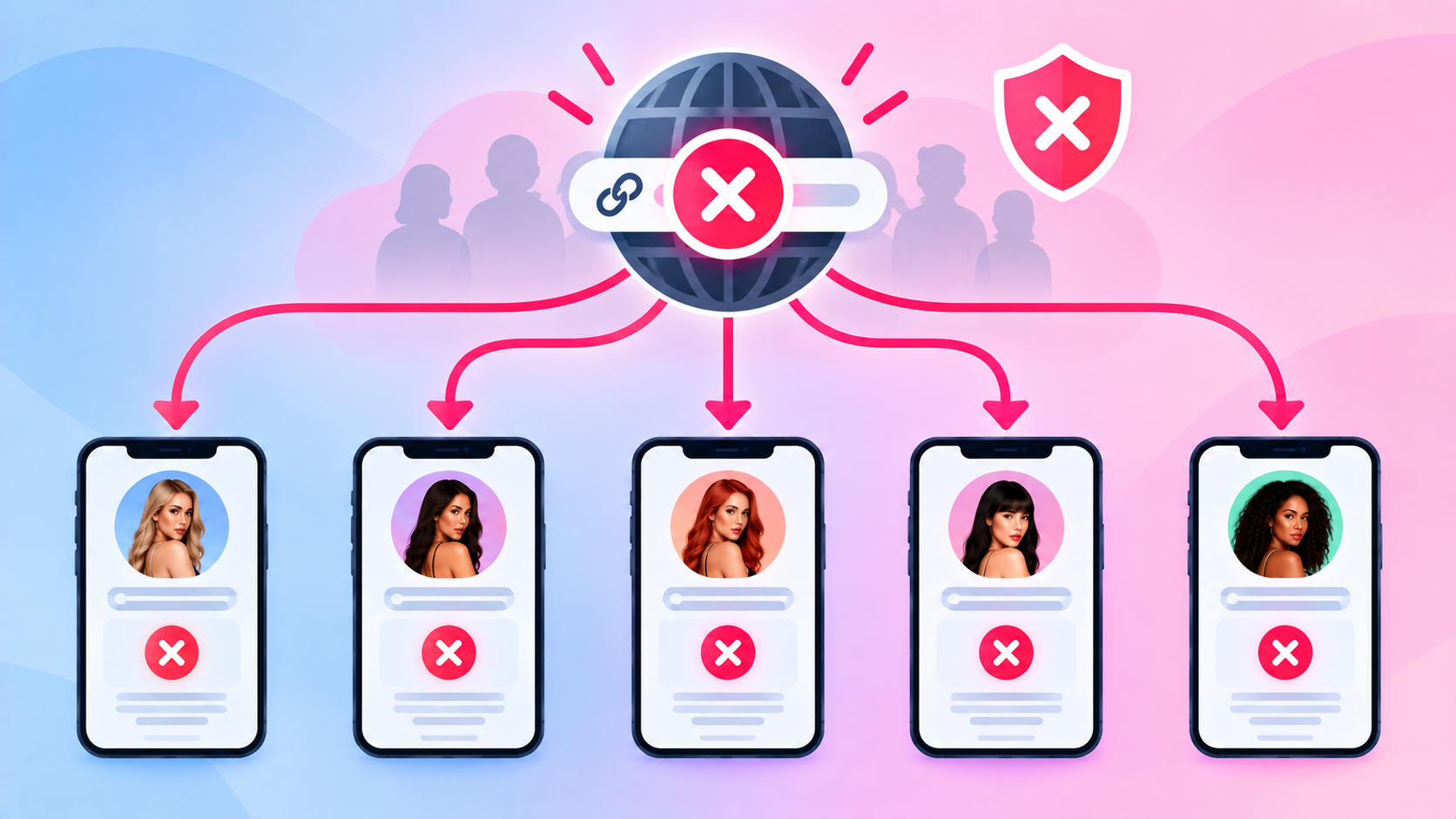
It demonstrated the concentration problem better than any argument could: when a domain serving a whole market gets blocked, every creator on it loses their bio link at the same time.
The lesson is not “custom domains are safe.” It is “a domain shared by a whole niche is a single point of failure.”
One Domain, or One Per Creator?
This is the question that actually matters, and the advice circulating in creator communities contradicts itself.
- Some people are told one domain is plenty.
- Others are told to run one per model to be safe.
Start with the technical fact, because it removes half the confusion: one domain can host unlimited separate links.
You do not need a domain per link, per platform, or per campaign.
Paths handle that:
yourdomain.com/model1yourdomain.com/model2yourdomain.com/model1-reddit
So the real question is not capacity.
It is what happens when something goes wrong on one of those paths.
The blast radius decision
| Setup | Cost and admin | What happens if one path is flagged | Best for |
|---|---|---|---|
| One domain, many paths | Lowest | Risk that the whole domain is affected, taking every creator with it | Solo creators, small rosters |
| One domain per creator | Highest | Isolated. Other creators unaffected | Agencies with valuable accounts |
| One domain per group of creators | Moderate | Limited to that group | Most agencies at scale |
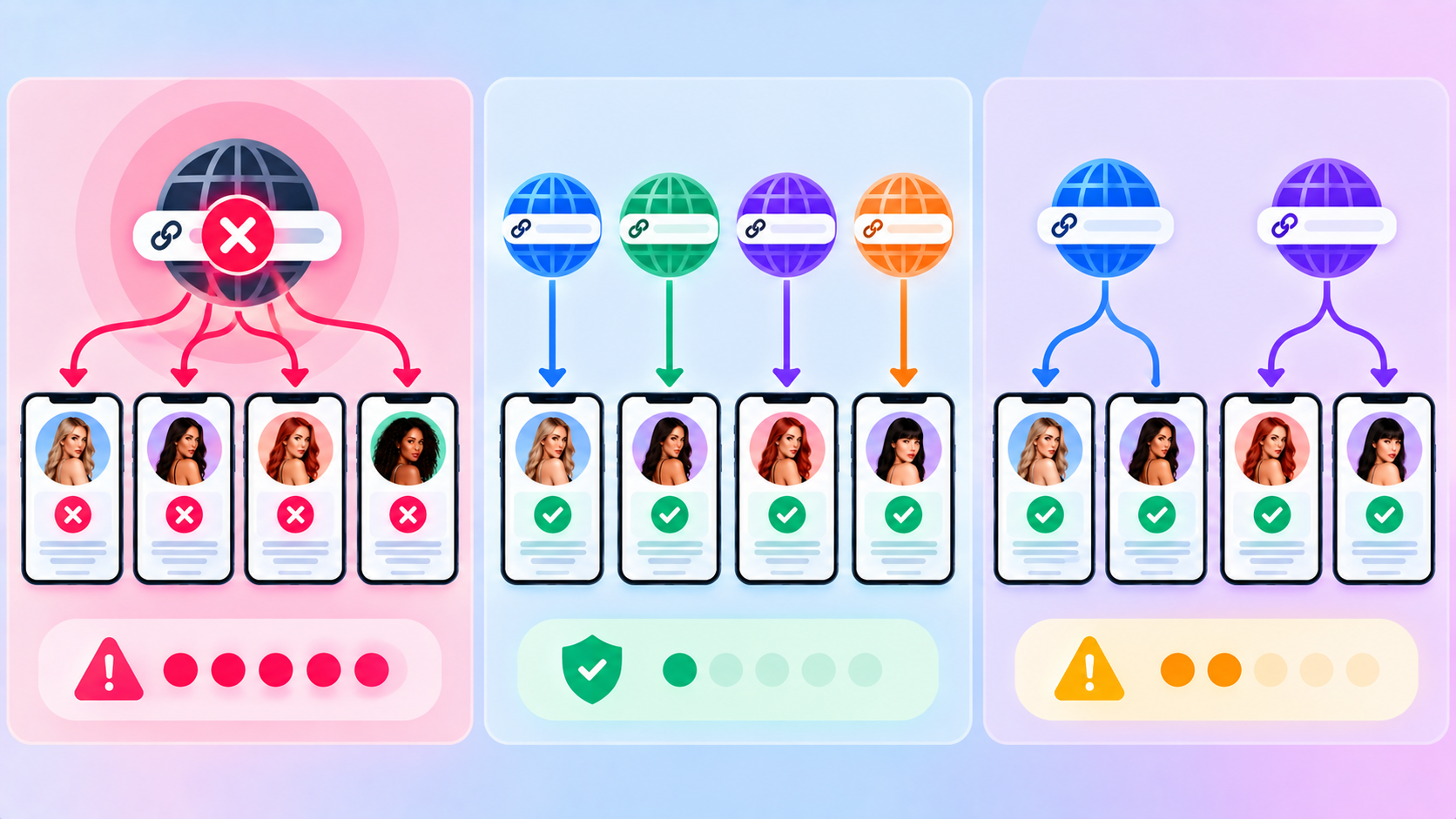
Creators do ask this directly, wanting to know whether a ban on one account spreads to every other account sharing the domain.
There is no published answer from any platform, and anyone claiming a definitive one is guessing.
What is reasonable is to treat it as concentration risk rather than certainty.
You are choosing how much you lose in the worst case, and paying for that in admin.
My practical read: group your creators rather than going to either extreme.
A domain per group keeps the failure contained without turning DNS management into a full-time job.
And before you buy anything new, confirm whether a flag actually landed on your whole domain or just one path, which is a free check covered in how to tell if your domain is blocked.
How Do You Choose the Domain Name?
Two rules matter more than creativity.
Check what the domain was before you owned it
Expired domains are cheap for a reason.
If the previous owner used it for spam or malware, that history follows the domain and you inherit a flagged asset on day one.
Run the name through Google’s Safe Browsing site status tool before you buy.
It takes ten seconds and it is the difference between a clean start and paying for someone else’s problem.
Keep the name neutral and short
A name containing explicit words is easier to filter on sight and harder to put in a bio.
Neutral, brandable, and short travels better across every platform.
A plain .com still carries the least friction.
Cheaper novelty extensions are fine, but some are disproportionately used for spam, which means the extension itself can attract suspicion.
If you already have a main site, a subdomain like go.yourdomain.com works without buying anything new.
How Do You Connect It?
The mechanics are the same for any link platform: buy the domain, point a DNS record at your provider, wait for propagation, then create links on it.
We have a full walkthrough with the exact record types and steps in how to create branded short links with a custom domain, so this section stays short on purpose.
What is worth adding here is the creator-specific part: decide your path convention before you create a single link.
Retrofitting a naming scheme across 200 links is miserable.
A convention that survives scale:
/creatornamefor the main bio link/creatorname-platformfor source tracking/creatorname-promo-monthfor time-limited campaigns
That structure also makes per-source reporting readable later, which is the subject of our OnlyFans link tracker guide.
Decide what sits at the end of each path too, whether that is a redirect or a page you control.
Our guide to what to include on an OnlyFans landing page covers the page side.
What Usually Breaks the Setup?
Five things account for nearly every failed connection.
- Proxying left on. If your DNS provider proxies traffic through its own network, your link platform may not be able to validate the domain. Turning proxying off for that record usually fixes it.
- Waiting less than DNS needs. Propagation can take minutes or hours. Most “it does not work” reports are impatience.
- The wrong record type. A root domain and a subdomain need different records. Copying instructions for the wrong one silently fails.
- Expired registration. An expired domain looks exactly like a block from the outside, and it is a genuinely common cause.
- Assuming you must configure SSL. On a platform with automated certificates you do not. If you see a certificate warning, the domain is usually just not finished validating.
Test from a phone on mobile data rather than your own network before you publish the link anywhere.
What a Custom Domain Will Not Do
This section exists because the expectation gap here causes real losses.
It does not make a prohibited destination acceptable
Moderation systems follow the redirect.
Meta’s spam policy also treats showing its systems different off-platform content than users see as cloaking, so building a domain setup designed to disguise the destination is a violation in itself rather than a clever workaround.
It does not fix a restricted account
If your account is already flagged, a fresh domain gets treated the same way, because the account is the variable.
That is covered in how to avoid Instagram bans.
It does not come with a lifespan
Creators ask how long a custom domain will “resist” a ban.
There is no answer to that, and any number you see is invented.
It depends entirely on what you point it at, where you promote it, and your account’s standing.
It does not necessarily hide which platform you use
One creator noticed provider branding still reachable through a file on the root of their custom domain and asked whether the setup was genuinely opaque.
It is a fair question, and the honest answer is that a custom domain changes the visible hostname rather than erasing every trace of the underlying service.
Treat a custom domain as reputation isolation and brand control.
Those are real and worth paying for. Invisibility is not on the list.
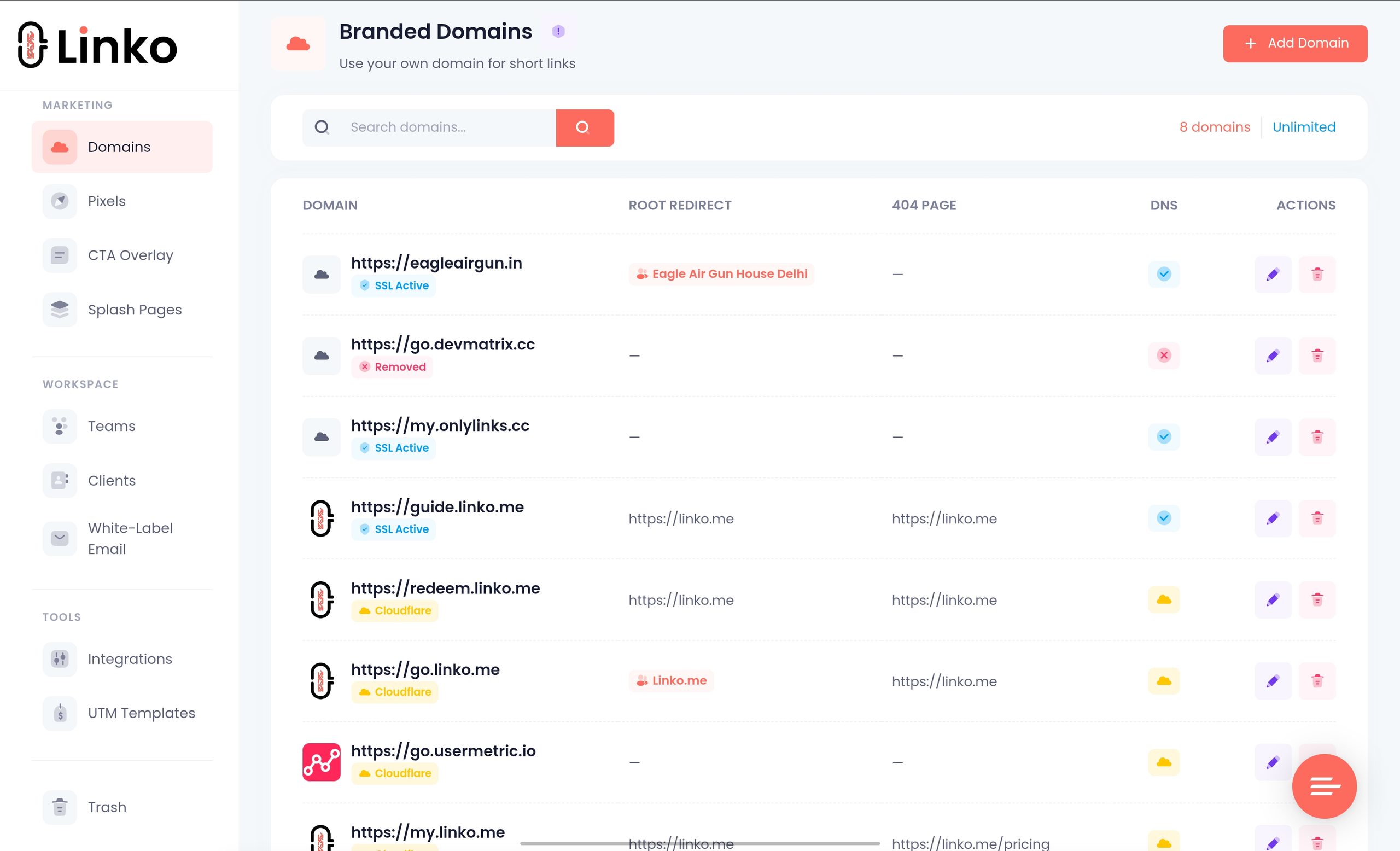
How Does Linko Handle Custom Domains?
The parts that matter for a creator setup rather than a generic one:
- DNS validation with Cloudflare detection. Linko’s domain system support cloudflare proxying.
- Domain monitoring with email alerts. You find out your domain stopped resolving before your followers do.
- Automated SSL. Certificates are issued and renewed for you, so there is nothing to configure.
- URL fallback. If a custom domain becomes unavailable, links can fall back rather than dying outright.
- Editable aliases. Change a flagged path without touching the domain, which is the cheap fix most people skip.
- A Bio Page as the domain root, so
yourdomain.comitself can be a page rather than an empty address. - Domain-scoped team access. Members and clients see only the domains you assign them, which matters once several creators share an account.
- Non-English domains are supported if your audience needs one.
Branded domain counts are 2 on Starter, 5 on Pro, 20 on Business, and 50 on Agency plan, which is the practical constraint on the grouping strategy above.
Free plans include system domains but not your own branded domain.
Current limits are on the pricing page.
Agencies running this across a roster can see the wider setup on the creator marketing solutions page.
Frequently Asked Questions
Do I need a custom domain for my OnlyFans link?
You do not need one to start, but it removes a real risk. On a shared shortener domain, other people’s behaviour affects your links, and that is the problem an owned domain solves.
How many custom domains do I need for multiple creators?
Technically one, since a single domain hosts unlimited paths. Strategically, grouping creators across a few domains limits how much you lose if one gets flagged, which is why most agencies end up with several rather than one or one each.
Will a custom domain stop Instagram flagging my link?
No. It isolates you from other people’s domain reputation, which is worth having, but moderation follows your link to its destination and your account’s standing still applies.
Can I use one domain for both my bio page and my short links?
Yes. You can set a page as the domain root and still create separate short-link paths on the same domain.
Is a cheap expired domain a bad idea?
Often, yes. You inherit its history, so check it against a safety tool before buying. A clean new registration is usually worth the few extra dollars.
What happens to my links if the domain expires?
They stop working, and it looks identical to being blocked. Set the registration to auto-renew, because this is one of the most avoidable ways to lose all your traffic at once.
Own the Domain, Not the Illusion
Buy a domain for the right reason.
You are separating your links from a crowd whose behaviour you cannot control, and taking permanent ownership of where your traffic goes.
Decide the structure before you scale.
Pick a path convention, group your creators so one problem does not take out the roster, and check any secondhand domain’s history before you pay for it.
Then keep your expectations honest.
What you have bought is isolation and control, not immunity.
The destination and your account still decide what happens next.
If you want a domain connected with validation, monitoring, and automatic certificates handled for you, you can set one up on Linko from the Starter plan.
Comments