
Before you pay for a tracking tool, open your OnlyFans settings.
The feature you are looking for is already there and it is free.
OnlyFans has built-in tracking links that show how many people clicked and how many of those clicks became subscribers.
That second number is the one that matters, and no outside tool can see it.
What the built-in feature cannot tell you is who those clickers were, where they came from, or how many were bots.
That is the gap you fill with a short link.
Here is how both halves work and how to run them together.
Key Takeaways
- OnlyFans tracking links are free and built in, found under Settings, then Profile, then the Subscription section.
- They report clicks and subscriptions per link, which is data no third-party tracker can access.
- They cannot show device, country, referrer, or filter out bots, and the URL cannot be branded or edited.
- Put a short link in front of your OnlyFans tracking link so you get click detail and subscriber attribution together.
- Proper tracking needs one link per source per creator, so link volume becomes the real limit at agency scale.
What Is an OnlyFans Link Tracker?
The phrase means two different things, which is why searching it returns confusing results.
OnlyFans tracking links are a native feature.
You create a unique version of your profile URL for each place you promote, and OnlyFans reports on it.
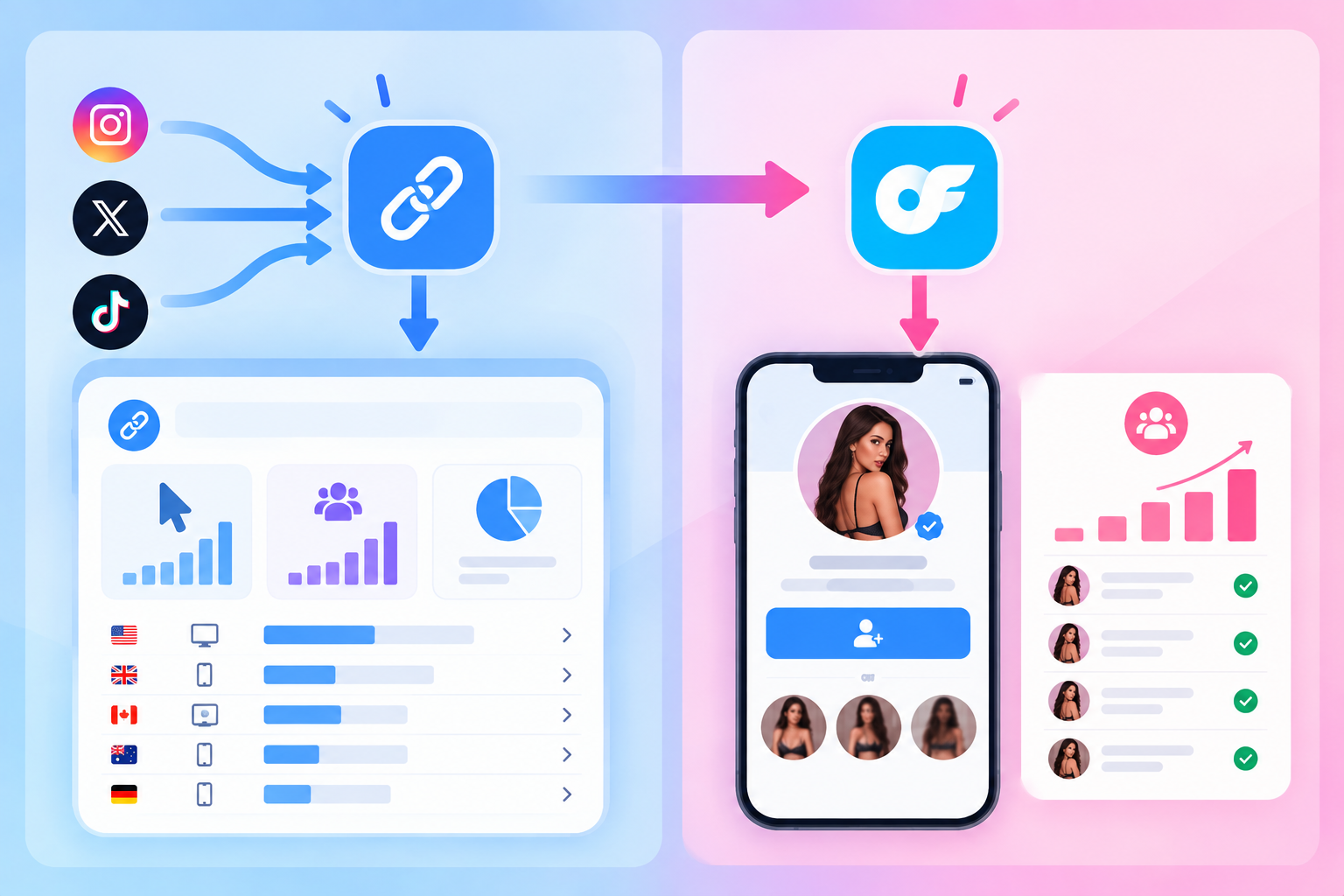
A link tracker is a separate tool, usually a short link service, that counts and analyses clicks before sending someone onward.
They measure different things. One sees inside your OnlyFans account, the other sees the visitor.
You want both, and neither replaces the other.
How Do You Create an OnlyFans Tracking Link?
This takes under a minute and costs nothing.
- Open OnlyFans and go to Settings.
- Open the Profile submenu.
- Scroll to the Subscription section and select Tracking links.
- Click Create New Tracking Link.
- Name it after the exact place you will use it, such as
reddit-bioortiktok-nov-promo. - Copy the generated link from the Recent list and use it in that one place only.
According to OnlyFans’ own explanation of the feature, each link is a modified version of your normal profile URL, and the dashboard shows how many clicks it generated plus how many of those clicks turned into subscriptions.
Name them properly on day one.
A dashboard full of links called “link 1” and “test” is worthless three months later.
One warning from real use: check the link before you publish it.
Creators have pasted a tracking link and discovered it pointed at a completely different creator’s profile, which sends your paid traffic to someone else.
What Can OnlyFans Tracking Links Not Tell You?
The feature is genuinely useful and genuinely limited.
Knowing the limits is what stops you drawing wrong conclusions.
It only sees the last link clicked
Someone might see you on TikTok, look you up later, and subscribe through your Instagram link.
The Instagram link takes the credit.
Attribution also misses people who click now and subscribe hours later or on a different device, which means gaps between clicks and conversions are expected rather than a sign something is broken.
It counts subscribers, not money
You get subscriptions per link.
You do not get tips, pay-per-view purchases, or renewals attributed back to the source, so a channel producing fewer but higher-spending fans looks worse than it is.
It tells you nothing about the visitor
No country, no city, no device, no browser, no referring page.
If your subscribers are converting on desktop and dying on mobile, the native feature cannot show you that.
Its click count includes bots
Automated traffic hits any public link, so the click side is inflated while the subscription side is not.
That single fact makes raw conversion rates read lower than reality.
Our guide to bot traffic in link analytics explains how much of a difference this makes.
The URL is fixed and unbranded
It is an onlyfans.com address.
You cannot rebrand it, you cannot repoint it somewhere else later, and you cannot put it in an Instagram or TikTok bio, since those platforms do not allow direct adult links.
How Do You Combine Both Layers?
Put a short link in front of the OnlyFans tracking link.
Publish the short link, and let it redirect to the tracking link.
The visitor notices nothing.
You get two reports that answer different questions.
| Question | Answered by |
|---|---|
| How many people clicked, and were they real? | Short link |
| What country, city, device, and browser? | Short link |
| Which page referred them? | Short link |
| How many of those clicks subscribed? | OnlyFans tracking link |
| Can I change the destination later without republishing? | Short link |
| Can I use it on Instagram or TikTok? | Short link, or a bio page in front of it |
On strict platforms you need a page rather than a redirect, which we cover in direct link versus landing page.
So how many links do you actually need?
One per thing you want to compare.
That is the whole rule.
- Per platform at minimum, so Reddit, X, and Telegram stay separate.
- Per account if you run several profiles for one creator.
- Per campaign for anything time-boxed, like a discount push.
- Per creator always, if you manage more than one.
You do not need a separate domain for each link, which is a common misunderstanding.
One domain carries as many separate paths as you like.
Adding UTM parameters lets you keep the same detail if you ever feed the data into other reporting.
How Do You Read the Numbers?
Compare sources on subscribers, never on clicks. High click counts routinely come from the worst traffic you have.
Line your sources up like this:
| Source | Human clicks | Subscribers | Conversion |
|---|---|---|---|
| 4,000 | 120 | 3.0% | |
| X | 1,500 | 105 | 7.0% |
| Telegram | 400 | 60 | 15.0% |
Those figures are an example of the method, not a benchmark.
- Reddit sends the most people and converts worst.
- Telegram sends the fewest and converts best.
Judging by clicks alone would have you doubling down on exactly the wrong channel.
Use human clicks as your denominator, not total clicks, or every rate you calculate will be understated.
Then read the gap.
Plenty of clicks with almost no subscribers points at your profile, price, or teaser content rather than your promotion.
Few clicks but strong conversion means the offer works and you simply need more traffic.
One thing to watch: if traffic passes through several pages before reaching your profile, the original source gets flattened.
Creators routing TikTok traffic through an Instagram-safe page end up seeing everything as Instagram traffic.
Keep separate links per original source if the funnel has more than one step.
Why Does Tracking Break at Scale?
The maths gets away from people fast.
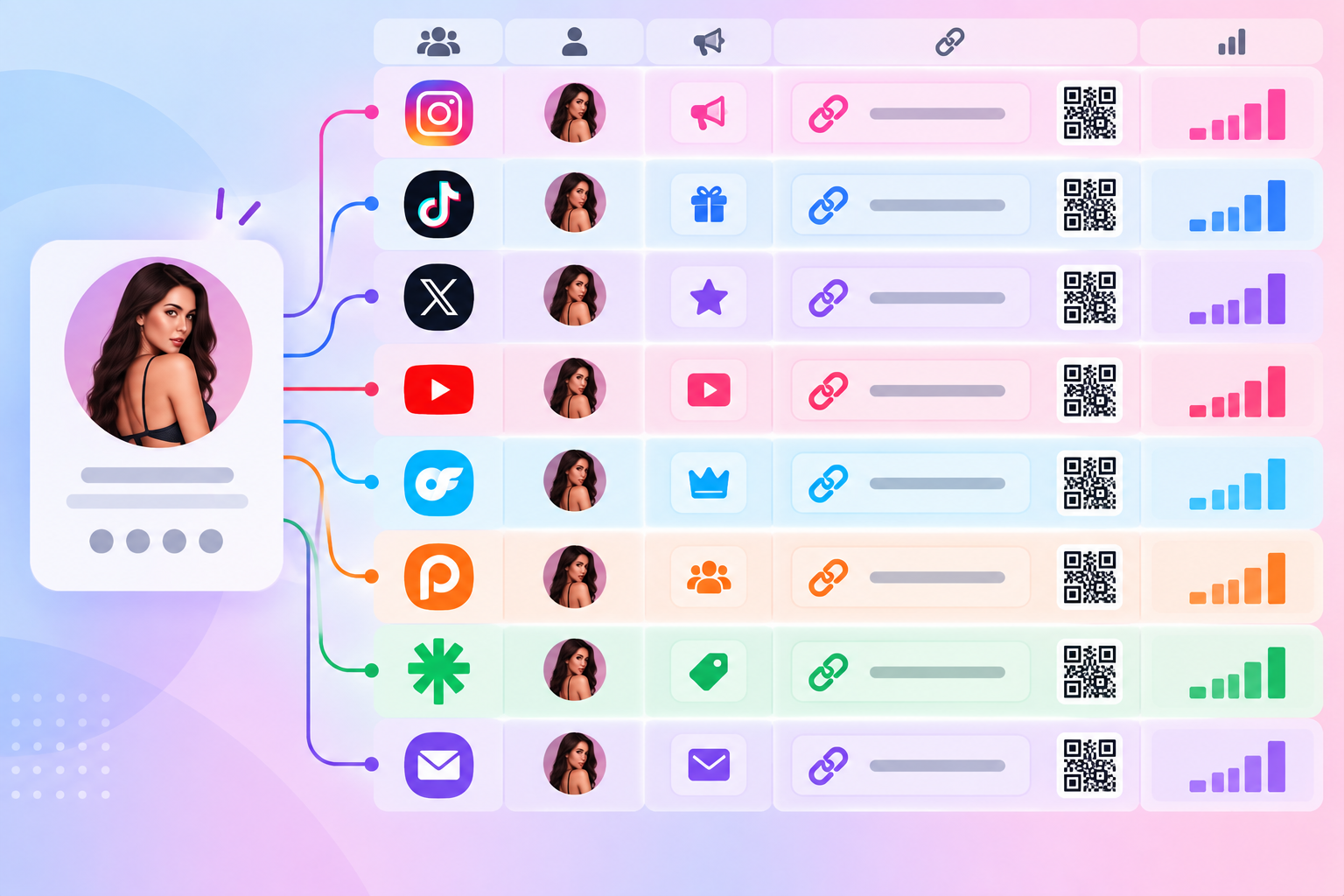
- Five creators across five platforms with three campaigns each is 75 links.
- Twenty creators is 300.
- Add per-account splits and you are past a thousand.
That is where the tool becomes the constraint rather than your strategy.
Some link-in-bio platforms are built around one link per creator, which makes source-level tracking impossible from the start.
GetAllMyLinks is a concrete example.
Its Free and $9 Creator plans each include one link, and the $499 per month Agency plan tops out at 400 links, with custom plans required beyond that.
It also enforces one account per user, so running extra accounts to get around the cap risks suspension.
For context on volume, Linko’s $29 Pro plan includes 1,000 short links a month, Business includes 5,000, and Agency includes 25,000.
If you want a full feature-by-feature breakdown rather than link counts, that lives in our GetAllMyLinks alternative comparison.
The point is not price.
It is that attribution only works if you can afford a link for every source you want to measure.
How Does Linko Fit Into This?
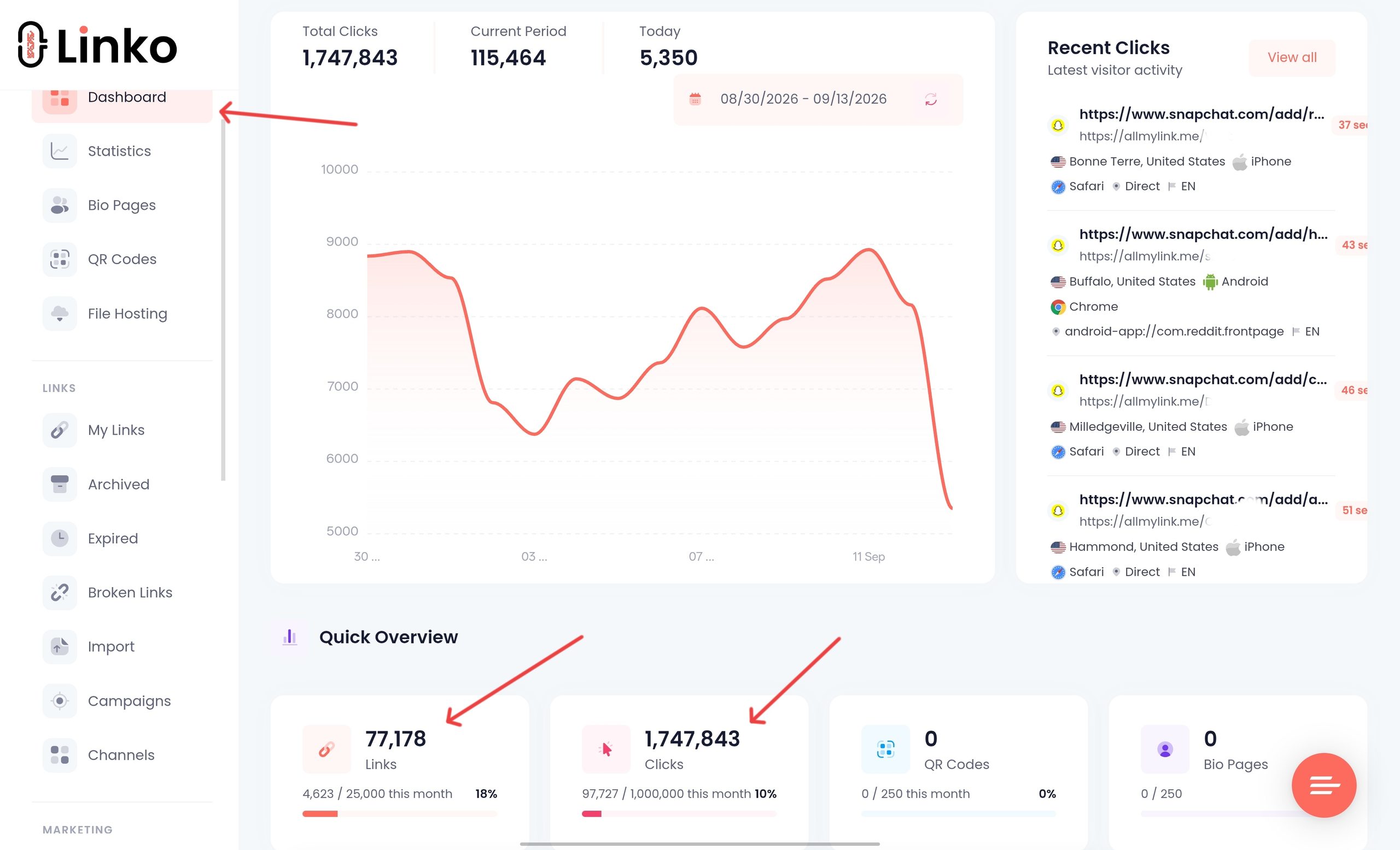
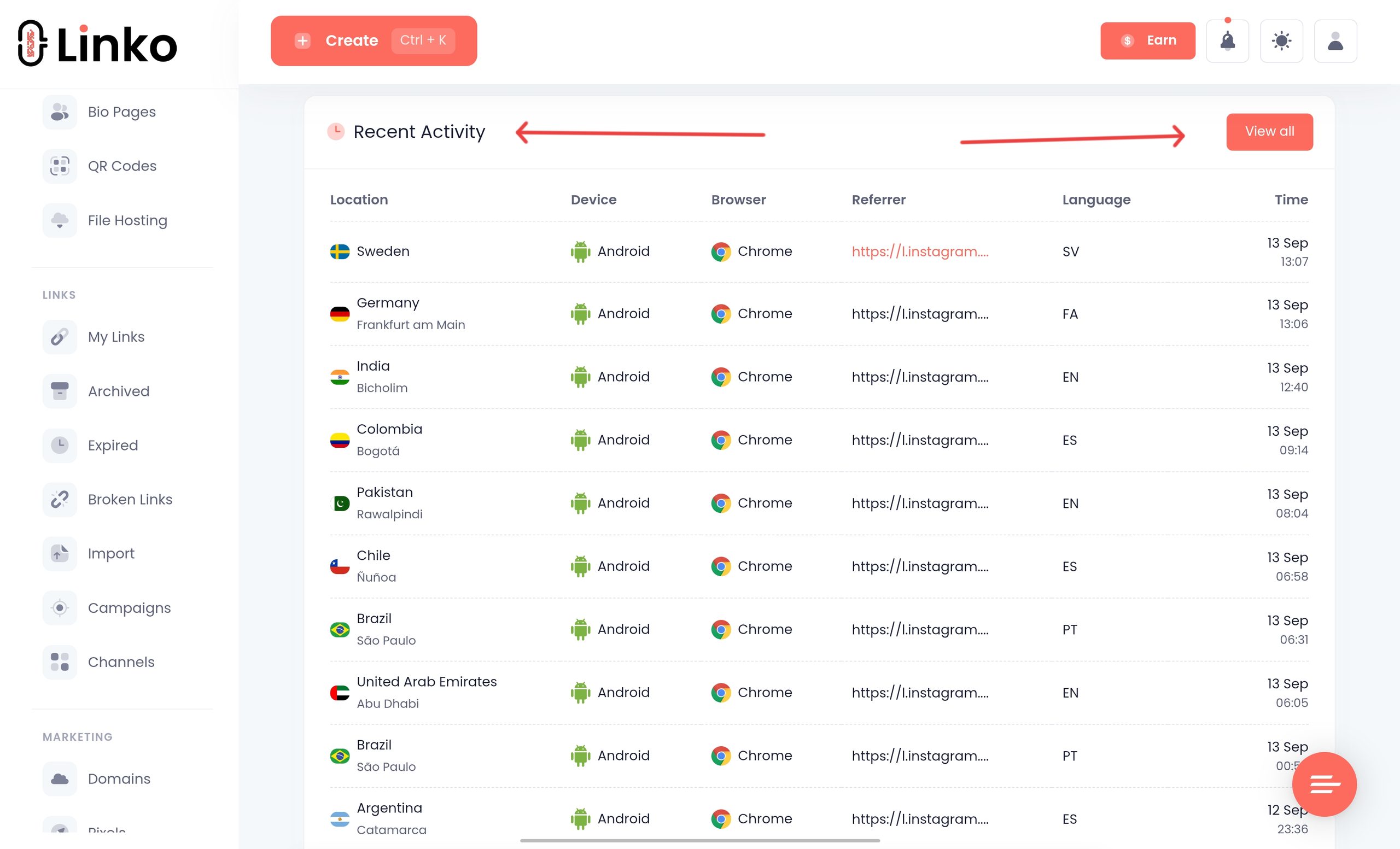
Linko covers the click layer, which is everything that happens before someone reaches your OnlyFans page.
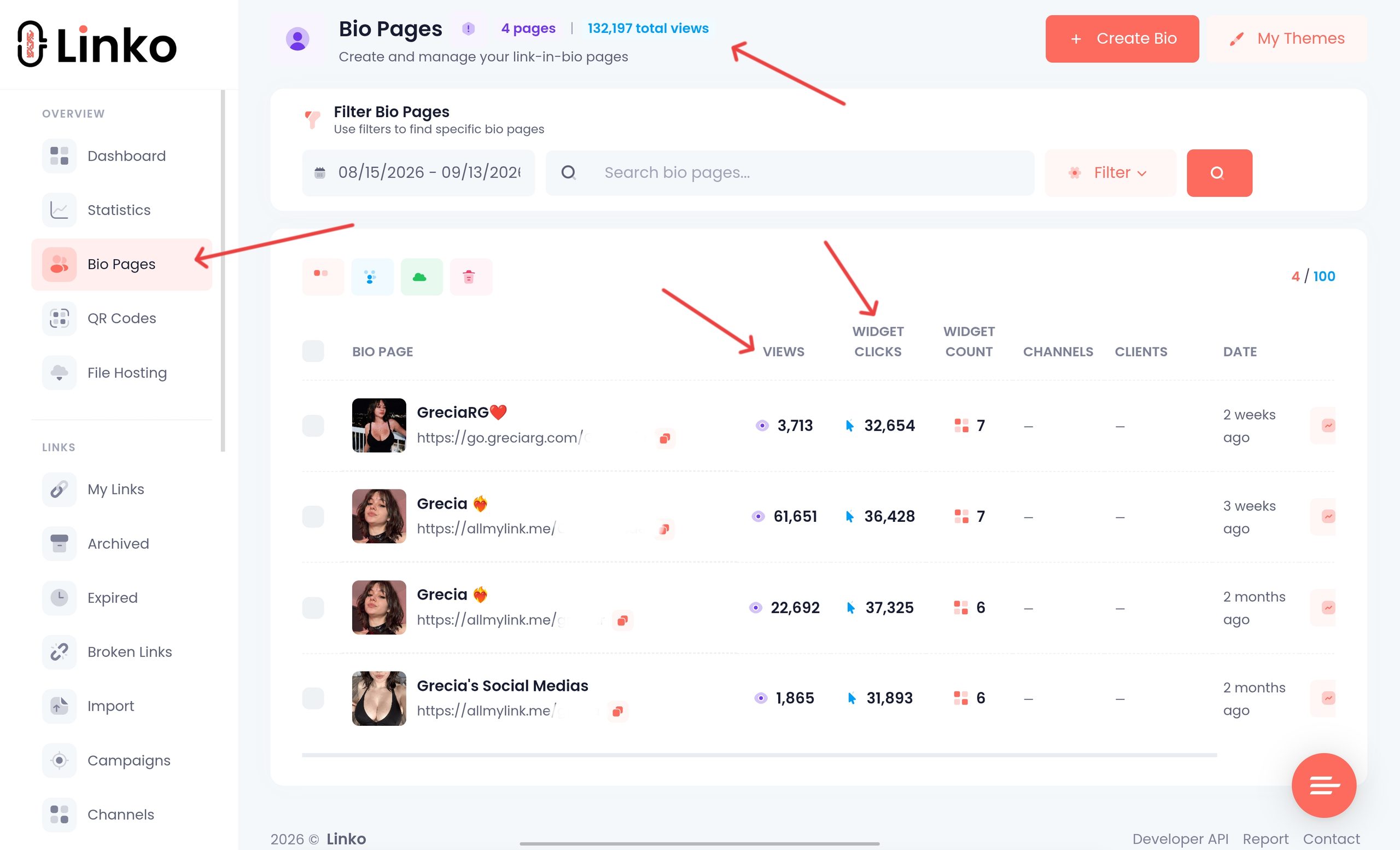
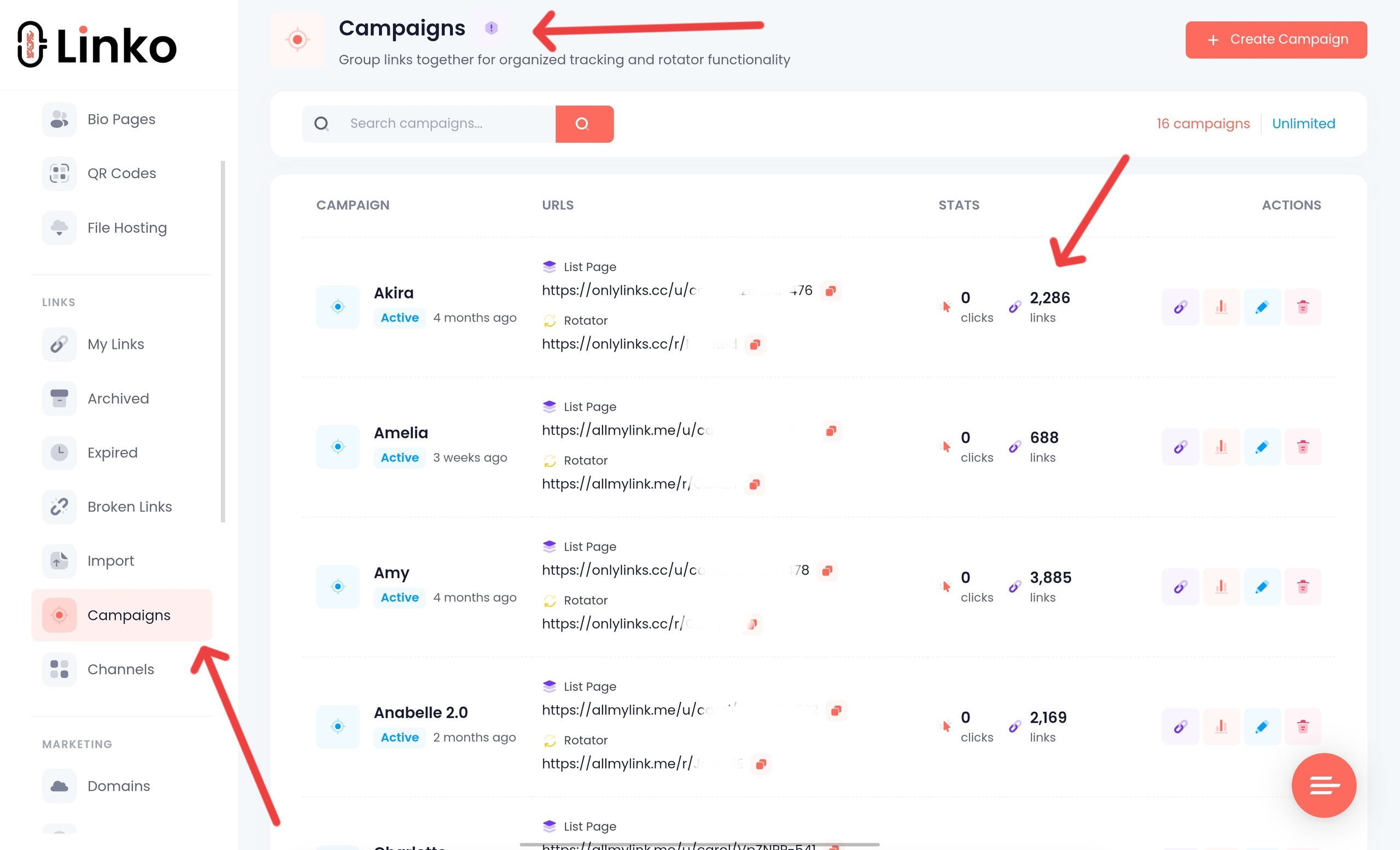
- Campaigns to group links per creator and per source, so reporting stays readable at 300 links.
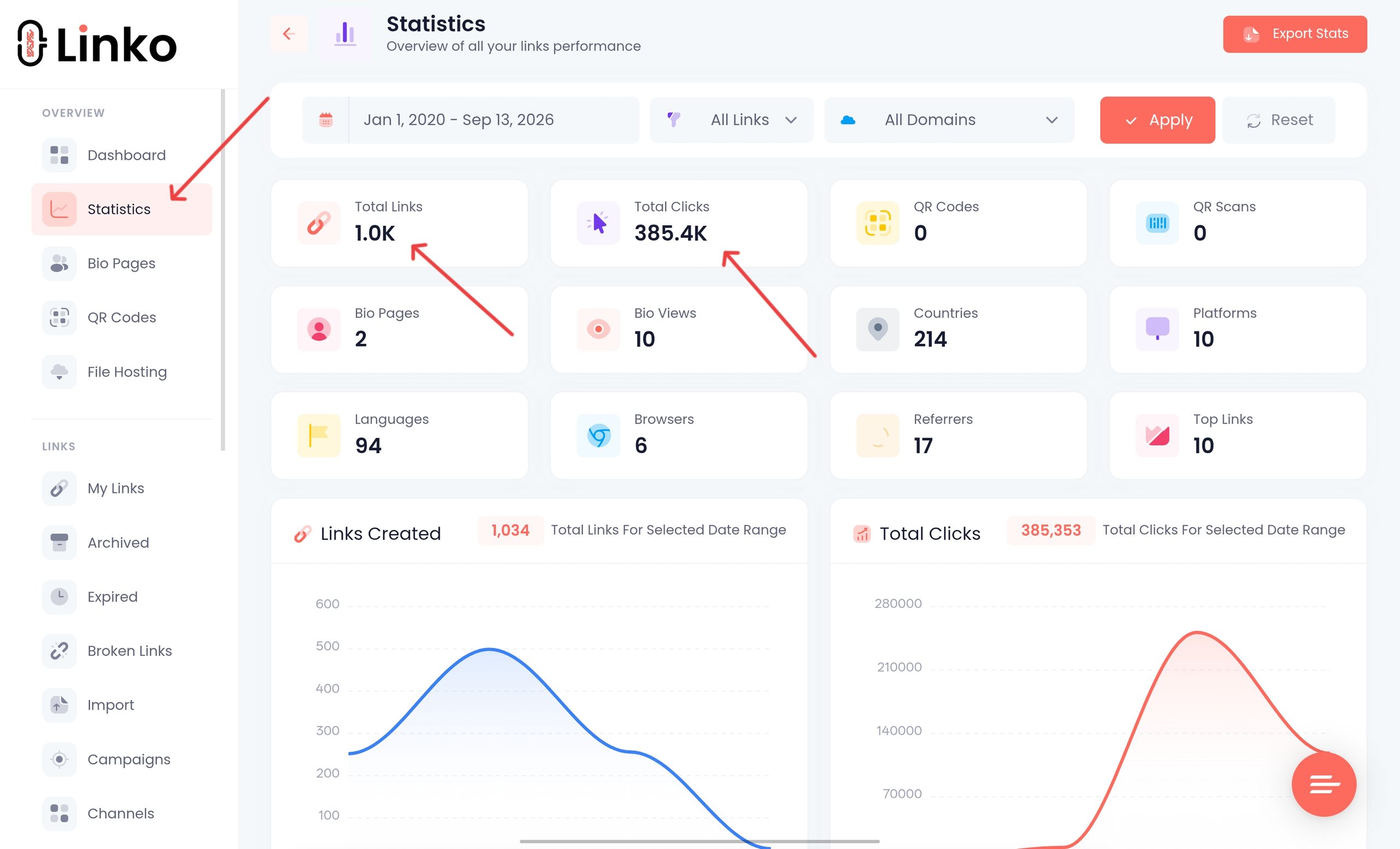
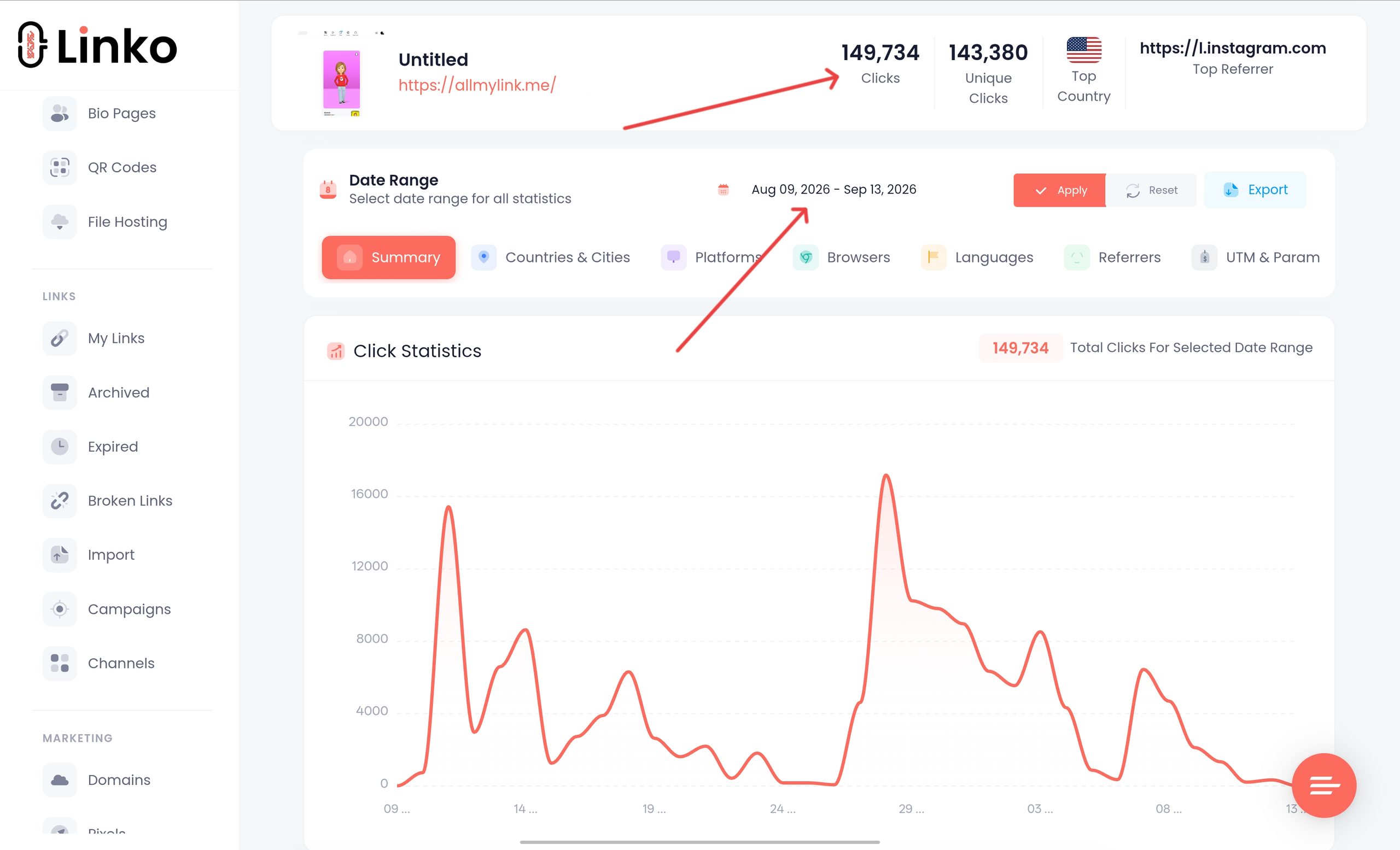
- Bot-filtered analytics so your denominator is real people, not crawlers.
- Country, city, device, platform, browser, and referrer data that OnlyFans does not provide.
- Editable destinations so you can swap in a new OnlyFans tracking link without changing the URL you already published.
- Branded domains from the Starter plan, so your links are not on a shared domain carrying other people’s reputation.
- Bulk creation and CSV import for standing up a full tracking set in one pass.
- Bio Pages as the Instagram-safe front end, since an
onlyfans.comlink cannot go in that bio.
What Linko cannot do, and no external tool can, is see subscriptions, tips, or renewals inside OnlyFans.
That is why the native tracking link stays in the setup.
If you are creating hundreds of links per creator, do it through the API rather than by hand.
Our walkthrough on OnlyFans link automation covers that build.
Frequently Asked Questions
Does OnlyFans have its own link tracker?
Yes. Tracking links are built in under Settings, then Profile, then the Subscription section. They report clicks and how many of those clicks became subscribers, at no cost.
Can a third-party tracker see my OnlyFans subscribers?
No. No external tool can read subscription, tip, or earnings data from inside your account. Anything promising that is either using OnlyFans’ own tracking links behind the scenes or overstating what it does.
Why do my short link clicks not match my OnlyFans clicks?
The two count different moments and filter differently. A short link counts the click, OnlyFans counts arrivals at your profile, and people drop out in between. Bot filtering also differs between tools, so expect a gap and only worry if it is enormous.
How many tracking links should I create?
One for every source you want to compare separately, which usually means one per platform per creator, plus one per campaign. OnlyFans does not publish a limit, but you should keep the names organised because an unnamed pile of links cannot be analysed.
Can I use an OnlyFans tracking link in my Instagram bio?
No, because Instagram does not permit direct links to adult platforms. Put a bio page or short link in your bio and let it lead to the tracking link, so you stay within the rules and keep your attribution.
Track the Two Numbers That Matter
Set up the free feature first.
It answers the question you actually care about, which is whether clicks turn into subscribers.
Then add a short link in front of it, because knowing that Reddit converts at 3% and Telegram at 15% is only half useful until you know who those people were and how many were real.
Compare sources on subscribers, use human clicks as your denominator, and give every source its own link before you start drawing conclusions.
If you want the click side handled properly, with campaigns per creator and bots stripped out of the numbers, you can see how Linko’s link analytics work or set it up on the creator marketing plan.
Comments