
To track links for free, create your link inside a tracker rather than sharing the raw URL, then read the click report it builds for that link.
The part nobody tells you is that “free” means something completely different at each tool.
Two of the most famous names on this list record almost nothing on their free plan, and one of them keeps no click history at all.
So this post compares the eight tools on the only thing that matters here, which is what their free tier actually tracks.
Key Takeaways
- Bitly’s free plan stores no click history, which makes it the weakest free tracker here despite the brand.
- TinyURL puts analytics behind Pro, so its free tier shortens links without measuring them.
- Short.io has the largest free allowance at 50,000 tracked clicks, and gives free accounts five custom domains.
- Free click caps are the real limit, not the number of links you are allowed to create.
- Every figure below was read from each company’s own pricing page or help centre on 25 September 2026.
What Link Tracking Actually Records
A tracked link is a redirect, so the tracker sees the visitor for a moment before passing them to the destination.
In that moment it writes down what the request revealed about itself.
- The time of the click, down to the hour.
- The country and city derived from the visitor’s IP address.
- The device, browser, and operating system reported by the user agent.
- The browser language, which is a rough proxy for audience.
- The referrer, meaning the page or app the click came from.
Notice what is missing from that list, because it is the question everyone asks first.
No link tracker tells you who clicked, since none of those fields identifies a person by name.
Track a Link for Free, Step by Step
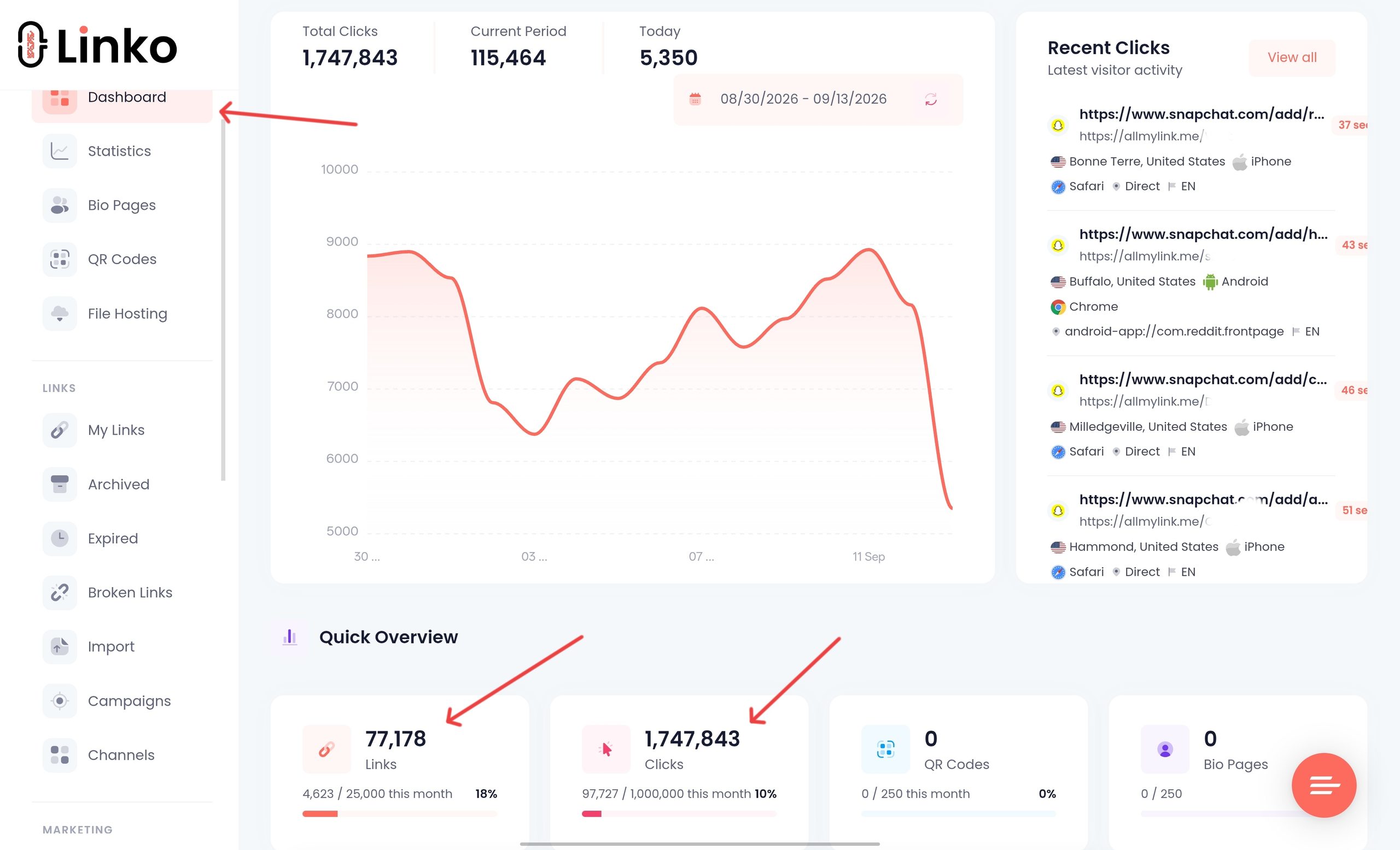
This takes about a minute and needs no card, using Linko as the worked example.
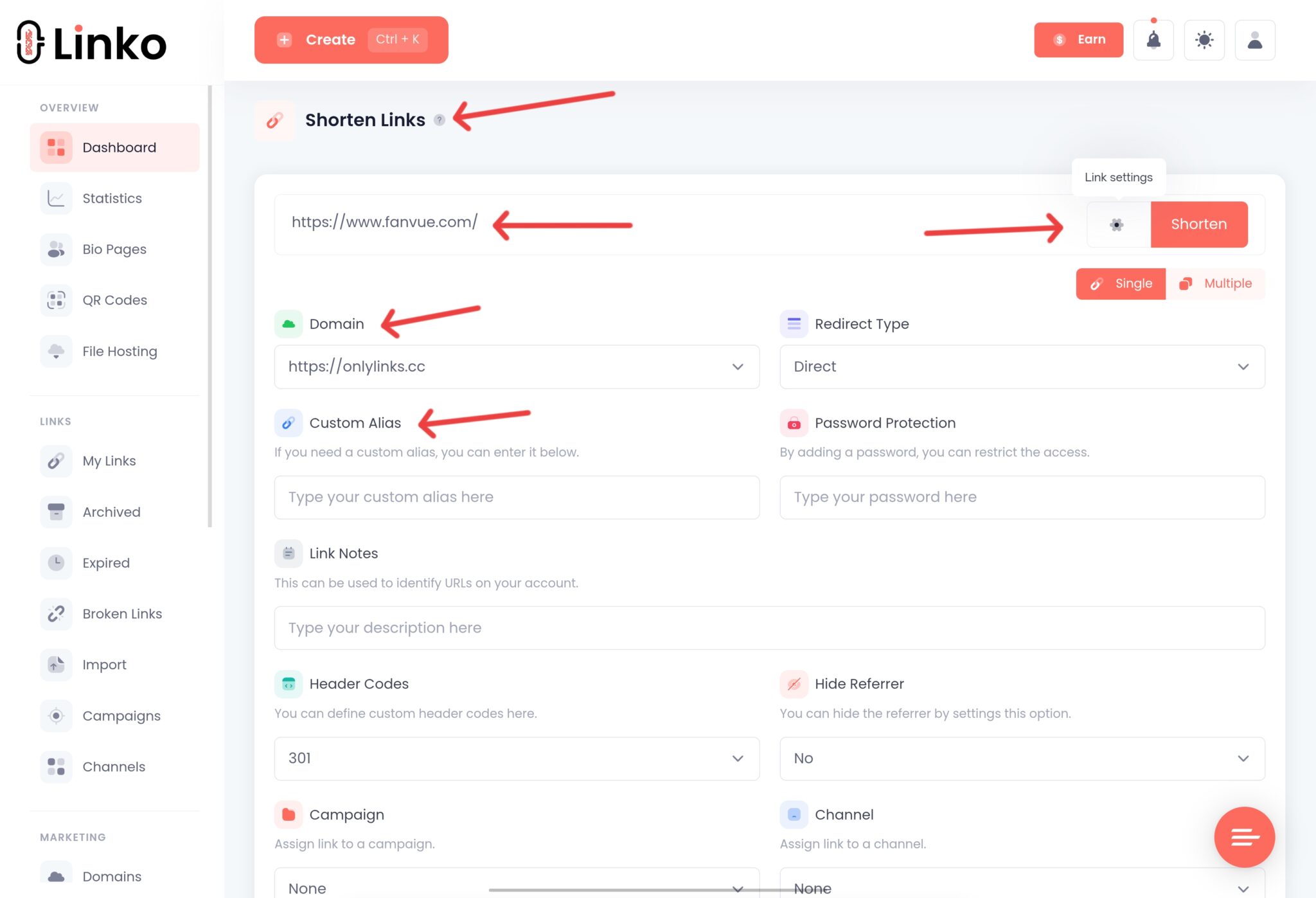
- Create a free account and open the shortener on your dashboard.
- Paste the long URL you want to measure into the link field.
- Optionally set a custom alias, so the ending reads
/spring-saleinstead of random characters. - Press Shorten, then copy the link and use it everywhere you would have used the original.
- Open Statistics on that link, from the action menu or the recent clicks view, to read its report.
The single most useful habit is doing this before you publish, not after.
Clicks that happen on a raw URL are gone, because nothing was counting them.
What a Free Plan Tracks, and What It Does Not
Taking Linko’s free tier as the example, the measurement itself is not cut down.
- 50 short links as a lifetime total, and 1,000 clicks of analytics.
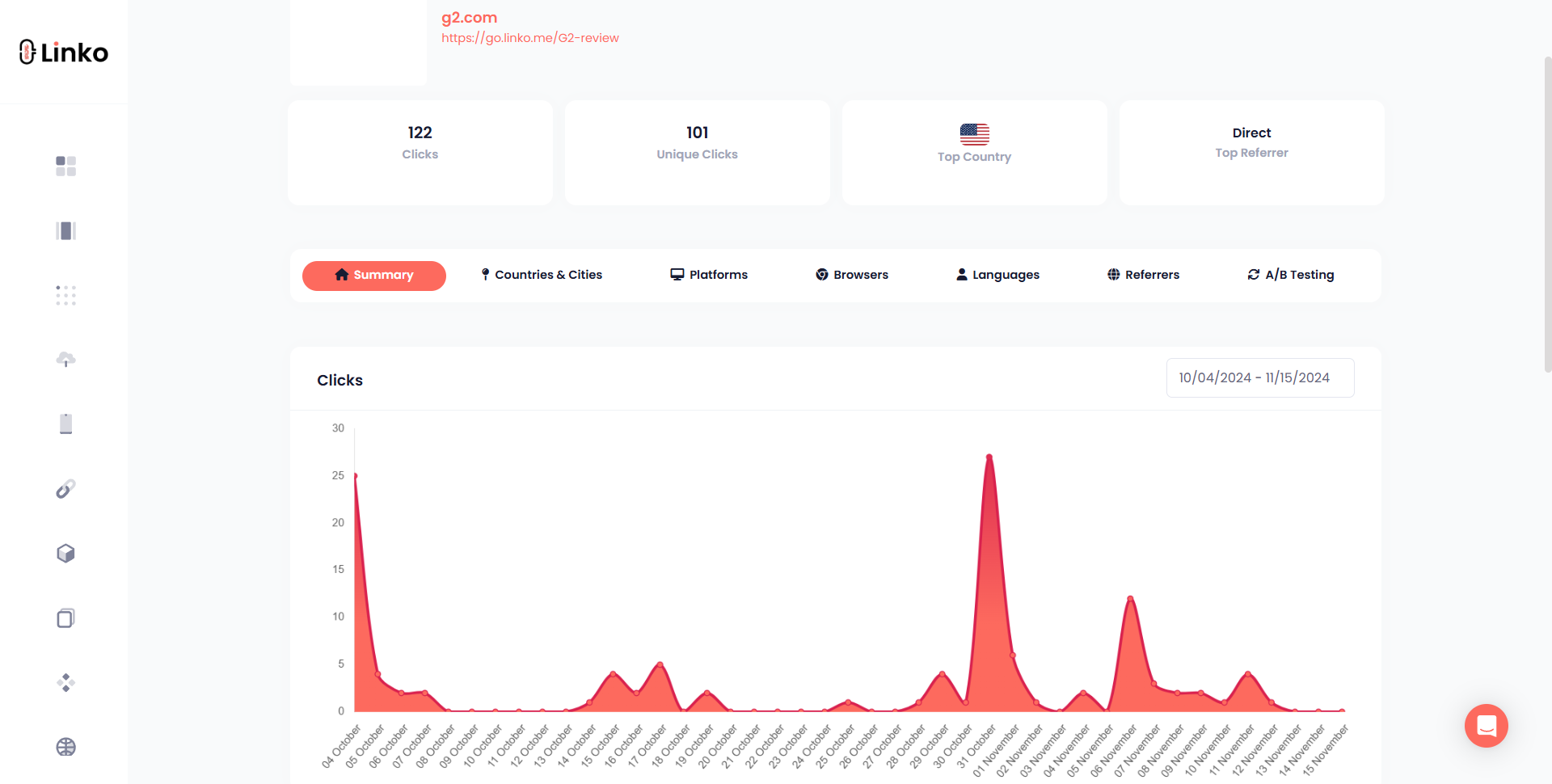
- The full breakdown by country, city, device, browser, language, and referrer.
- Total and unique clicks, plus an hourly chart and an activity log.
- One month of click history, rising to six months on Starter and a year on Pro.
- The Developer API, on the same terms as every paid plan.
What free does not include is the layer that acts on the data rather than collecting it.
| Capability | Lowest plan | Why you would want it |
|---|---|---|
| Tracking pixels, including GA4 | Starter $12 | Feed click data into Google Analytics or an ad platform |
| Branded domain | Starter $12 | Replace the shared domain with your own |
| UTM parameters and templates | Starter $12, templates Pro $29 | Tag campaigns consistently without retyping |
| Geo, device, and language targeting | Pro $29 | Send different visitors to different destinations |
| Campaigns and analytics export | Pro $29 | Group links and take the numbers elsewhere |
| A/B testing and IP targeting | Business $79 | Split traffic between variants, or filter by network |
QR codes sit slightly outside that pattern, which is worth knowing if you share offline.
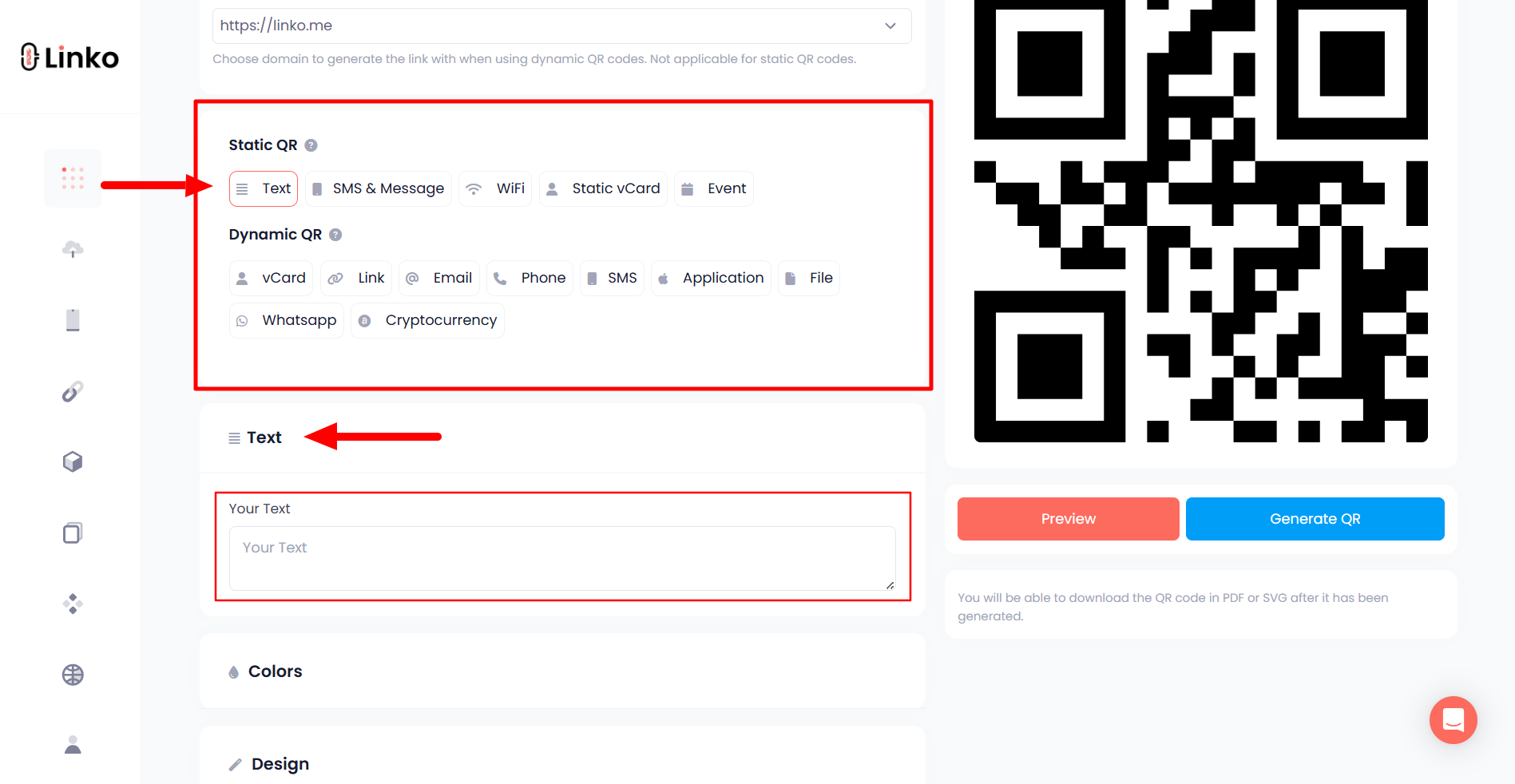
Linko’s free QR generator makes unlimited static codes across eight types with no signup at all.
Static codes carry no tracking, so scan data needs a dynamic QR code created in a free account instead.
Can You Trust a Free Click Count?
Post a link publicly and a share of the traffic will be crawlers, previews, and scanners rather than people.
Whether those get counted is the difference between a number you can act on and a number that flatters you.
Linko discards that traffic before a click is recorded, automatically, on every plan including Free.
There is nothing to switch on, and it is not reserved for paid accounts.
Two more habits stop you misreading an honest report.
- Compare unique clicks rather than total clicks when judging reach, since one person refreshing inflates the total.
- Expect a gap between clicks and page views in your own analytics, because some visitors leave mid-redirect.
- Treat a direct or unknown referrer as normal, as messaging apps and email clients strip that header.
- Check the hourly chart before concluding a campaign failed, since a flat day can simply be the wrong timezone.
If you want the longer version, we wrote about bot traffic in link analytics separately.
8 Best Free Link Trackers Compared
All eight have a genuine free tier, and they diverge sharply once you ask what it measures.
| Tool | Free links | What the free plan tracks | Free click allowance | Free custom domain |
|---|---|---|---|---|
| Linko | 50 total | Country, city, device, browser, language, referrer | 1,000 clicks | No |
| Bitly | 5 a month | Nothing, no click history on Free | Clicks unlimited but not recorded | No |
| Rebrandly | 10 a month | Country only | 100 clicks a month | 1, plus rebrand.ly |
| Short.io | 1,000 lifetime | Countries, devices, languages, referrers | 50,000 tracked clicks | 5 |
| TinyURL | 30 a month | Nothing, analytics start on Pro | Not applicable | No |
| Cuttly | 30 a month | Clicks, sources, devices in real time | Clicks unlimited | 1 |
| Linkly | 100 a month | Clicks, devices, referrers | 500 clicks a month | 1 |
| Dub | 25 a month | Location, device, referrer, UTM | 1,000 tracked events a month | 3 |
Linko, and what its free tier really covers
Linko bundles the shortener, bio pages, QR codes, and file links into one account, and it launched in November 2021.
For tracking specifically, the free tier gives the complete analytics breakdown rather than a trimmed version of it.
The honest limit is volume and storage, at 50 links, 1,000 clicks, and one month of history.
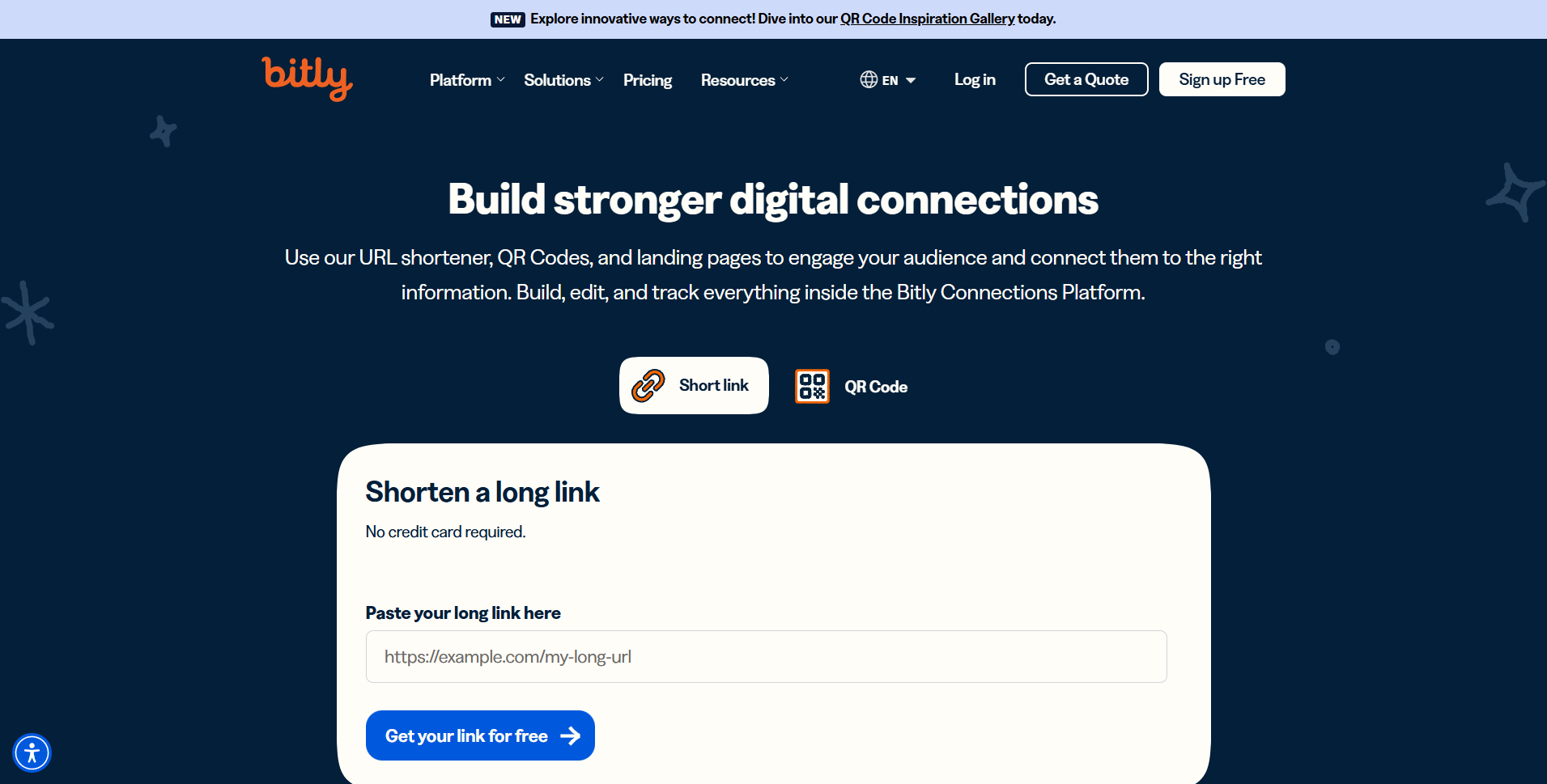
Bitly still has the name, but not the free tracking
Bitly is the most recognised shortener in the world and its paid product is genuinely strong.
Its free plan, however, allows five links a month and carries no Data History at all.
These are the rows sitting blank in the Free column of Bitly’s own comparison table.
- Data History, so there is no stored record to look back at.
- Country-level data, which only begins on Core and even then as a top ten.
- City data and device data, both of which start on Premium.
- Referrer data, so you cannot tell which platform sent the click.
- Branded links, which need Growth or above.
Click history begins on Core at $10 a month billed annually, and even then it is 30 days.
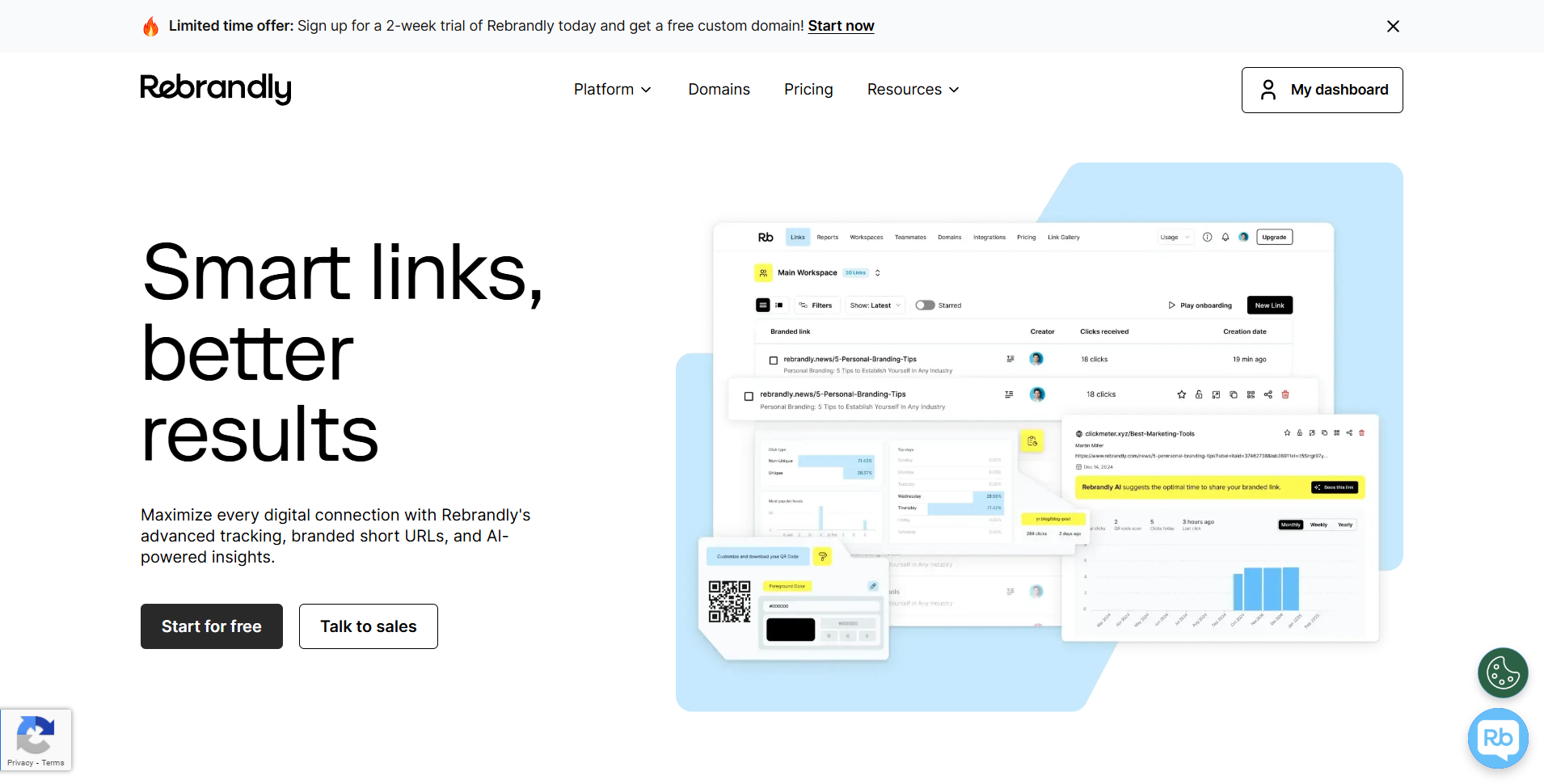
Rebrandly gives you a domain, then caps the data
Rebrandly is built around branded links, and unusually it includes a custom domain on the free plan.
That is a real advantage over several free tiers here, including Linko’s.
The catch is measurement, because free accounts get engagement data on 100 clicks a month at country level only.
Device and language data arrive on Essentials at $11 a month, while city, referrer, and browser data wait for Professional at $32.
Short.io has the most generous free allowance here
On the numbers alone, Short.io wins the free comparison and it deserves the credit.
Free accounts get five custom domains, 1,000 branded links, and up to 50,000 tracked clicks.
Those 1,000 links are a one-time lifetime allowance rather than a monthly refill, which its pricing page states plainly.
Past the click limit it keeps collecting data but restricts your ability to view it until you upgrade.
Several things other tools charge for are on its free tier too.
- QR codes, with colours and logos.
- A/B testing, which no other free plan here includes.
- A UTM builder and API access on every plan.
- Commercial use, which its own FAQ confirms is allowed free.
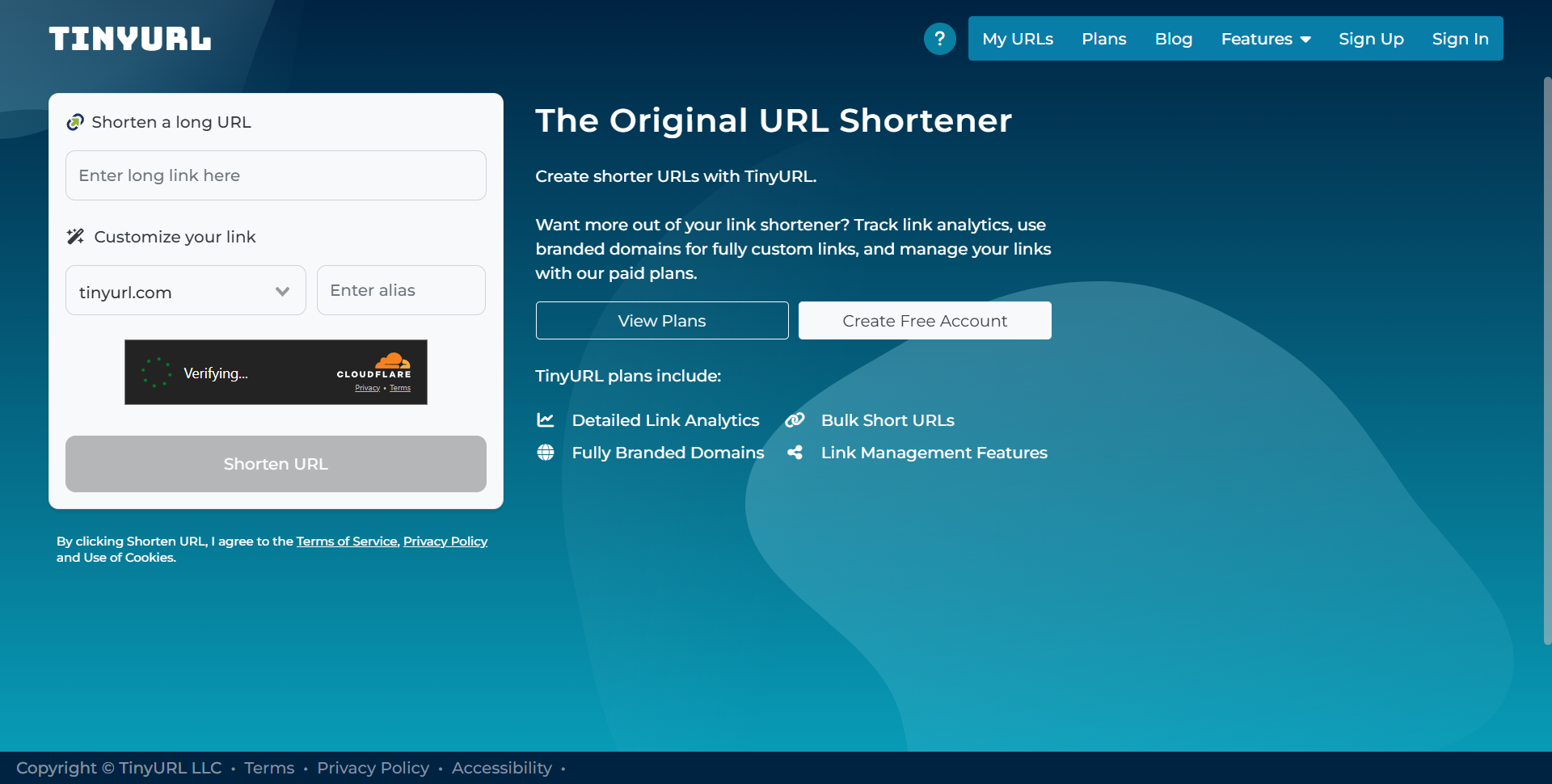
TinyURL is a shortener first and a tracker second
TinyURL is the fastest way to shorten something without an account, and its links never expire.
Its live pricing table allows 30 links a month on Free, while tracked clicks start on Pro.
Its own free-plan page lists five things in total.
- Short links on the
tinyurl.comdomain. - An automatic QR code generated with every link.
- Link history, meaning a list of what you created.
- Custom aliases, so the ending is readable.
- Permanent redirects, as TinyURL links do not expire.
Click analytics are not on that list, because they sit under the Pro plans alongside editing a link after creation.
Pro starts at $11 month to month or $9 a month billed annually, with 125 links a month, unlimited tracked clicks, and three branded domains.
It is also often called the first shortener, which is not quite right, as we found writing the history of link shorteners.
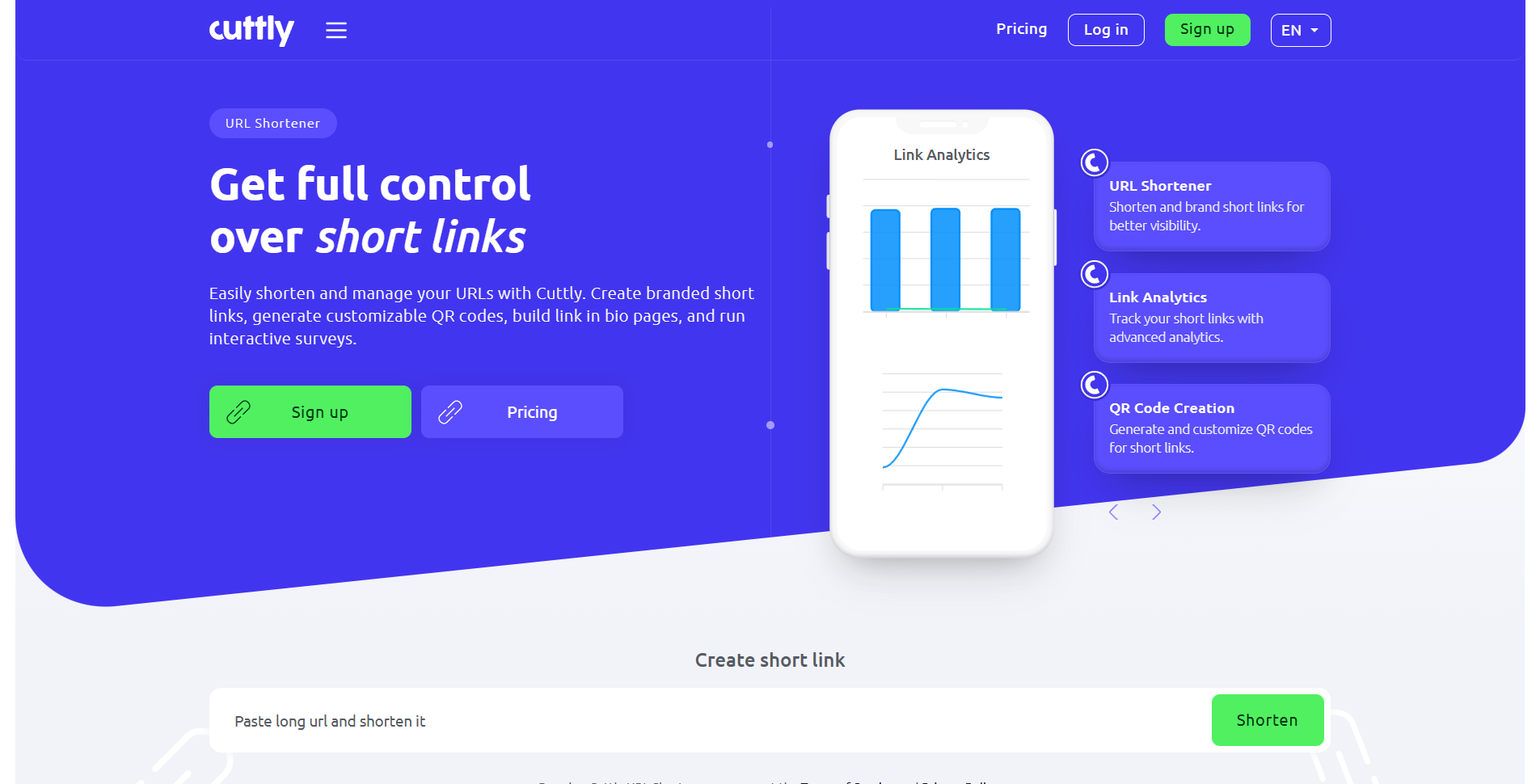
Why Cuttly suits a small monthly volume
Cuttly puts real-time click statistics on the free plan and allows one branded domain with it.
The free ceiling is 30 short links a month, which resets on the first calendar day.
Clicks themselves are unlimited on every tier, so the constraint is how many links you create.
Paid plans run Starter at $12, Single at $25, Team at $99, and Team Enterprise at $149 a month.
Linkly counts clicks, then stops at 500
Linkly is a general purpose link tracker with rotators, retargeting pixels, and rule based redirects.
Its free plan covers 100 links, one custom domain, and 500 tracked clicks a month across the whole workspace.
Past that cap your links show an over-limit page until the monthly reset, which is a harder stop than most.
Linkly’s own Short.io comparison calls Starter $15 a month billed annually.
A separate Linkly comparison gives Pro at $39 a month.
Its free-plan support page says Business reaches 50,000 clicks a month.

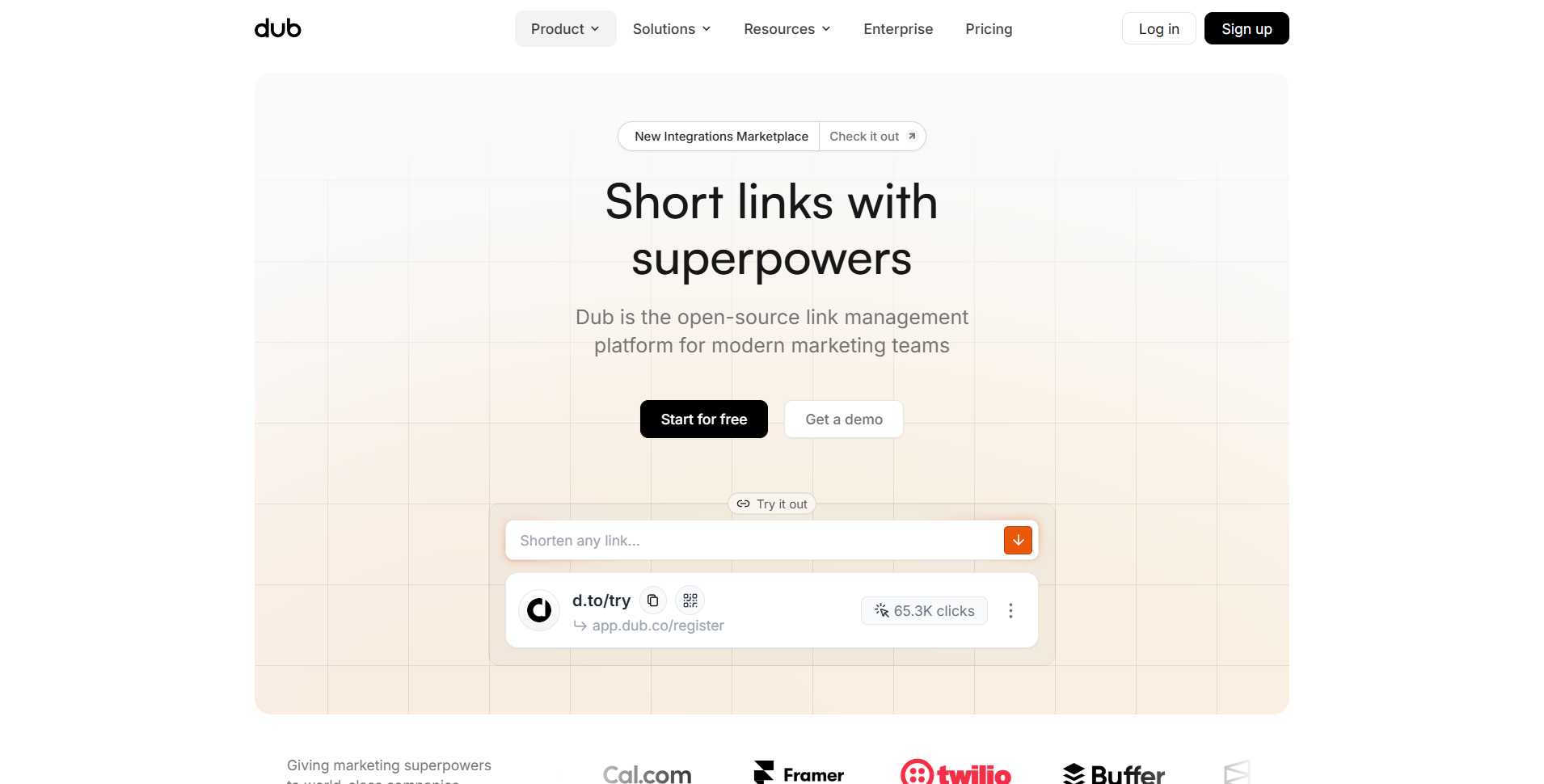
Dub is built for developers and attribution
Dub is open source, was built in 2022, and its free tier needs no credit card.
Free accounts get 25 new links and 1,000 tracked events a month, with location, device, referrer, and UTM breakdowns.
They also get three custom domains and 30 days of analytics retention.
Those are current values in Dub’s public plan definitions, not an estimate from a review site.
Exceed it and your links keep working and events keep being recorded, but viewing them requires an upgrade.
Be aware its pricing page now leads with partner and affiliate payouts, showing Business at $90 and Advanced at $300 a month.
Tagging Links so the Data Makes Sense
A tracker tells you a link was clicked, while UTM tags tell your analytics which effort produced it.
They are ordinary query parameters on the destination URL, so they cost nothing and work with any tool.
utm_sourcenames the place, such asinstagramornewsletter.utm_mediumnames the type of traffic, such associaloremail.utm_campaignnames the specific push, such asspring-sale.utm_contentseparates two placements inside the same campaign.
Tag the destination first, then shorten the tagged version, because clicks collected before the tags existed cannot be recovered.
Our guide to creating UTM tags covers the naming conventions that stop your reports fragmenting.
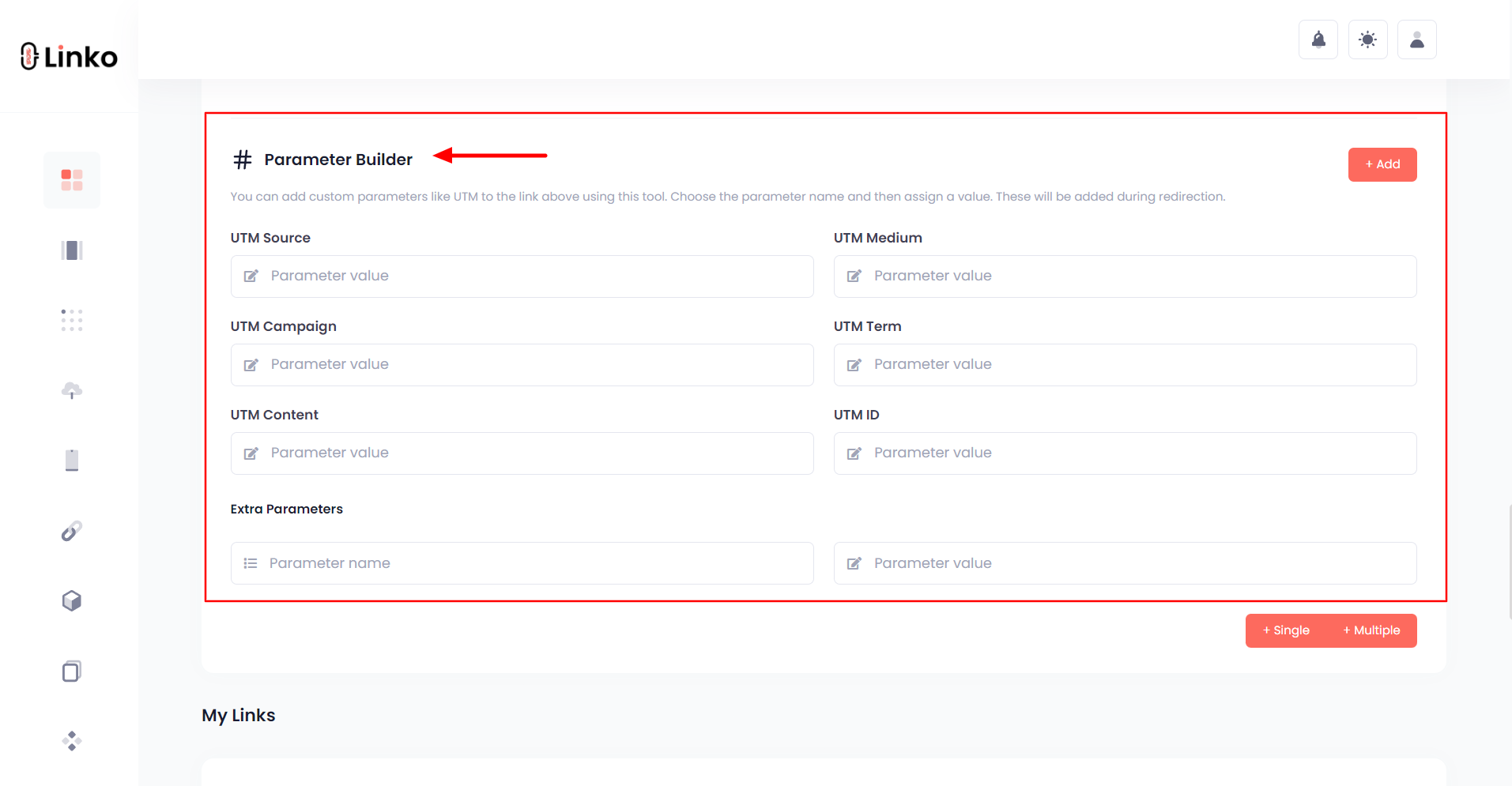
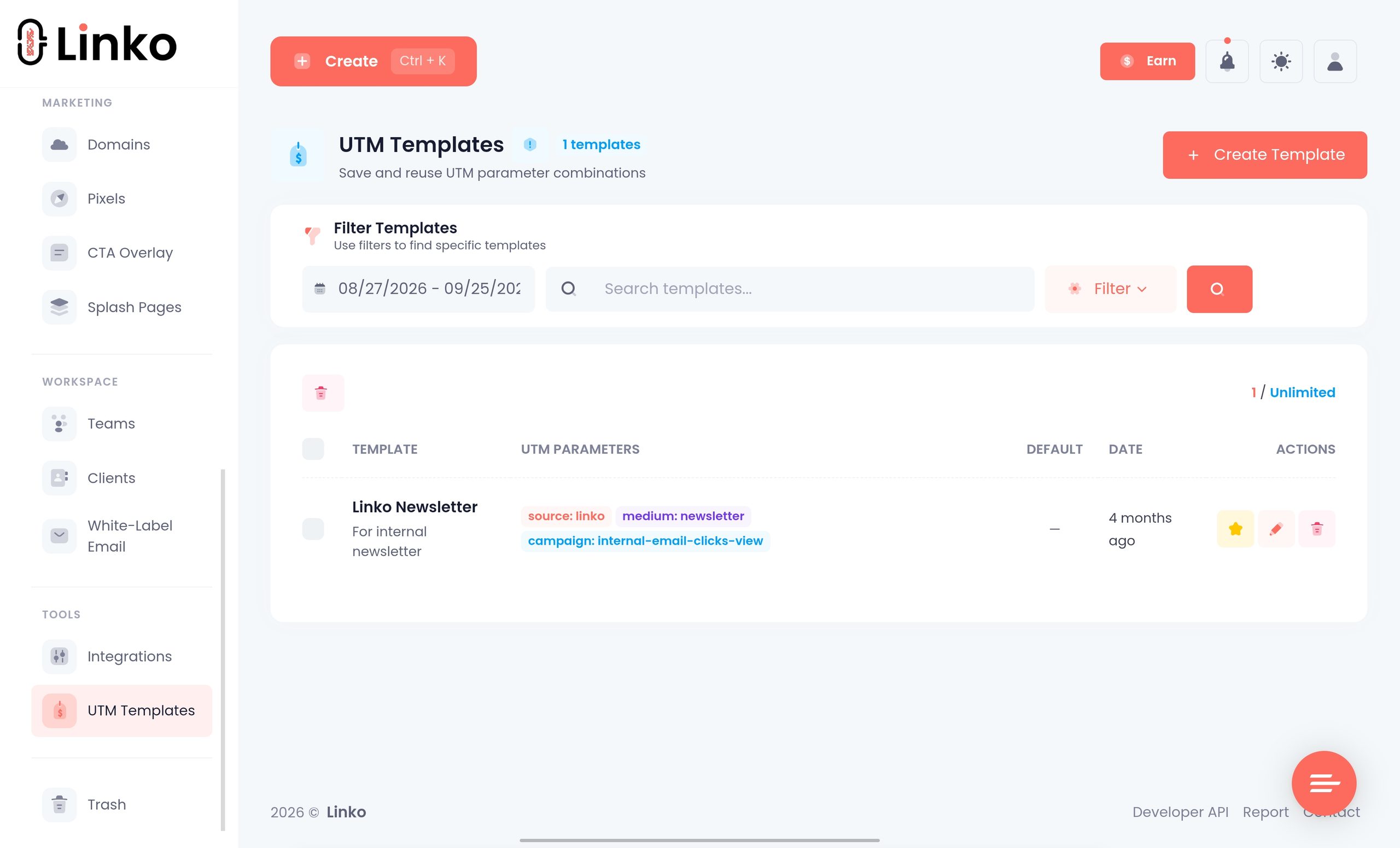
You can also push click data into Google Analytics 4 by adding your GA4 Measurement ID, the value beginning G-, as a tracking pixel.
That is a Starter feature, it has to be attached to each link you want counted, and Linko’s own documentation warns it can add roughly two seconds to the redirect.
What to Look for Beyond Click Counts
Once two tools both count clicks, these are the things that actually separate them.
An editable destination
This is the feature people underrate most, and it is the reason to shorten anything printed.
Note that Bitly meters it, allowing five redirects a month on Core, and Rebrandly’s free plan allows none.
Your own domain on the link
A branded link measurably helps trust, and it stops your campaign depending on someone else’s reputation.
Among free plans here, only Rebrandly, Short.io, Cuttly, and Linkly include one.
Rules that change where a click lands
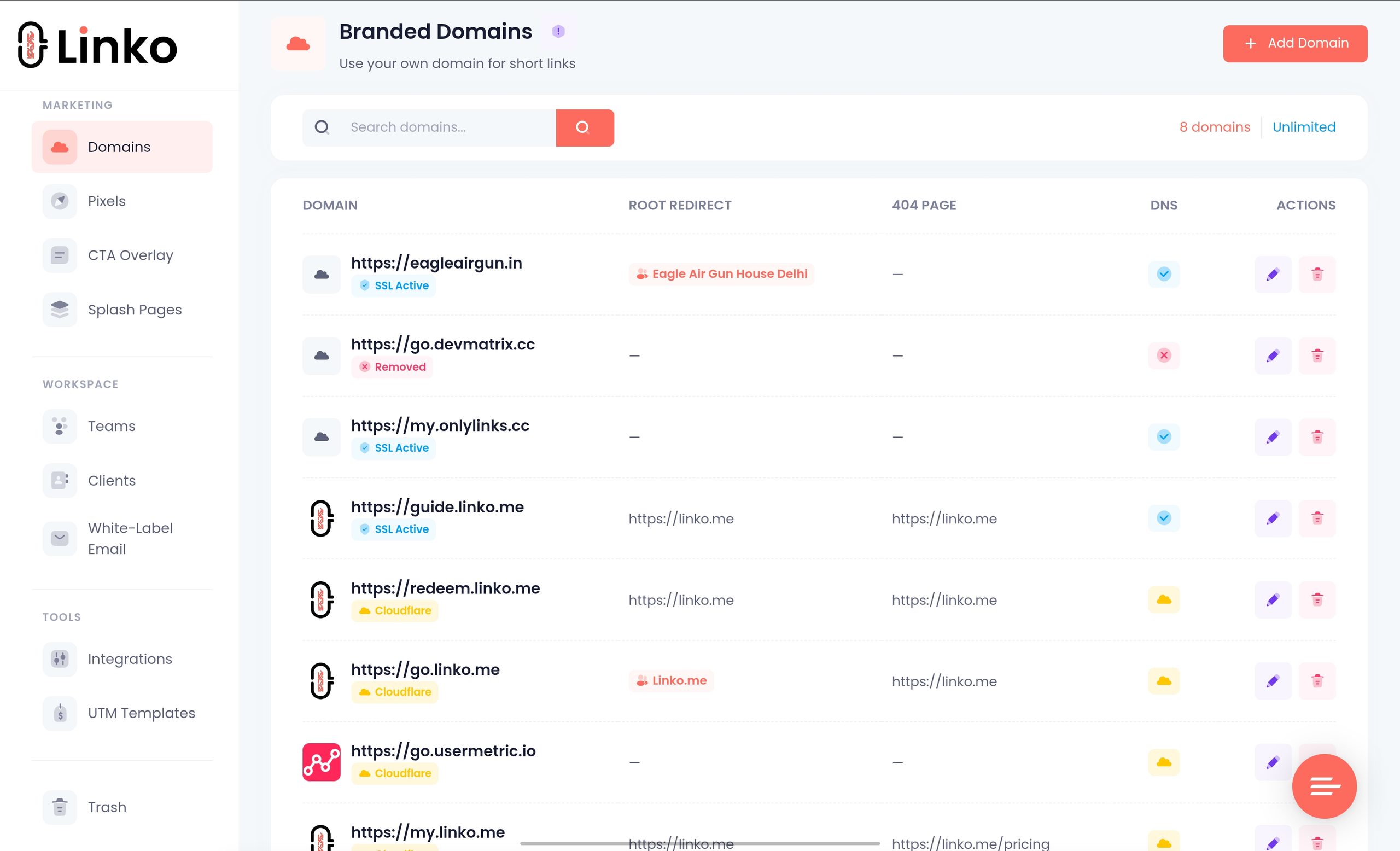
Redirect rules turn one link into several destinations, which matters for anything international.
- Country, for regional stores, pricing, or language.
- Device, to split iOS and Android app store traffic.
- Language, read from the browser rather than guessed from location.
- Expiry, so a limited offer stops working on schedule.
Testing two versions properly
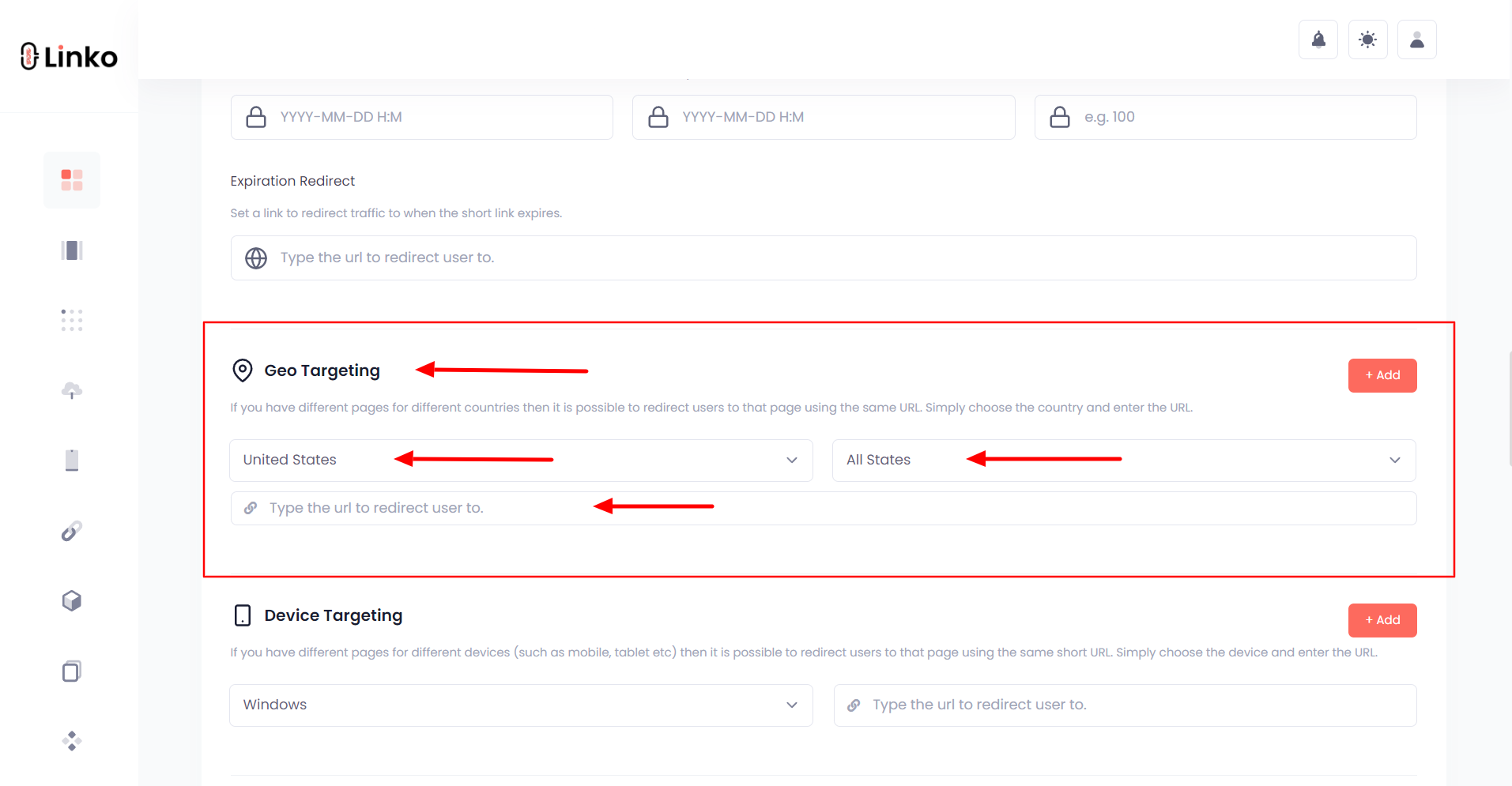
A/B testing splits traffic between destinations and reports which one held attention.
Short.io is the exception among the free plans here, since it includes A/B testing on every tier.
Access for other people
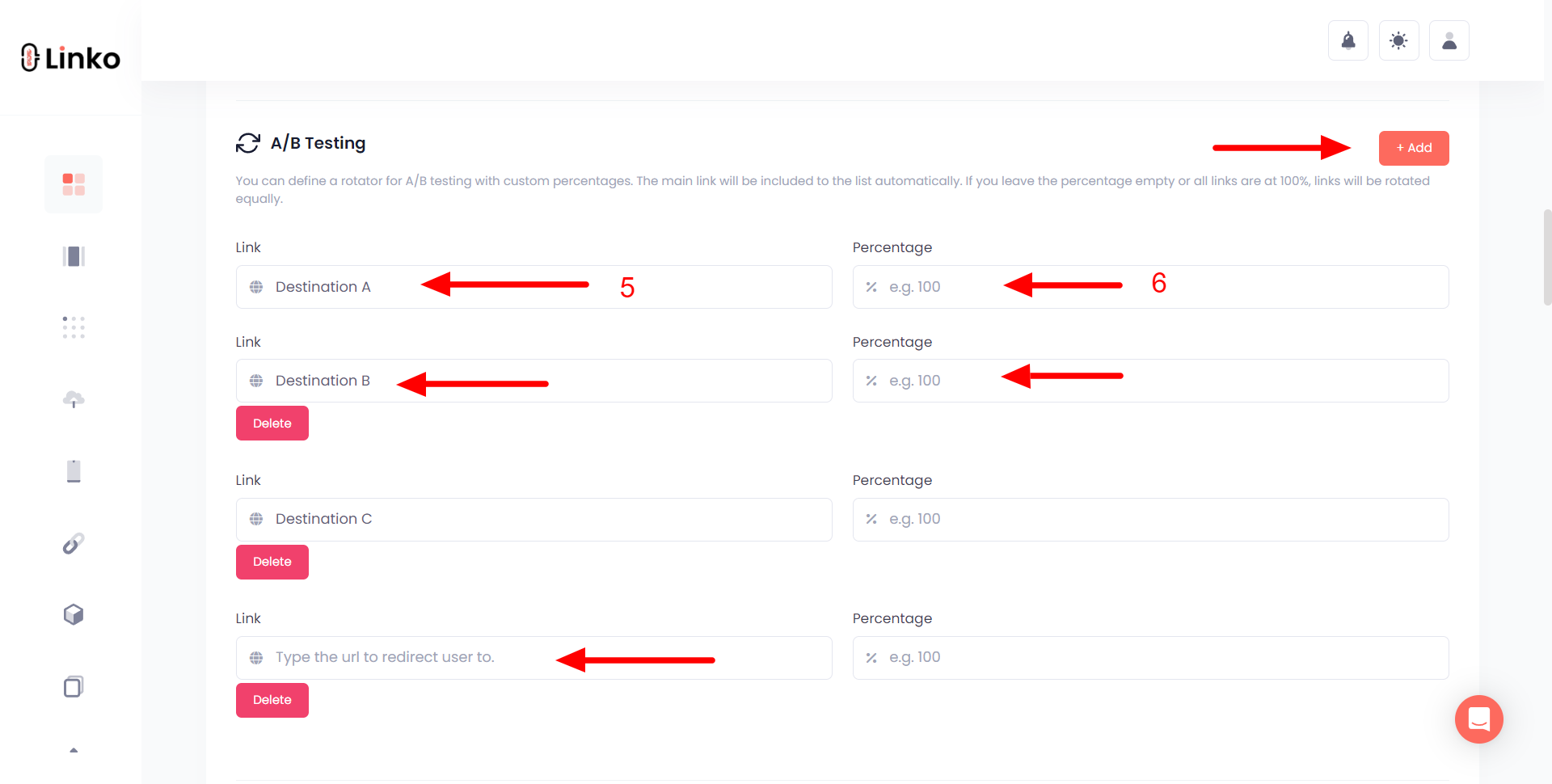
Sharing a login is the usual failure point once more than one person touches campaigns.
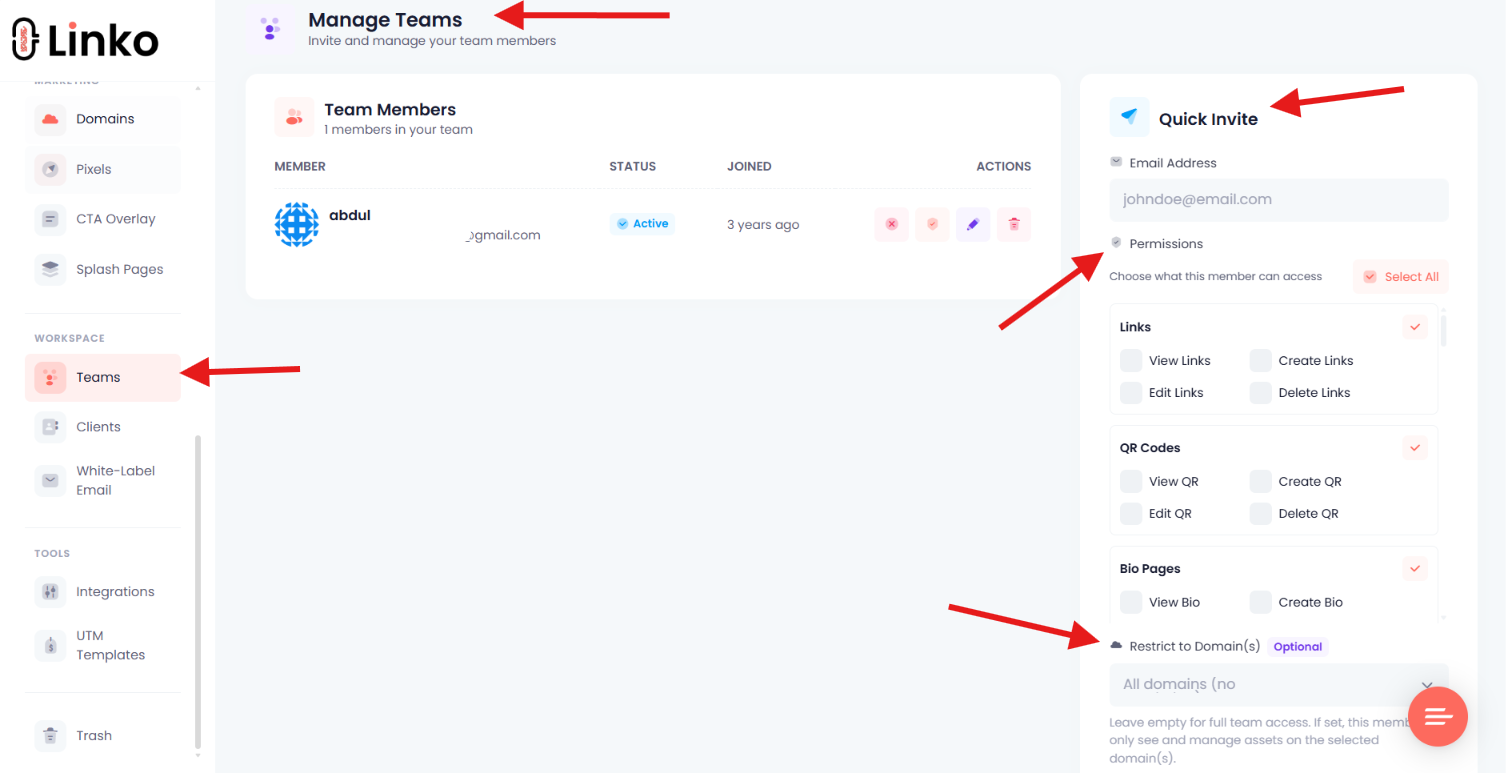
Linko’s team members start on Pro with 3 seats, and permissions are granular per section rather than fixed roles.
Mistakes That Wreck Your Tracking Data
| Mistake | What it costs you | Do this instead |
|---|---|---|
| Sharing the raw URL first | Early clicks are never recorded | Create the tracked link before publishing |
| Adding UTM tags later | Existing clicks stay unattributed | Tag the destination, then shorten it |
| Reusing one link everywhere | You cannot tell channels apart | One link per placement |
| Judging reach on total clicks | Refreshes and revisits inflate it | Read unique clicks alongside the total |
| Ignoring the free click cap | Data stops or hides mid campaign | Check the cap before a big push |
| Ignoring data retention | Last quarter’s numbers quietly vanish | Export or record results before the window closes |
The retention one catches people out most, because nothing warns you that history is expiring.
Frequently Asked Questions
Is a free link tracker free forever, or just a trial?
Every tool compared here has a permanent free tier rather than a timed trial, so nothing expires after 14 or 30 days.
What ends is the allowance, and each one enforces that differently, which is why the free click cap matters more than the word free.
What happens when I hit the free click limit?
It varies, and the difference is worth knowing before a campaign rather than during one.
Short.io and Dub keep recording and simply stop letting you view the data until you upgrade, while Linkly shows visitors an over-limit page until the monthly reset.
Why do two trackers report different numbers for the same link?
Usually because they disagree about what counts as a click, since some discard crawler and preview traffic and others do not.
The second cause is total against unique, so check which number each dashboard is showing you before assuming one tool is wrong.
Can I track a link without shortening it?
Not with a link tracker, because the measurement depends on the click passing through a redirect the tracker controls.
You can measure arrivals on your own site with analytics and UTM tags instead, though that misses anyone who abandons the trip.
Do I still need Google Analytics if I use a link tracker?
They answer different questions, so most people end up with both rather than choosing.
A link tracker measures the click, while analytics measures what happened after the visitor landed, including whether they bought anything.
Can I track links in email newsletters for free?
Yes, and a tracked link is often more reliable than your email platform’s own reporting because it survives forwarding.
Expect the referrer to show as direct or unknown for most opens, since mail clients strip that header.
Is a free plan enough for a real business?
For measuring a handful of links it genuinely is, and the analytics depth on the better free tiers is not cut down.
You outgrow free when you need your own domain on the links, longer history than a month, or data pushed into another platform.
Which One Should You Actually Pick?
There is no single winner, because the free tiers fail in different places.
- Need the biggest free click allowance, take Short.io.
- Want a branded domain at no cost, look at Rebrandly or Cuttly.
- Working through an API, Dub and Linko both include one on Free.
- Want links, QR codes, and a bio page measured in one account, that is Linko’s case.
- Only need a permanent redirect and no data, TinyURL is the fastest route.
Whichever you try, create one tracked link today and check its report tomorrow.
One real link with real numbers will tell you more about a tool than any comparison table, including this one.
Linko’s free plan is one place to start, and it needs no card.
Comments